
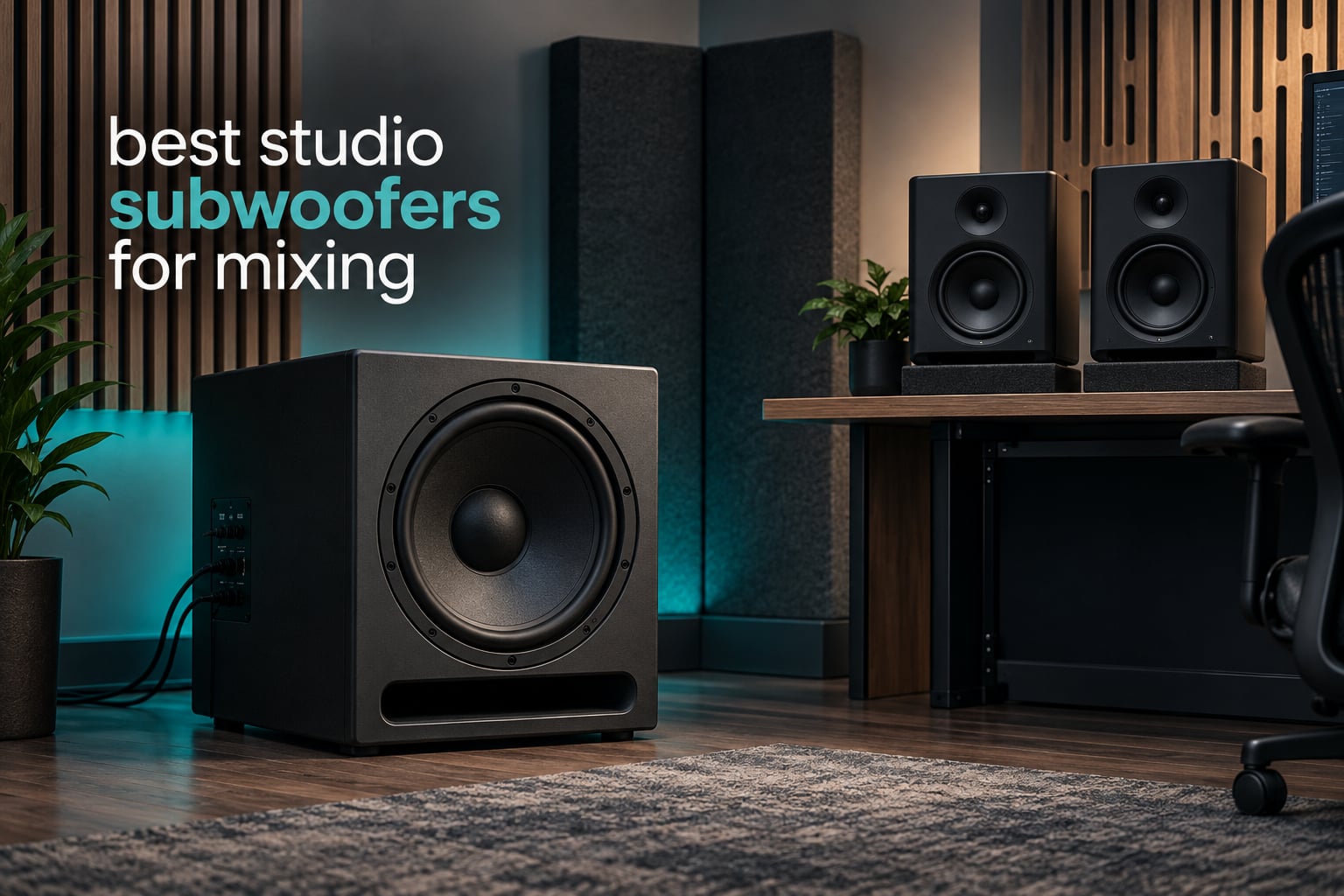
A studio subwoofer extends your nearfield monitors below their low-frequency limit, usually somewhere under 45 to 50 Hz, so you can hear and judge kick, bass and sub-bass content instead of guessing at it. That is the entire job. Everything else in this guide is about getting one into your room without wrecking what your monitors already do well.
Most nearfield monitors stop reproducing useful output somewhere in the low 40s Hz, and they stop gracefully. Below that they produce a polite, position-dependent wobble that changes with every head movement. A good studio subwoofer for mixing takes over cleanly from that point and hands the mix back to the monitors at a frequency you control. We compared eight powered studio subwoofers on low-frequency extension, output, signal control, room fit and how much integration work they demand before you can trust them.
Our top pick is the Yamaha HS8S, which is #1 in Studio Subwoofers in Musical Instruments and carries a 4.8 average across 365 reviews. It is not the most powerful box here and it is not the smallest. It is the one that gets out of the way and does its job with the least fuss, which is exactly what a reference tool should do. One note before you read further: this is a mixing guide, so the models below are all dedicated studio subwoofers, not the consumer home theater boxes that dominate the same searches. We looked at home theater subwoofers separately because they are a different category with different goals.
Table of Contents
Top 3 Best Studio Subwoofers for Mixing

JBL LSR310S
- 10 inch driver into the 20 Hz region
- 200W and 113 dB peak output
- Double-flared port with XLF club tuning
- Balanced XLR and TRS with pass-through

The Yamaha HS8S wins because monitor matching is the whole game, and it ships with the controls that job requires: a LOW CUT control and switch, a HIGH CUT control, and a phase switch. The JBL LSR310S wins on raw capability, reaching into the 20 Hz region with 113 dB peak output and a club-tuning switch, which is what you want if you make electronic music. The Audioengine S8 wins on footprint, at 11.26 inches on a side, which is the difference between a sub that fits beside a desk and one that owns a corner of the room.
Best Studio Subwoofers for Mixing in 2026 at a Glance
| Product | Specifications | Action |
|---|---|---|
| Yamaha HS8S Studio Subwoofer |
|
Check Latest Price |
| JBL Professional LSR310S Studio Monitor Subwoofer |
|
Check Latest Price |
| Audioengine S8 Powered Subwoofer |
|
Check Latest Price |
 PreSonus Eris Sub 8BT Powered Subwoofer PreSonus Eris Sub 8BT Powered Subwoofer |
|
Check Latest Price |
 KRK S10.4 10 Inch Powered Studio Subwoofer KRK S10.4 10 Inch Powered Studio Subwoofer |
|
Check Latest Price |
 ADAM Audio T10S Subwoofer ADAM Audio T10S Subwoofer |
|
Check Latest Price |
 PreSonus Eris Pro Sub 10 PreSonus Eris Pro Sub 10 |
|
Check Latest Price |
 Behringer NEKKST K10S Audiophile Studio Subwoofer Behringer NEKKST K10S Audiophile Studio Subwoofer |
|
Check Latest Price |
1. Yamaha HS8S – The Reference Sub for Nearfield Monitoring
Yamaha HS8 Studio Subwoofer,Black
8 inch bass-reflex cabinet
22Hz to 150Hz response
150W amplifier
XLR input
Pros
- Purpose-built 8 inch powered studio subwoofer
- 150W amplifier reaching 22Hz
- LOW CUT and HIGH CUT controls plus PHASE switch
- Lets engineers check low end on speakers instead of headphones
Cons
- No room EQ or parametric tone shaping
- Modest 150W next to 200W and 300W rivals
- 18.25 inch wide footprint for an 8 inch sub
The HS8S is the one we keep coming back to after a few weeks with a sub in the room. It does something narrow and does it properly: it plays the bottom, it hands off cleanly, and it gets out of the way. In a mix session the useful part is never the deep extension. It is hearing that the sub and the monitors stop arguing somewhere around 80 Hz, because that argument is what makes kick and bass trade off against each other instead of summing.
The control set is the reason. The rear panel carries a LOW CUT switch with an 80 to 120 Hz control, a HIGH CUT control in the same 80 to 120 Hz range, and a PHASE switch. That is exactly the set of tools you need to match a monitor, and it is the smallest set that gets the job done without turning the back of the sub into a mixing console.
Spec-wise it is an 8 inch bass-reflex design rated 22 Hz to 150 Hz with a 150W amplifier, weighing 33.6 pounds and measuring 18.25 inches deep by 18.25 inches wide by 16 inches high. The review pattern is consistent: owners talk about the low and high cut controls being the features they reach for most, and the 4.8 average across 365 reviews reflects a box that does one thing well.
The honest limitation is control granularity. There is no parametric EQ, no auto calibration and no measurement microphone in the box, so calibration is manual and iterative. There is also no input gain trim and no polarity invert beyond the phase switch. For most nearfield setups that is plenty. If you are chasing a perfectly flat 20 Hz in a treated control room, the Eris Pro Sub 10 gives you more to work with.
When the HS8S is the right call
This is the one to buy if you already own Yamaha HS-series monitors, or if you want a sub that requires no learning curve. Pair it with anything rated around 45 Hz extension and set the HIGH CUT to match the monitor’s own rolloff, then use the LOW CUT control to trim the top of the sub’s range until the kick stops sounding doubled.
It is also a good first sub for someone whose room is a treated project studio rather than a small untreated bedroom. At 150W it will not rattle plaster, which in a controlled room is a feature rather than a limitation.
When the HS8S is the wrong call
If you are mixing electronic music in a large room and need real headroom on sub drops, 150W will feel modest. The JBL LSR310S and the Behringer NEKKST K10S both give you substantially more amplifier, and the Behringer is the strongest amplifier in this group at 300W.
It is also the wrong pick if desk space is tight. An 18.25 inch wide cabinet is a large footprint for an 8 inch driver, and reviewers who liked the sound still flagged the size as the main drawback.
2. JBL LSR310S – Club Tuning and the Deepest Reach Here
JBL Professional LSR310S – Studio Monitor Subwoofer, 10-Inch, Black
10 inch driver
Response into the 20 Hz region
200W, 113 dB peak output
XLF club tuning
Pros
- Deep low end into the 20s Hz without rattle or mud
- Balanced XLR and TRS inputs with XLR pass-through outputs
- Ample volume at moderate gain in a medium room
- Cabinet and finish match JBL 3-series monitors
- 5 year warranty on professional loudspeaker products
Cons
- Downward-firing driver is exposed underneath and feet can mark surfaces
- No EQ beyond the XLF tuning and sensitivity switch
- Large cabinet that needs its own floor space
With 799 reviews, the LSR310S has the largest review pool in this roundup, and that matters for a reference tool. A 4.6 from 799 ratings tells you far more than a 4.8 from 30. The consistent theme in those reviews is monitor matching: owners pair this with JBL 3-series monitors and report a smooth blend at the 80 Hz setting.
The driver is a custom 10 inch low-frequency unit with response into the 20 Hz region and 113 dB peak output, driven by 200 watts. The port is the patented double-flared design, which is the physical answer to port noise at higher levels. Turn the level up on a bass-heavy mix and you get output rather than the chuffing you hear from smaller budget ports.
Two features make it unusual. The XLF setting emulates dance club bass tuning, which is a fast way to check whether a sub line will hold up in a room that is not a studio. And the rear panel carries balanced XLR plus 1/4 inch TRS inputs with XLR outputs for monitor pass-through, plus a -10 dBV and +4 dBu sensitivity switch, so it drops into a pro signal chain without adapters.
It weighs 15.6 kg and measures 15.7 inches deep by 15 inches wide by 17.7 inches high. The cabinet is floor standing and the driver fires downward, which needs clearance beneath it.
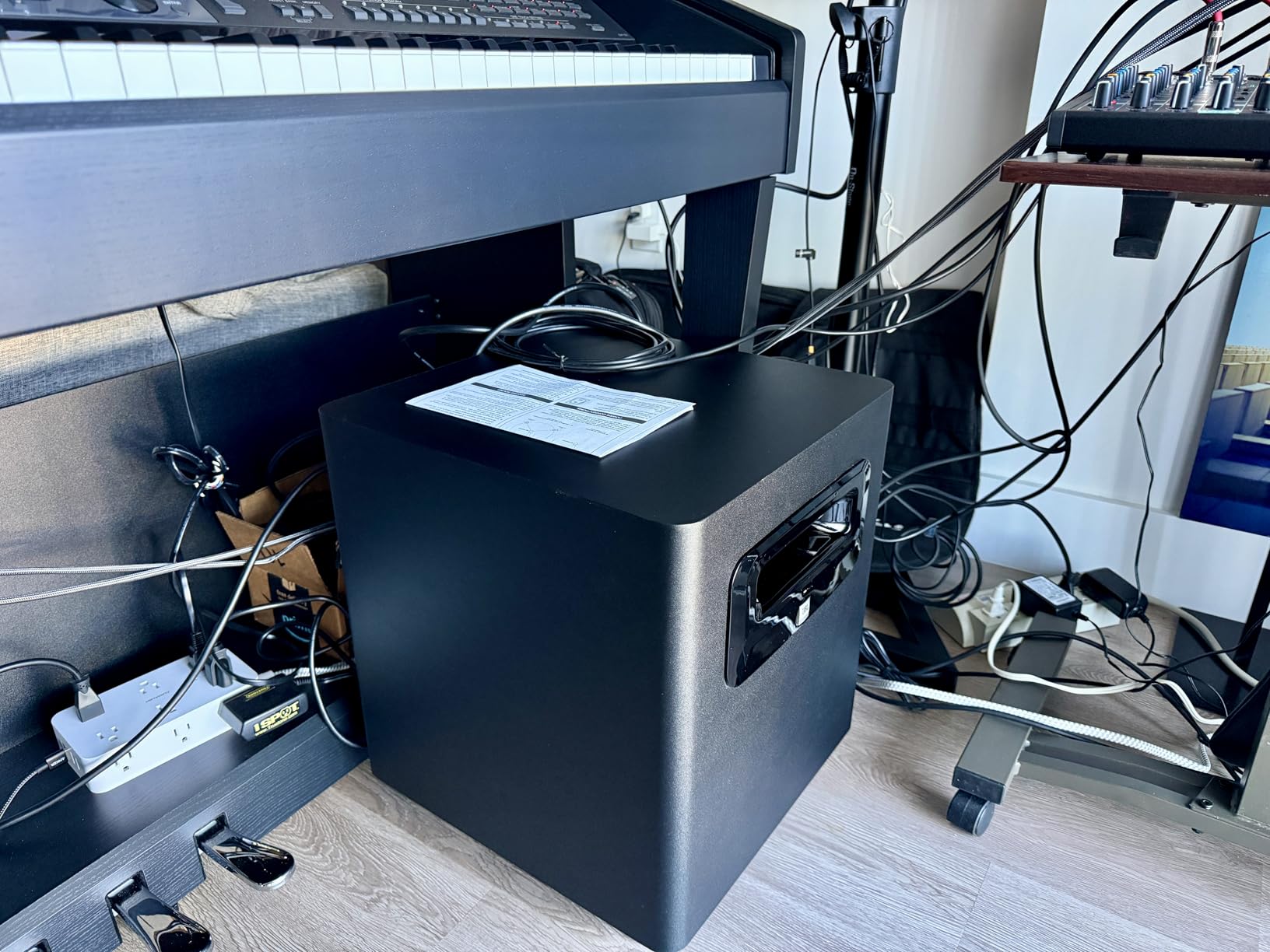
The real constraint is integration, not sound. There is no room EQ here, only the XLF tuning and the input sensitivity switch. If your room has an excited mode around 40 Hz, nothing in the back panel will fix it, and no sub will. Treat the room first.
What you gain by choosing the JBL
You gain headroom and extension. If you produce EDM, drum and bass or hip-hop and you need to judge an 808 or a sub drop at realistic level, this is the sub the rest of the list is measured against. The electronic-music reviews in the pool single out accurate, distortion-free sub bass for sidechain and sound-design work.
It also gains you the cleanest signal path. Pass-through outputs mean you can insert it into a monitor chain without breaking the balanced run, which several competing models at this tier cannot do.
What you give up
You give up control resolution and desk-side convenience. There is no parametric EQ, so the response curve in your room is whatever the room gives you. The downward-firing driver is exposed underneath, and owners report the plastic feet can mark surfaces, so plan the placement before you commit.
It is also a large cabinet for a sub, and it wants floor space beside the desk rather than under it.
3. Audioengine S8 – Smallest Cabinet That Still Delivers
Audioengine S8 Powered Subwoofer – 250W Wireless-Ready 8-Inch Bass Speaker
8 inch down-firing
250W studio-rated output
11.26 inch cube
Sleep mode
Pros
- Smallest cabinet here at 11.26 inches on a side
- 250W of output for a home studio or desktop setup
- Sleep mode keeps it ready between sessions
- Solid metal enclosure
- Can also work as a standalone active speaker
Cons
- Consumer-oriented RCA connectivity instead of balanced studio inputs
- No adjustable crossover
- phase switch or room EQ
The Audioengine S8 solves a problem the rest of this list mostly ignores: where the sub physically goes. It is an 11.26 inch cube, the smallest cabinet in the group, and the 4.7 average across 777 reviews is heavily built on the fact that people can actually place it. Owners consistently describe it as the easiest sub to fit into a small or irregular room.
Output is the surprise. A 250W studio-rated amplifier in a box that size is more low end than most bedroom studios need, and it is more than several of the 10 inch cabinets on this list. The down-firing design keeps the bass on the floor where the room can load it, and the 8 inch driver still moves real air.
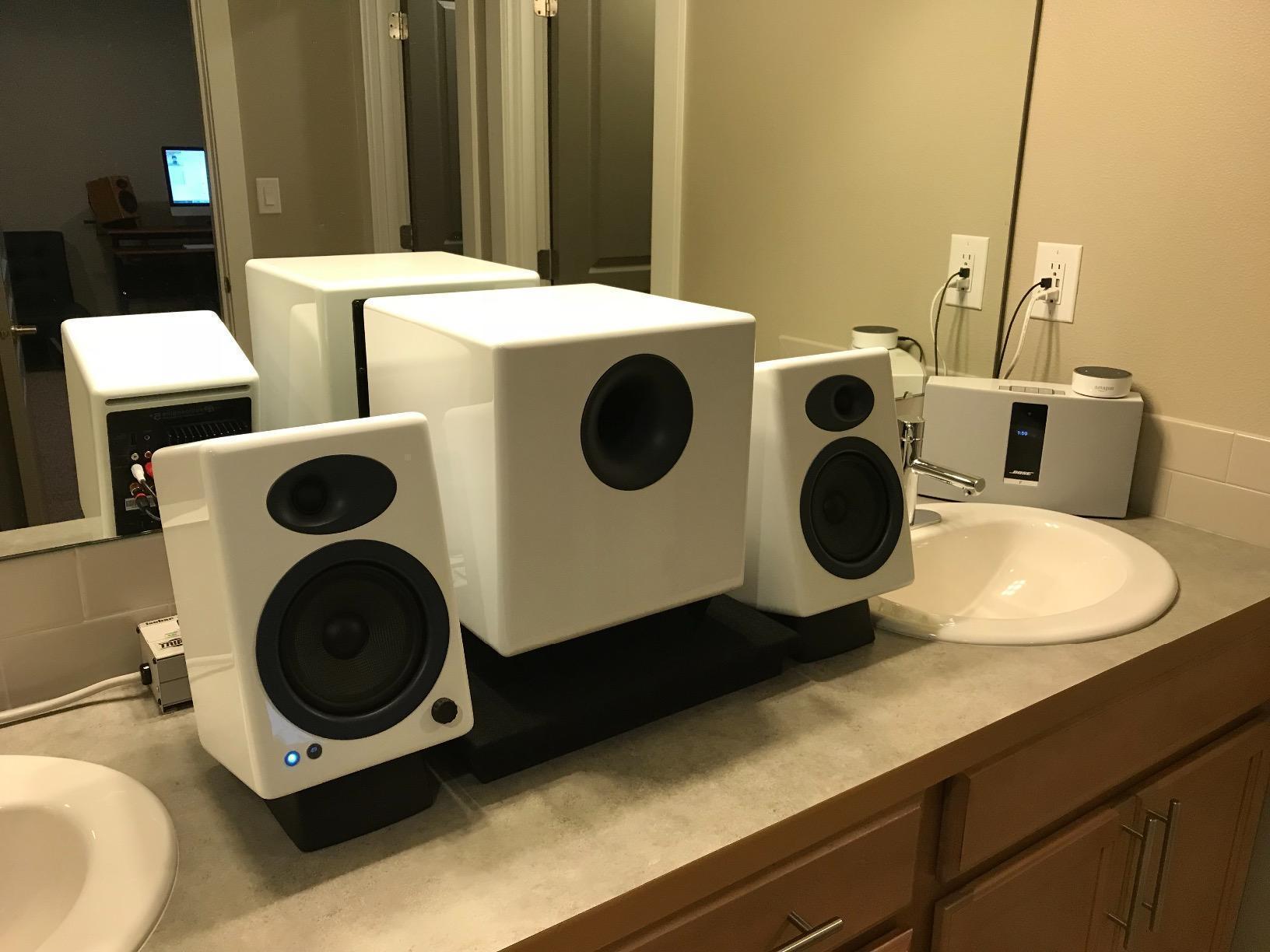
It is 30 pounds, has a three year warranty, and includes a sleep mode that powers the unit down when it is not in use so it is ready at the next session. Audioengine also markets it as working as an active speaker or powered bass shaker for small studios, which is a real option for someone who wants low end in an untreated room without a sub blowing the room’s modes.
Here is the catch, and it is a genuine one for mixing. Connectivity is wired RCA. There is no adjustable crossover, no phase switch and no room EQ, so you cannot match its level and phase to your monitors, and you cannot trim the upper range. You are integrating it by ear and by the volume knob.
That is acceptable for a practice room, a playback reference or a small tracking setup. It is not acceptable as your only low-frequency reference in a room where the low end is the point.
Where the S8 works best
It works best in rooms roughly under 150 square feet, in dorms, apartments and small offices where a 10 inch cabinet would dominate the listening position. The footprint means you can move it in a couple of minutes while you try positions, which is more useful in a small room than extra amplifier headroom.
It is also the practical choice for a designer or a producer who mostly mixes voice, film scoring and reference listening, and wants low end present without a full monitoring chain to calibrate.
Where it falls short
It falls short the moment accuracy matters. RCA-only input, no crossover, no phase control means you cannot set a proper handoff with your monitors, and without a handoff the sub and the monitors overlap in the 60 to 100 Hz region where masking lives. If your kick and bass are fighting, this is not the tool that fixes it.
Wireless operation is a retrofit, not a feature, since the Audioengine W3 adapter kit is a separate purchase.
4. PreSonus Eris Sub 8BT – Most Control in a Compact 8 Inch
PreSonus Eris Sub 8BT — 8″ Inch Powered Subwoofer, Powered Sub, Active Subwoofer, Wireless, Bluetooth, Home Audio, Bass Speaker, Home Theater, Music Production, Gaming
8 inch woven composite
Accurate to 30 Hz
100W Class D
Highpass and lowpass filters
Pros
- Punchy clean low end to 30 Hz from a compact 100W cabinet
- Highpass and lowpass controls for a clean handoff
- Balanced TRS
- RCA and pass-through outputs
- Front headphone output with built-in amplifier
Cons
- Bluetooth adds noticeable latency so keep it off the critical path
- 100W is modest in larger rooms
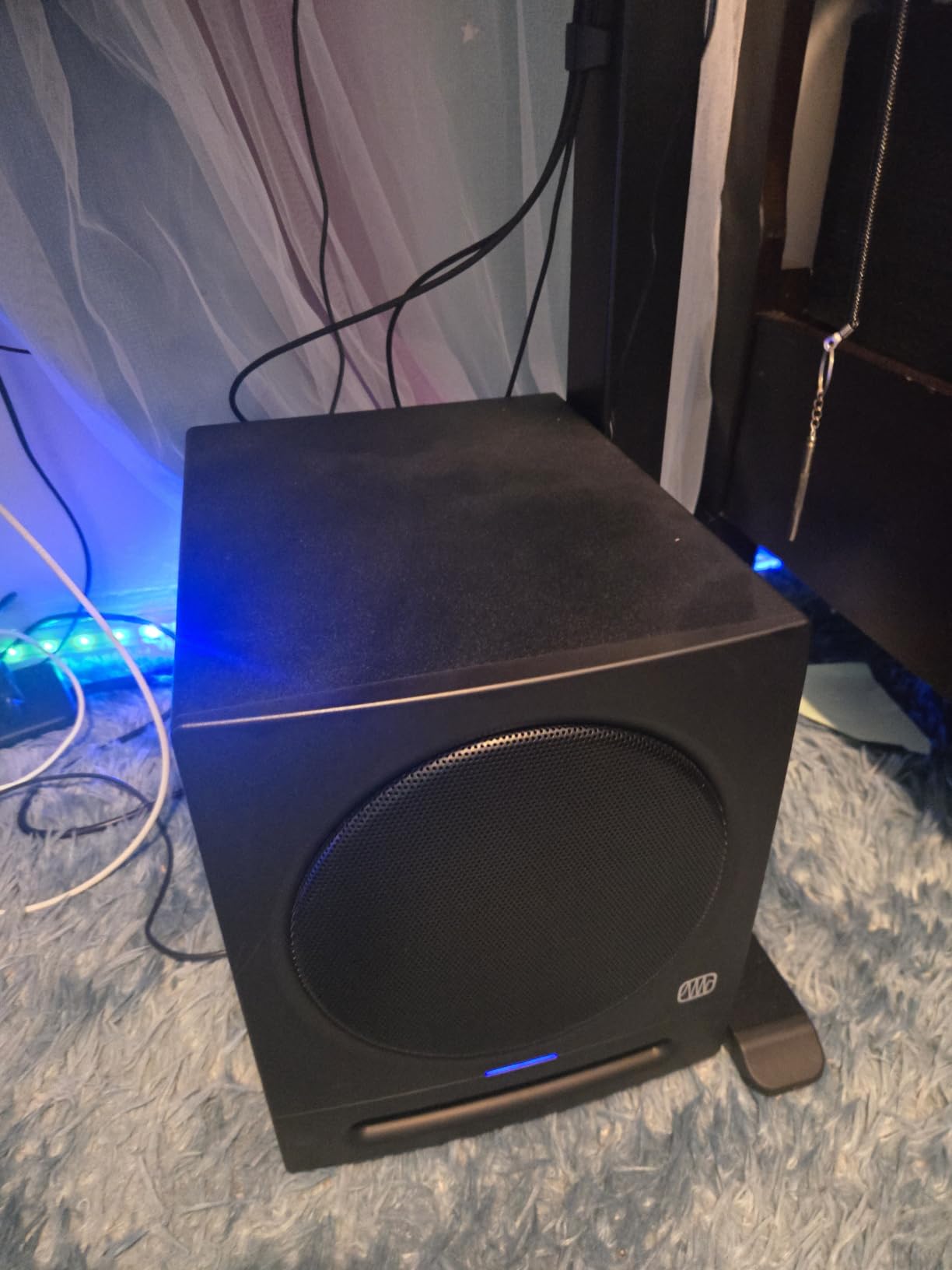
The Eris Sub 8BT is the most feature-dense option per pound of cash in this group, and the 4.5 average across 356 reviews reflects that. Reviewers repeatedly report that adding it tightened their low end and improved translation, and that the crossover controls allow a genuinely clean handoff with small monitors. That is the specific thing most budget subs cannot do.
It is the only 8 inch sub here with both highpass and lowpass filter controls. The highpass trims what the sub plays from the bottom, the lowpass sets where it hands off to the monitors, and together they let you match a small 5 or 6 inch monitor pair properly. The 100W Class D amplifier and the woven composite cone stay accurate to 30 Hz, which is deeper than the cabinet size suggests.
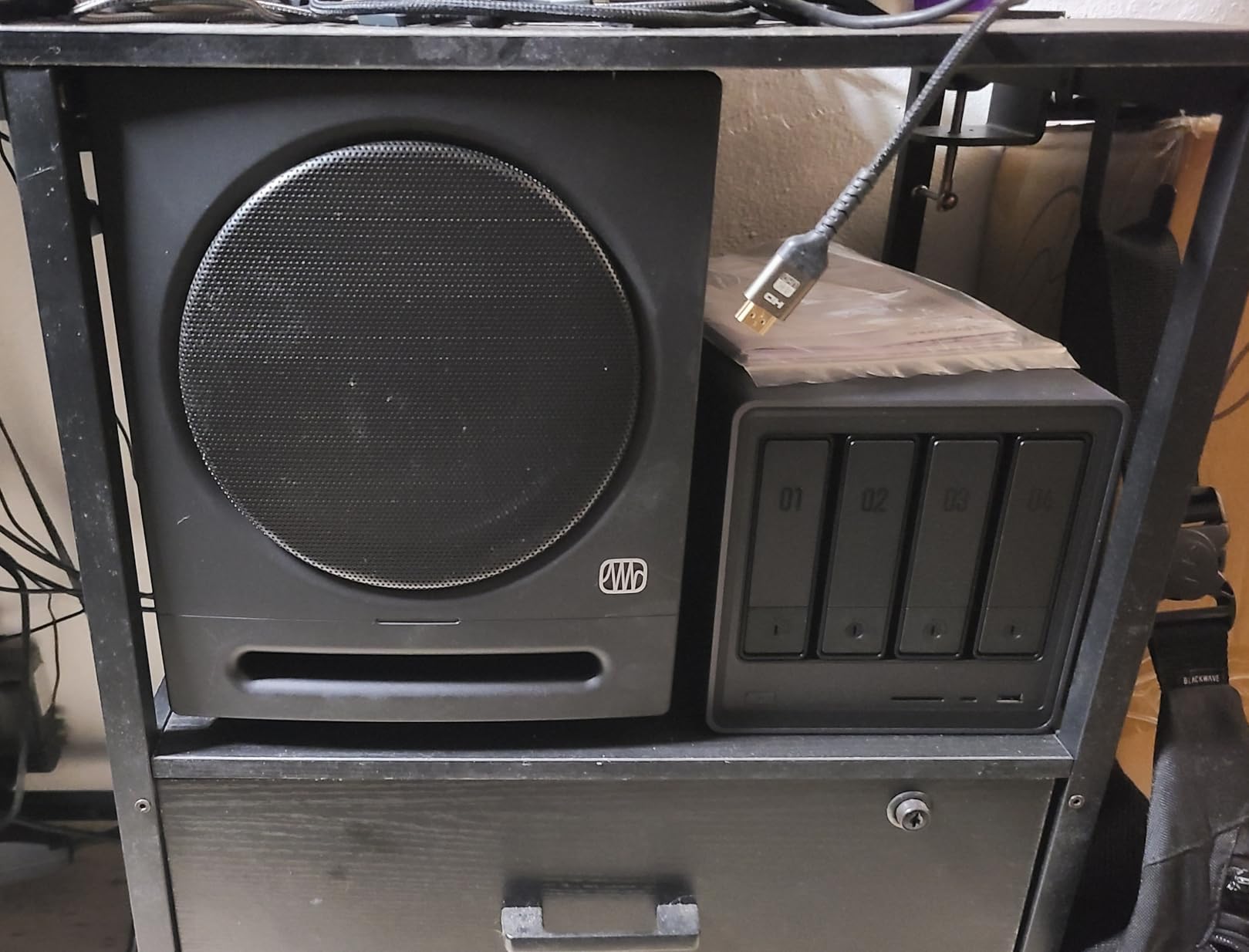
Connectivity is unusually flexible for a compact sub: balanced 1/4 inch TRS, unbalanced RCA and pass-through outputs, plus stereo Bluetooth 5.0 with a 10 meter range. There is a front-panel headphone output with a built-in headphone amplifier, and a power-saver mode after 40 minutes idle. It measures 9.8 inches deep by 12.7 inches wide by 11.7 inches high, with a two year manufacturer warranty.
The Bluetooth is the one part we would not use for mixing work. Reviewers report noticeable latency over the wireless path, which makes it unsuitable as part of a critical signal chain. It is genuinely useful for a quick reference listen between sessions, so keep it, just do not mix on it.
Also worth knowing: Bluetooth and RCA cables are not included for sub-to-satellite connections, so budget for a cable run even if you planned to plug it in the same afternoon.
Who should pick the Eris Sub 8BT
Pick it if your monitors are small and honest, if your room is around 150 to 300 square feet, and if you want real crossover control without giving up desk space. It pairs naturally with the PreSonus Eris line, and the highpass and lowpass controls are the part that makes the difference.
It is also the one to choose if you mix a lot of pop, acoustic and voice-led material where the low end needs to sit correctly rather than dominate. 100W is plenty for that, and the low end stays clean rather than compressing under load.
Who should skip it
Skip it if you are mixing bass-heavy material in a large room. The 100W amplifier is the smallest here, and the reviews themselves flag it as modest next to 150W to 300W studio subs. You will run out of headroom before you run out of low frequency extension.
Skip it if you need XLR specifically. The balanced input is 1/4 inch TRS rather than XLR, which is fine with most interfaces and monitor controllers and awkward with a few.
5. KRK S10.4 – Built to Match Rokit Monitors
KRK S10.4 S10 Generation 4 10″ 160 Watt Powered Studio Subwoofer
10 inch glass aramid
28Hz extension, 117 dB max SPL
160W Class D
XLR and TRS
Pros
- Matches the Rokit line in voicing and finish
- Front-firing port and curved cabinet are easy to place
- 160W Class D with 28Hz extension and 117 dB max SPL
- TRS and XLR fits both pro and consumer sources
Cons
- Footswitch for engage and bypass is not included
- No dedicated phase switch or room EQ listed
- 35 lb chassis is awkward to reposition while tuning
The S10.4 exists to complete a Rokit system, and owners confirm it does. Community consensus across mixing forums is consistent that a brand-matched sub blends more seamlessly with its own monitor line, because crossover slopes, voicing and cabinet tuning are designed together rather than retrofitted. If you run Rokits, this is the shortest path to a coherent bottom end.
The hardware is straightforward. A 10 inch glass aramid composite woofer, 160W of Class D amplification, bass extension to 28 Hz and 117 dB max SPL, which is the highest peak output figure listed in this roundup. The curved cabinet with a front-firing bass port is a genuinely useful design choice, because front-firing means you can push the sub closer to a rear wall than a downward-firing model allows.
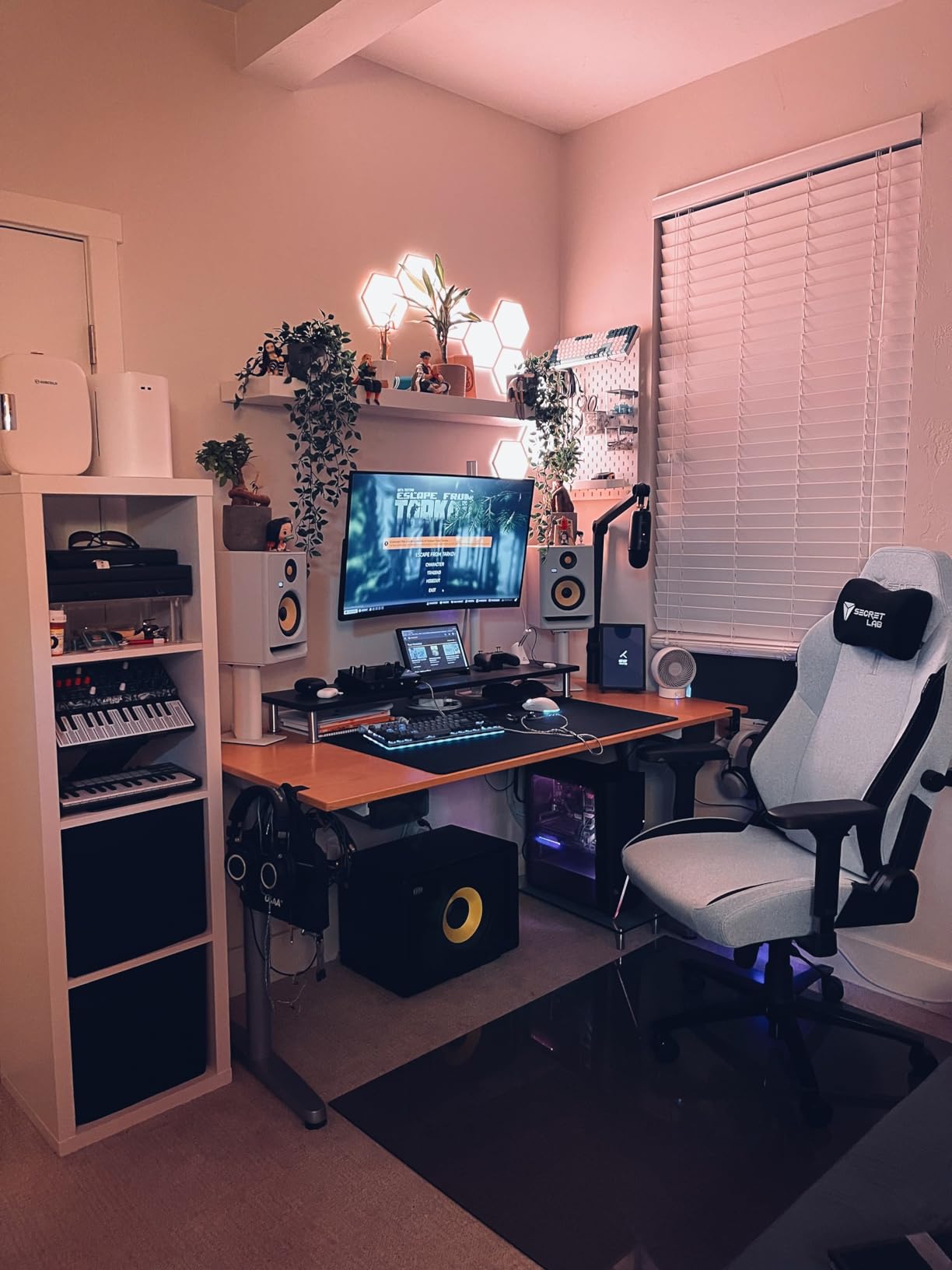
Connectivity is TRS and XLR, so it works with both professional and consumer sources. It measures 13.43 inches deep by 18.87 inches wide by 12.18 inches high and weighs 35 pounds.
One thing to know before you buy: the footswitch socket that engages or bypasses the sub and its crossover filter is present, but the footswitch itself is not included. That is the single most-cited gap in the reviews, and it matters more here than elsewhere, because the bypass is how you A/B your mix with and without sub.
The rating distribution is also worth reading honestly. Across 180 reviews the average is 4.4, with 77 percent five-star but a 10 percent one-star share, the highest in this group. The negative reviews cluster around power and control rather than outright failure, which tells you the sound is not the issue, the feature set is.
Where the KRK earns its place
It earns its place with Rokit owners, full stop. The 117 dB max SPL gives it more clean output than most 10 inch subs, and the front-firing port makes placement in a small room noticeably easier than the downward-firing alternatives.
It is also a reasonable choice for anyone who wants high output and does not plan to fine-tune with a measurement microphone, since the crossover is handled by the switch rather than by a dial you are expected to set precisely.
Where it disappoints
It disappoints if you want calibration control. There is no dedicated phase switch and no room EQ listed, so you are working with the crossover switch and volume only. Reviewers who like the sound still flag 160W as modest for a 10 inch driver.
At 35 pounds it is also a heavy box to move while you are trying positions, and that matters more than it sounds in a small room where placement does most of the acoustic work.
6. ADAM Audio T10S – The Natural Pairing for T-Series Monitors
ADAM Audio T10S Subwoofer
10 inch downward-firing
28Hz response
130W
Adjustable crossover and phase
Pros
- Engineered to complement ADAM T5V and T7V monitors
- Subwoofer bypass on the rear panel accepts a footswitch
- Balanced XLR and 1/4 inch TRS inputs sit inline without breaking a balanced chain
- Five year manufacturer warranty at a light 27 pounds
Cons
- Auto-standby cannot be disabled and pops audibly on wake-up
- Downward-firing driver transfers vibration into the floor
- Shallow extension against some competing 10 inch subs
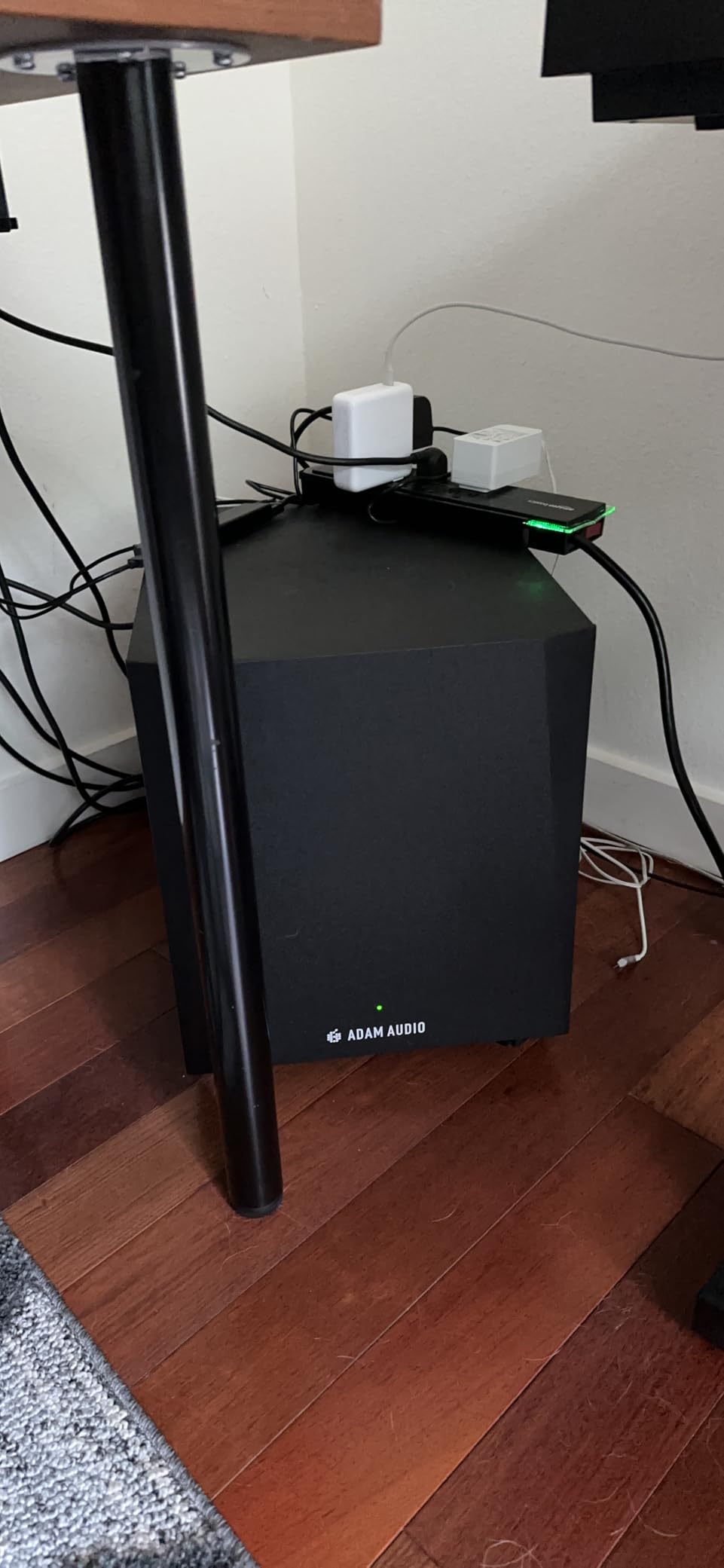
Audio performance is where the T10S earns its reviews. Users report being surprised by how much low-frequency information they had been missing on their ADAM monitors, and the 28 Hz extension is genuinely useful for judging sub content. If you run the T5V or T7V, this is the designed match, and the same community consensus about brand-matched voicing applies.
The signal control is better than its wattage suggests. There is an adjustable crossover, a phase rotation switch and a dedicated volume control, which is a complete set for monitor matching. Inputs are balanced XLR and 1/4 inch TRS, with RCA also listed as compatible, so it can sit inline in a balanced chain without adapters.
There is also a subwoofer bypass connection on the rear panel, which lets a footswitch toggle the sub on and off for instant A/B against the full-range mix. That is exactly the feature engineers ask for, and it is the cheapest way to confirm that your low end is actually working rather than assumed.
The cabinet is a compact 27 pounds and measures 15.5 inches deep by 12.5 inches wide by 16.5 inches high in MDF, with a five year manufacturer warranty. That warranty length comes up repeatedly in forums as a general quality proxy, and here it is the longest in this roundup.
Now the honest problem, and it is not about sound. The forced auto-standby cannot be disabled, wake-up takes up to five seconds, and it produces an audible pop. Several owners returned units over this behavior alone. There is also no physical on or off switch on the cabinet. For a session tool that is a genuine annoyance, because the pop lands right where the low end is.
Who should buy the T10S
Buy it if you own ADAM T-Series monitors, want a footswitch-integrable bypass, and value the five year warranty. The 130W amplifier is modest, but in a treated room sized for a 10 inch sub it is adequate for accurate low-frequency judgement rather than loud playback.
It is also a good choice as a second sub in a two-box setup, where two lighter cabinets are easier to position and move than one heavy one.
Who should avoid it
Avoid it if you are a mix engineer who values a clean power state. The auto-standby and the wake-up pop are reported often enough that you should plan around them rather than hope they do not bother you.
Also consider the downward-firing driver carefully. Owners report significant vibration transferred into the floor or desk, which in a treated room with a floating floor is a real acoustic variable you do not control.
7. PreSonus Eris Pro Sub 10 – The Most Signal Control You Can Get
PreSonus Eris Pro Sub 10 — 10-inch Active, Front-Firing Studio Subwoofer
10 inch front-firing
20Hz to 200Hz
170W RMS Class AB
113 dB SPL
Pros
- Widest signal control here: variable lowpass
- switchable highpass
- input gain
- polarity invert
- ground lift
- Included footswitch for sub
- HPF and Sub Out bypass
- 170W RMS Class AB with 20 to 200 Hz and 113 dB SPL
- XLR Sub Out lets you chain a second Eris Pro Sub 10
Cons
- 37 pounds and the largest control panel
- so calibration takes real setup time
- Class AB draws more power and runs warmer than Class D rivals
- Only 30 reviews so far
This is the only sub here that gives you a full signal chain to work with. The continuously variable lowpass runs from 50 to 130 Hz. A switchable highpass removes content below 80 Hz from the full-range outputs feeding your main monitors. There is a continuously variable input gain from -30 dB to +6 dB, a polarity invert switch and a ground-lift switch. That is more calibration surface than anything else in this roundup, by a wide margin.
The amplifier is 170 watts RMS in Class AB topology, with frequency response from 20 to 200 Hz and up to 113 dB SPL. The 10 inch front-firing glass-composite transducer uses a bass-reflex port, which makes placement more forgiving than a downward-firing design. The cabinet is vinyl-laminated MDF, 37 pounds, measuring 12.6 inches deep by 16 inches wide by 15.7 inches high.
Two details separate it from the rest. The included momentary footswitch bypasses the subwoofer, the highpass filter and the Sub Out at the same time, so a single stomp returns you to your full-range monitors exactly as they were. And the balanced XLR and TRS pass-through outputs plus a dedicated XLR subwoofer output let you chain a second Eris Pro Sub 10 for extended low end without a splitter.
Inputs cover balanced XLR and 1/4 inch TRS alongside unbalanced RCA on both channels, so it accepts anything from a pro interface to a consumer source.
The caution is the sample size. Its 4.8 average is drawn from 30 reviews, with 86 percent five-star and no one-star ratings, which means the sentiment is directional rather than established. Buyers who chose this sub tend to be control-focused, and they cite the ground lift, polarity invert and adjustable filters as the features that let them calibrate against their monitors. Two year manufacturer warranty.
What the extra control actually buys
It buys you a defensible calibration chain. Ground lift solves hum when your interface and monitors share a circuit. Polarity invert and a phase control give you two ways to align the wavefront at the listening position, which is how you get a smooth handoff instead of a dip at the crossover. Variable input gain means you can trim the sub to the interface’s output without turning the volume knob down and losing resolution.
For a treated control room doing low-end-heavy work, that is the difference between trusting your mix and guessing.
What the extra control costs
It costs setup time. This is the largest block of controls here, and at 37 pounds it is a real calibration investment, not an afternoon-unbox project. Class AB topology also draws more power and runs warmer than the Class D rivals on this list.
If you are mixing in a small untreated room, more control will not fix an excited mode. No switchable filter corrects a 42 Hz standing wave built into the room dimensions.
8. Behringer NEKKST K10S – Amplifier Headroom First
Behringer NEKKST K10S Audiophile 10″ Studio Subwoofer with High Excursion Woofer
10 inch high excursion
300W bridge-mode
Variable low-pass filter
Phase switch
Pros
- 300W is the most amplifier power in this group
- High excursion glass fiber cone with low distortion
- Designed by Keith Klawitter
- the engineer behind the original KRK monitors
- Variable low-pass filter and phase switch for crossover alignment
Cons
- Bulkiest cabinet here at 20.2 by 17.4 by 18.5 inches
- Only variable low-pass and phase
- with no input gain trim
- polarity invert or ground lift
- Smallest review pool at 40 ratings
The NEKKST K10S is the amplifier-first option, and 300 watts is the most amplifier power in this group. It uses a bridge-mode amplifier, and the high excursion 10 inch woofer has a deformation-resistant glass fiber cone. If your check is whether a sub drop or an 808 survives at a high level without the amplifier giving up, this is the box built for that test.
It also has a design pedigree worth mentioning. It was designed by Keith Klawitter, the acoustics engineer who founded KRK, and the bridge-mode topology is aimed at detailed reproduction of the full low-frequency spectrum rather than sheer volume alone. Signal-wise you get a variable low-pass filter and a phase switch for crossover alignment with stereo monitor systems, and it accepts XLR, 1/4 inch TS and RCA.
Now, the numbers that matter for a purchase decision. It is the bulkiest cabinet in this roundup at 20.2 inches deep by 17.4 inches wide by 18.5 inches high, and it weighs 38.4 pounds. In a small room, a cabinet that size is not just a placement problem. It changes which positions are available to you, and position is the single biggest acoustic variable you have.
Its control set is also the thinnest relative to its power. Variable low-pass and phase only, with no highpass filter, no input gain trim, no polarity invert and no ground lift. The power is real; the calibration surface is not.
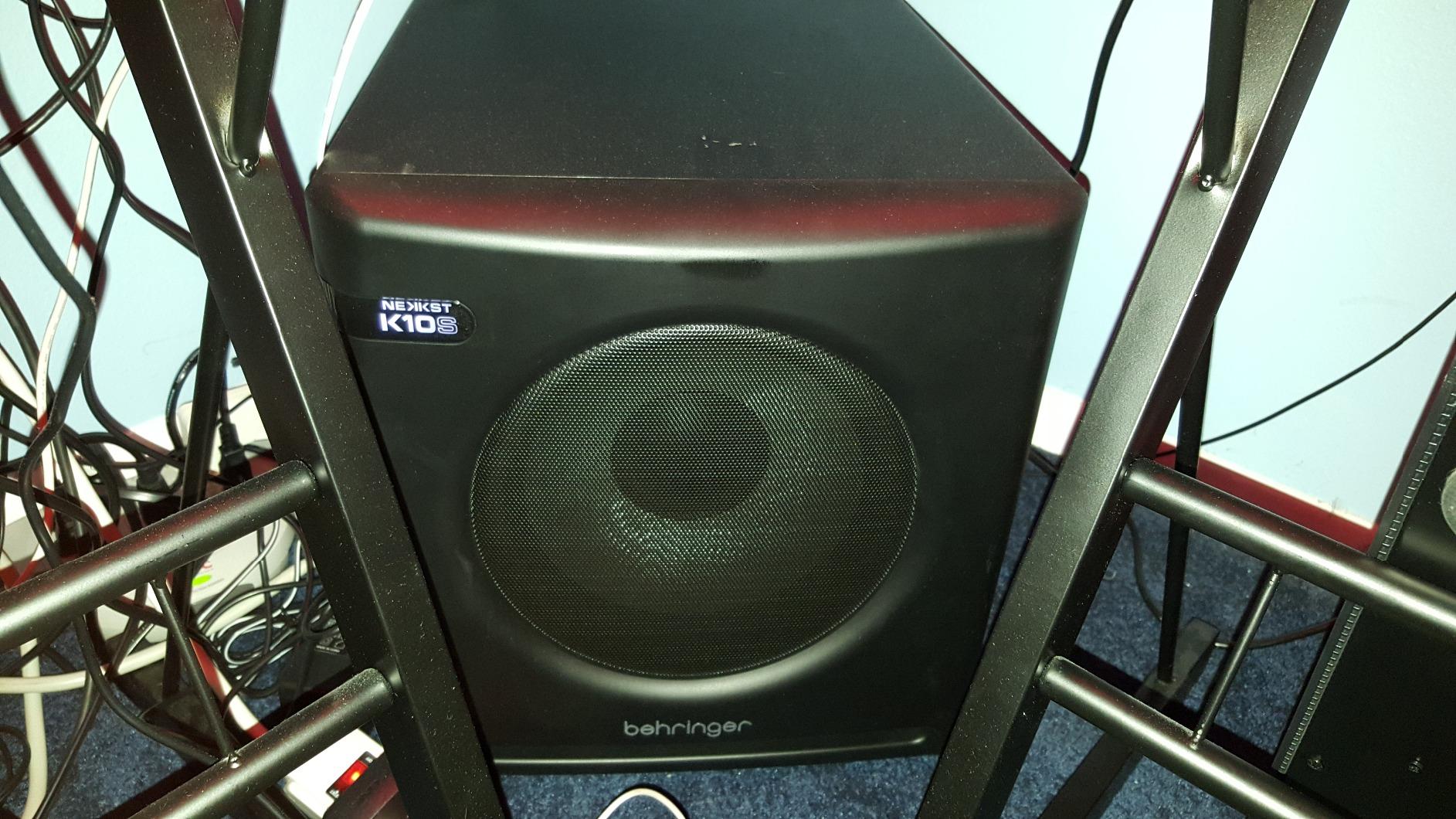
The 4.5 average rests on 40 ratings, the smallest review pool here, so treat it as directional. Enthusiasts who moved up from a smaller sub praise the headroom and the deep, clean extension. A 7 percent one-star group against 81 percent five-star suggests the bass character is polarizing, and reviewers chasing flat, neutral low end are less likely to bond with it.
When the K10S makes sense
It makes sense when your material is loud and low. Techno, drum and bass, hardstyle and scored trailer work all need a sub that stays clean when the fader is up, and 300W of bridge-mode amplification is the most headroom in this list.
It also makes sense in a large room where floor space is not the constraint. In a treated control room, the extra low end helps you judge translation and the extra power removes the compression you would otherwise be tempted to bake into the mix.
When it does not
It does not make sense in a small room. The cabinet size alone will push you into corners, and corners are exactly where room modes are worst. In a space under 150 square feet, a smaller cabinet with real control is the better buy.
It is also the wrong choice if calibration is the point. With no highpass filter and no input gain, you are aligning it by ear with two controls, which is a lot less precise than the Eris Pro Sub 10 at half the stated power.
How We Picked These Eight Subs
Every model here is a dedicated powered studio subwoofer with a pro-oriented signal path. We deliberately excluded consumer home theater subs, even though they flood the same search results, because their headline peak wattage numbers and lack of balanced I/O tell you nothing useful about how they will behave in a mix. We also left out PA subs and mixers with sub outputs, which appear in plenty of roundups and solve an entirely different problem.
We weighted five things. Low-frequency extension, taken from the manufacturer’s stated response, matters most because it sets the floor on what you can hear. Signal control matters next, since crossover and phase adjustment are what let you blend the sub with your monitors rather than merely add it. Output and headroom come third, judged by rated amplifier power and published peak SPL. Room fit is fourth, because a cabinet you cannot place is a cabinet that will excite your worst mode. Review evidence is fifth, and we weighted it heavily: a 4.6 from 799 ratings is a far stronger signal than a 4.8 from 30, and we said so in the individual reviews rather than hiding it.
Two honest limits on this article. We did not publish our own frequency response measurements, so every Hz figure and SPL number here is the manufacturer’s stated specification, not a lab result. And no sub on this list corrects a room. If a measurement microphone and room correction software are on your list, use them, but understand that they flatten peaks they can reach and cannot fix modes that the room’s dimensions create.
Do You Actually Need a Subwoofer for Mixing?
Direct answer: sometimes, and the deciding factors are genre and room volume, not marketing. A subwoofer is necessary for mixing if you make bass-heavy music and your monitors stop around 45 to 50 Hz, which covers EDM, hip-hop, drum and bass, trap and most film scoring. It is also necessary if you work in a room larger than roughly 150 square feet, where the floor and walls stop helping your monitors below 60 Hz.
It is not necessary if you mix voice, podcast, spoken word or acoustic music in a small treated room. In that case, better monitors and bass traps will buy you more than a sub will, because the problem is room reflection rather than missing extension.
And it can be actively harmful. This is the strongest piece of community consensus we found across audio engineering and mixing forums: many engineers advise against adding a sub in an untreated room under about 100 square feet until bass traps are in place. An untreated small room already stores and exaggerates low-frequency energy. A sub amplifies that storage, and what you end up mixing is the room, not the record. The honest sequence is treat the room first, then decide.
Two further signals tell you a room is the limiting factor. If your sub is boomy at one chair position and thin at another, you are hearing standing waves, not a defective subwoofer. And if turning the sub up makes the mix worse rather than better, the sub and the monitors are fighting between 60 and 100 Hz, which is a crossover and phase problem rather than a volume problem.
On treatment, the 38 percent rule is the number that comes up most often in practical answers. Treating roughly 38 percent of your room’s surface area with broadband absorption, including bass traps in the corners, is the commonly cited threshold where a room starts behaving predictably enough to mix on. Below that, a sub’s response is largely a property of where you placed it.
Matching a Sub to Your Monitors and Room
Monitor brand matching is the single most-repeated recommendation across the forums we read, and the reasoning is consistent: a brand-matched sub blends more seamlessly with its own monitor line because crossover slopes, voicing and cabinet tuning are designed together. If your monitors and sub come from the same designer, the blend is a solved problem rather than an experiment.
Here is where each of these eight plugs in. The Yamaha HS8S is the natural partner for the HS series. The JBL LSR310S is designed for the JBL 3-series line and its cabinet finish matches. The PreSonus Eris Sub 8BT sits with the Eris range, while the Eris Pro Sub 10 is the choice if you want a second one chained through the XLR Sub Out. The KRK S10.4 completes a Rokit system. The ADAM Audio T10S was engineered against the T5V and T7V monitors.
Audioengine, Behringer and IK Multimedia are the exceptions worth flagging. They are not built as monitor partners, so expect to do the matching yourself with a phase switch and a measurement microphone rather than by assumption.
Room size matters as much as brand. Under 100 square feet, an 8 inch sub is the right ceiling, and a 10 inch will simply overdrive the room. Between 150 and 300 square feet, either works, and a 10 inch starts to earn its size. Above 300 square feet, a 10 inch with real headroom is the sensible starting point, and below about 80 Hz you will be limited by the room long before the driver runs out of travel.
There is a practical floor here too. If you are working in a very small space and the real problem is where everything physically goes, that is a desk and layout question more than a subwoofer question, and the same clearances that decide counter space in a small kitchen decide sub placement in a small room.
On placement, the subwoofer crawl is the method worth using. Put the sub in the middle of the room on the floor, sit in your listening position, and play pink noise through it at a low level. Crawl around the room, keeping your ear at seated height, and stop where the bass sounds most even and full. That position, often near a front corner, gives you the flattest response the room will allow without measurement.
Crossover, Phase and Calibration Settings
Start at 80 Hz. That is the THX standard crossover frequency, it is where most nearfield monitors roll off, and it is the right first number before you start adjusting. From there the procedure is the same for every sub in this list.
First, raise the highpass filter on your monitors to match the sub’s lowpass. The sub should stop producing before the monitors start producing, and the two curves should cross rather than overlap. If your monitors have a fixed highpass at 80 Hz, set the sub’s lowpass to 80 Hz and leave it. If the monitor’s highpass is adjustable, the two numbers should match.
Second, set phase. Play a test tone or pink noise and try the 0 and 180 degree positions. The correct one is the position where the sub and the monitors reinforce rather than cancel at the listening position, which you will hear as the bass getting fuller and smoother rather than hollow. Do this at your actual listening position, not at the desk, because that is where phase cancellation either happens or does not.
Third, level match. Play pink noise and adjust the sub until it sits at the same perceived level as the monitors. This is the step most people skip, and it is the reason their sub is either inaudible or overwhelming.
Fourth, engage the bypass and A/B. Both the ADAM T10S and the PreSonus Eris Pro Sub 10 have a rear bypass connection for a footswitch, and the Eris Pro includes one. Momentarily bypass the sub and listen to your full-range mix. If the sub is integrated correctly, the mix should sound slightly thinner without it and complete with it. If bypassing makes the mix sound better, the sub is still doing damage.
Fifth, if you want to go further, use measurement. Automatic room calibration such as ARC X, or Sonarworks SoundID Reference, can null a problem area at the listening position in a way no boundary EQ can. Reach for it after the manual steps, not before, because a correction system applied to a badly placed sub will faithfully correct the wrong curve.
On one sub or two: two cheaper subs usually beat one expensive sub, because even coverage and a smoother response come from having two sources in the room. Buy the same model twice, place them symmetrically, and set both to mono summed lowpass. The Eris Pro Sub 10 makes this easy through its XLR Sub Out, and if you are buying two subs anyway, spending on a second identical box beats spending more on one.
Frequently Asked Questions
Is a subwoofer necessary with studio monitors?
It depends on your monitors and your room. If your nearfield monitors stop reproducing useful output around 45 to 50 Hz, a sub fills the gap so you can hear kick and sub-bass content instead of guessing. It is also worth adding in rooms larger than roughly 150 square feet, where the walls stop supporting low frequencies. If you mix voice or acoustic music in a small treated room, better monitors and bass traps usually help more than a sub.
Do I need a subwoofer for mixing?
You need one if you make bass-heavy music such as EDM, hip-hop or drum and bass, or if you work in a large room. You probably do not if you mix voice, podcast or acoustic music in a small room. The deciding factor is whether the lowest octave in your mix is audible and repeatable in your room, and whether your monitors can produce it at all.
What size subwoofer is best for a small room?
An 8 inch driver is the right ceiling for a room under about 100 square feet, and either 8 or 10 inch works between 150 and 300 square feet. A 10 inch sub in a small untreated room will usually overdrive the room and exaggerate standing waves rather than extend clean low end. Cabinet size and placement flexibility matter more than driver size in small rooms.
What crossover frequency should I set my subwoofer to?
Start at 80 Hz, the THX standard, then match it to your monitors. Set your monitor highpass filters to the same frequency as the sub lowpass so the two do not overlap between 60 and 100 Hz. Raise or lower the crossover by ear or measurement in small steps, and confirm the blend with a bypass check before you commit to a setting.
Does a subwoofer make my room sound worse?
In an untreated small room, quite possibly. A room under about 100 square feet already stores and exaggerates low-frequency energy, and a powered sub amplifies that. Many engineers recommend treating the room with broadband absorption and corner bass traps first, then adding a sub. If the bass is boomy at one chair position and thin at another, the problem is the room, not the subwoofer.
The Verdict
After comparing all eight, the Yamaha HS8S is our pick for the best studio subwoofers for mixing because it delivers the combination that matters most: the right controls, at the right price point, with a review base large enough to trust. Buy it if you want a sub that integrates cleanly with almost any nearfield monitor and gets out of the way.
Buy the JBL LSR310S if you mix electronic music and need output and extension. Buy the Audioengine S8 if your room is small and floor space is the constraint. Buy the PreSonus Eris Sub 8BT if you want crossover control and balanced inputs on a compact footprint, and the Eris Pro Sub 10 if you want the widest calibration surface available. For KRK or ADAM monitor owners, the brand-matched S10.4 and T10S remain the shortest route to a coherent low end.
Whichever you choose, treat the room first and calibrate second. A sub in an untreated small room is a liability, and no crossover setting fixes that. Our picks for the best studio subwoofers for mixing were compared for 2026, and the ranking reflects the balance of extension, control and room fit rather than peak wattage on a box.