
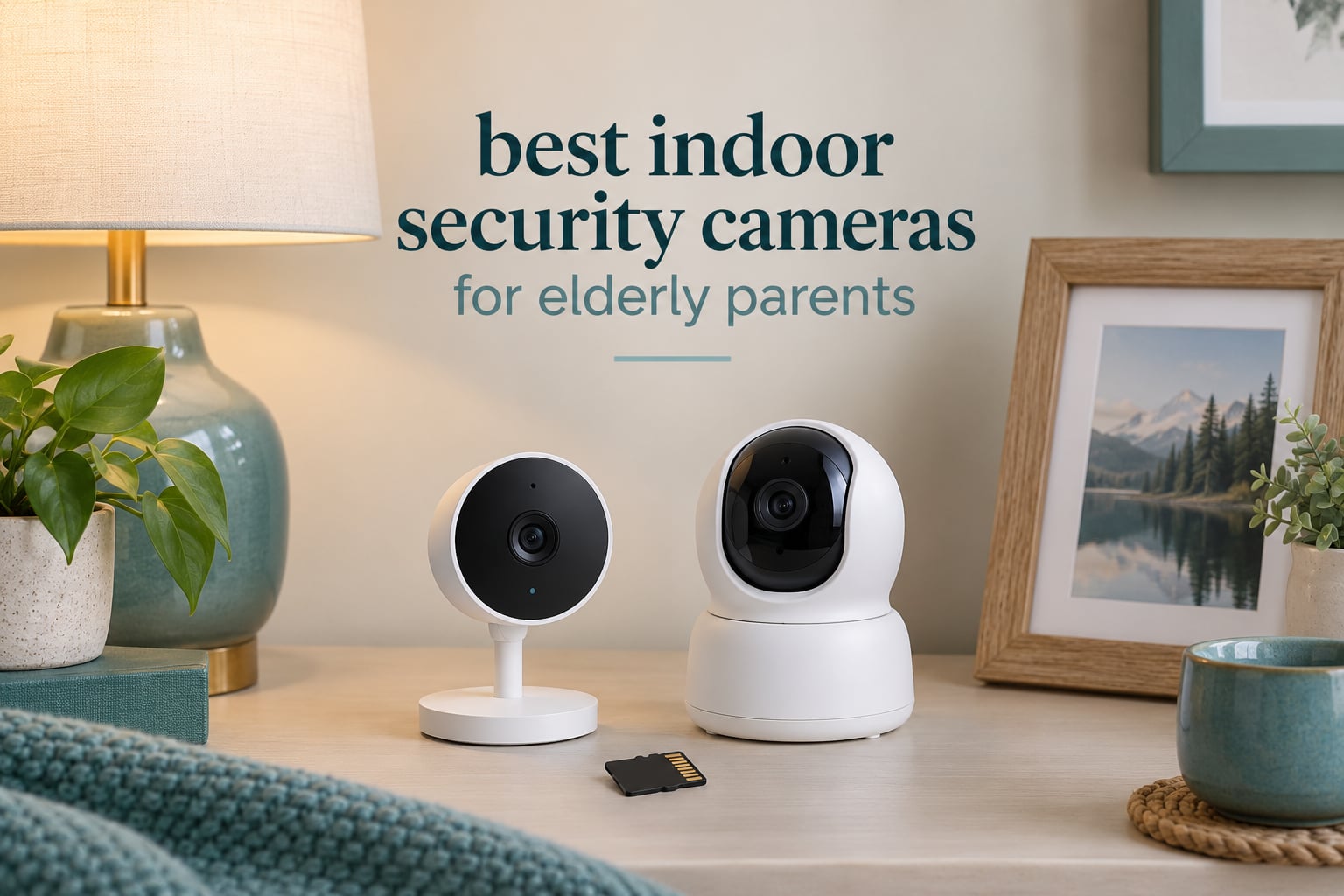
My grandmother lived alone for six years after her husband died, and the thing that finally let my mother sleep at night was a single plug-in indoor security camera on the living room bookshelf. Not because it caught anything dramatic. Because at nine each night she could open an app, see her mother moving around, and hear her say goodnight. The best indoor security cameras for elderly parents are not about catching intruders. They are about a steadier kind of reassurance, and that changes what you should look for almost completely.
The short answer: the Ring Indoor Cam is our pick for most families in 2026, because it has the cleanest two-way talk, a physical privacy cover your parent can flip on without an app, and a swivel mount that makes placement forgiving. If your priority is avoiding a monthly fee, the Tapo EC70 records to a microSD card out of the box. If your parent will never touch a smartphone app, the KEENLUK camera with a built-in screen is the pick where the person being monitored does not need a phone at all.
We spent several weeks going through twelve indoor cameras with the same filter: can an older adult live with this thing in their living room without feeling watched, can a family member living in another state set it up remotely, and what does it actually cost over three years. That last question matters more than most buyers expect. Several cameras here are free forever with a memory card. Two charge a subscription for the features that matter most for elder monitoring. And two are technically capable but quietly frustrating in ways the spec sheet does not show you.
One thing we will say up front: no consumer indoor camera is a medical device. None of these has certified fall detection, and none replaces a medical alert pendant. More on that in the layering section below.
Top 3 Best Indoor Security Cameras for Elderly Parents (October 2026)


Tapo EC70 Pan and Tilt
- 360 coverage with pan and tilt
- MicroSD up to 256 GB with no fee
- Motion and sound alerts

Tapo C210 2K Pan and Tilt
- 2K 2304x1296 video
- 360 degree pan and 114 degree tilt
- Device sharing for two phones
These three are the ones we keep coming back to. The Ring Indoor Cam wins on the conversation itself, which is the part of elder monitoring that actually matters day to day. The Tapo EC70 wins on ownership cost and whole-room coverage. The Tapo C210 is the step up if you want sharper detail and two people watching the same feed at once.
If your home has weak Wi-Fi in the room where you want the camera, skip straight to the Anona or the SensForge below. Those are the only two in this roundup with 5 GHz dual-band support, and it is the single most common reason a camera set up in another state fails on day one.
All 12 Cameras at a Glance
| Product | Specifications | Action |
|---|---|---|
| Ring Indoor Cam |
|
Check Latest Price |
| Tapo EC70 Pan and Tilt |
|
Check Latest Price |
 Tapo C100 Fixed Camera Tapo C100 Fixed Camera |
|
Check Latest Price |
| Tapo C210 2K Pan and Tilt |
|
Check Latest Price |
 eufy Indoor Cam E220 eufy Indoor Cam E220 |
|
Check Latest Price |
 aosu 2K Indoor Camera aosu 2K Indoor Camera |
|
Check Latest Price |
 Blink Mini 2K+ Blink Mini 2K+ |
|
Check Latest Price |
 eufy Indoor Cam E30 eufy Indoor Cam E30 |
|
Check Latest Price |
 Anona 4K Two-Pack Anona 4K Two-Pack |
|
Check Latest Price |
 SensForge 2.5K Pan-Tilt SensForge 2.5K Pan-Tilt |
|
Check Latest Price |
 VSMAHOME 2K Two-Pack VSMAHOME 2K Two-Pack |
|
Check Latest Price |
 KEENLUK Camera With Screen KEENLUK Camera With Screen |
|
Check Latest Price |
1. Ring Indoor Cam: The One We Recommend Most Often
Ring Indoor Cam (newest model) — Home or business security in 1080p HD video, White
1080p HD video
Plug-in swivel mount
Color Night Vision
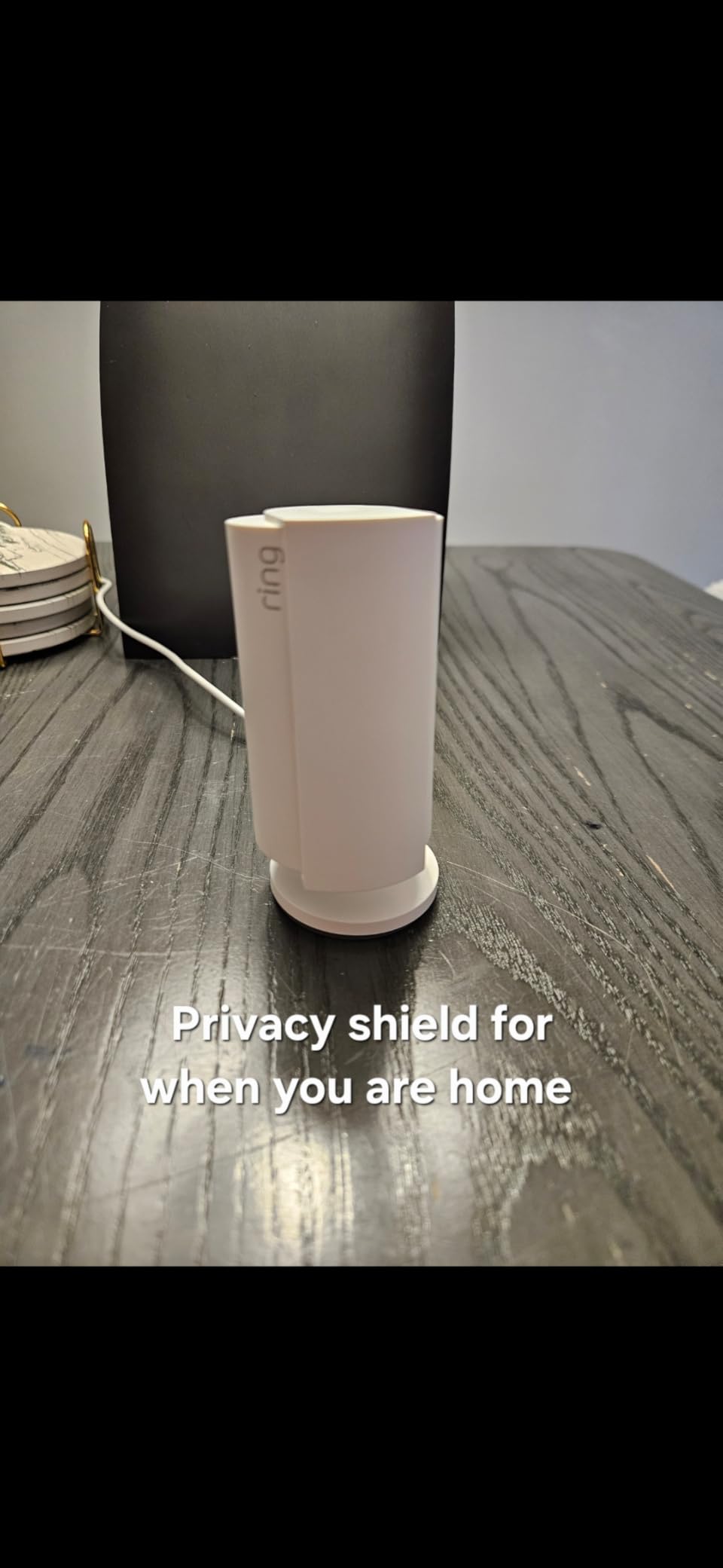
Physical privacy cover
Pros
- Clear 1080p picture with Color Night Vision
- Physical privacy cover a parent can flip without an app
- Advanced Pre-Roll captures the seconds before an event
- Swivel mount fits a table or a high shelf
Cons
- AI alerts and video history need a Ring Protect subscription
- Fixed camera with no pan or tilt so coverage is limited
This is the camera we ended up putting in my grandmother’s house, and the reason has less to do with image quality than with the privacy cover. It is a physical swivel that cuts power to both camera and microphone. My grandmother could turn it away when she wanted to change clothes or take a nap, and she knew she could do it. That single feature did more for her comfort than any amount of resolution.
Two-way talk is where the Ring earns its place. The microphone picks up a normal speaking voice across a living room, which means a check-in does not feel like shouting into a speaker across the hall. If you plan to say goodnight through this thing, that matters more than the numbers in the resolution column.
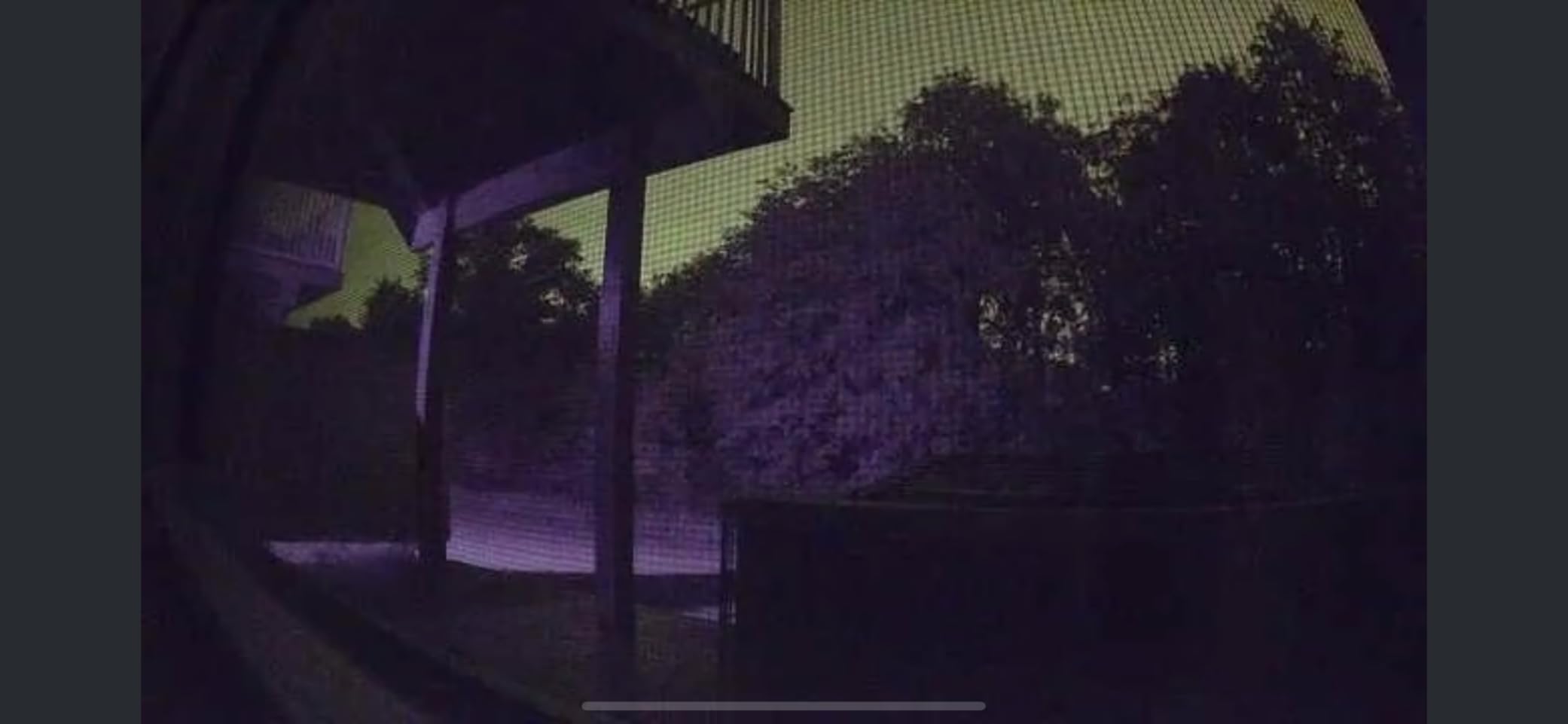
Advanced Pre-Roll records a few seconds before motion is detected. In practice that means if you get an alert that your mother was moving in the hallway at 2am, you see the approach rather than the after-the-fact still frame. Combined with Color Night Vision, footage stays readable in a dim evening room instead of dropping to grainy black and white.
The swivel mount is genuinely forgiving. It will sit on a bookshelf or clamp high on a wall, and because it does not pan on its own you get one stable view of the sofa-to-kitchen sightline rather than a camera sweeping and losing the person. That stability is worth more for check-ins than a wider sweep.
Where this camera fits best
This is the pick when the parent lives alone, wants to feel in control of the camera, and lives in a small or medium home where one fixed angle covers the important floor. The physical privacy cover makes the consent conversation far easier because you can hand your parent a real off switch.
It also suits families already in the Alexa ecosystem, since you can get spoken announcements and stream to an Echo Show without opening the app. Swappable white and black bodies help it blend into a room rather than looking like surveillance equipment.
Where this camera disappoints
The AI-powered alerts and video history sit behind a Ring Protect subscription. The camera still records and streams without it, but the person-detection filtering that cuts false alerts from curtains and shadows is part of the paid tier. That is the feature elder monitoring depends on most.
There is no pan or tilt. If your parent moves between the living room and kitchen and both need coverage, you are looking at a second unit or a different camera. For a fixed-position check-in camera, though, it is hard to argue with.
2. Tapo EC70: Best Value for Whole-Room Coverage
Kasa 1080p Indoor Pan/Tilt Wired Security Camera, Baby & Pet Monitor, EC70
1080p at 15fps
120 degree field of view
2.4 GHz Wi-Fi
MicroSD up to 256 GB
Pros
- Pan and tilt covers a full room from one unit
- Local microSD recording up to 256 GB with no monthly fee
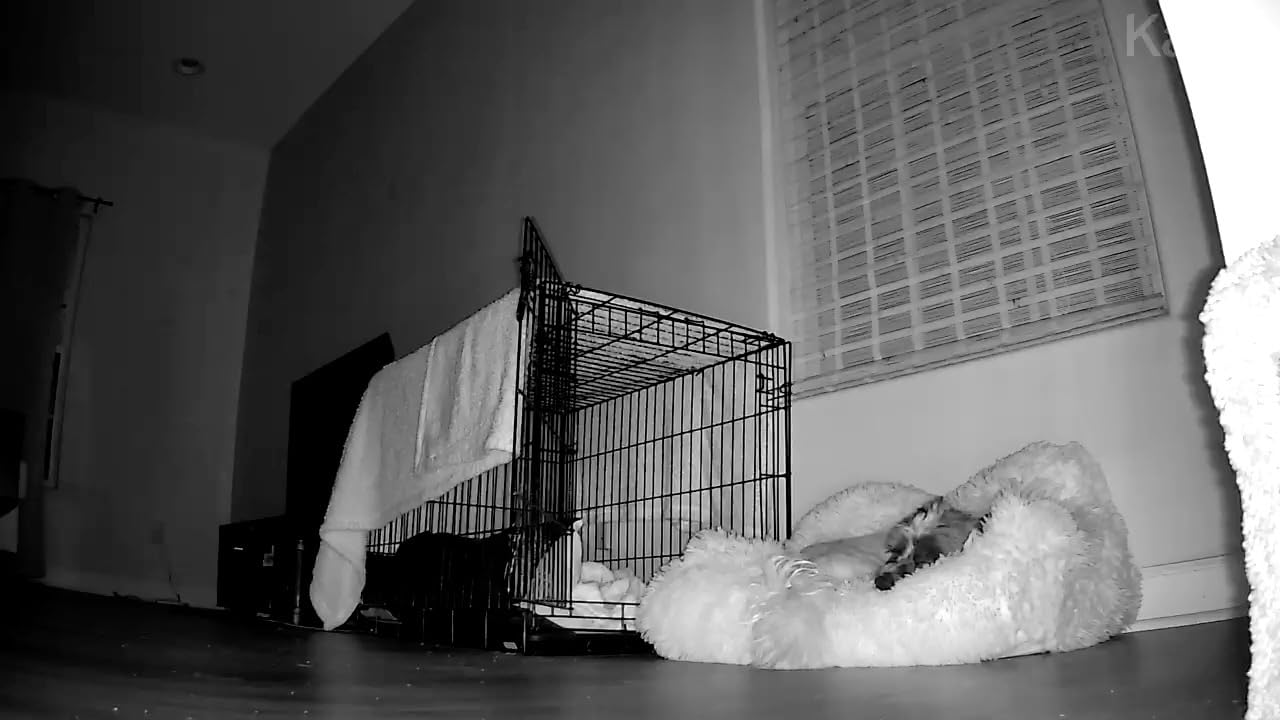
- Night vision reaches 30 feet
- Works with Alexa and Google Assistant
- Two-year manufacturer warranty
Cons
- 2.4 GHz Wi-Fi only
- 15 fps frame rate is modest
The EC70 is the camera the forums keep recommending, and the reason is unglamorous: it does the two things families need most, which is pan and tilt coverage and local recording, and it has been shipping long enough that the setup guides are everywhere. On a specialist outdoor and DIY forum, users running eufy units for an elderly relative specifically praised the combination of wired power, simple setup and no subscription fee. That consensus carries over to this Tapo.
For a parent who moves between a sofa and a kitchen table, pan and tilt changes the whole use case. One camera on a shelf covers a full 360 degrees instead of a slice of it, and the patrol mode lets the camera sweep on its own so a motionless parent still ends up in frame.
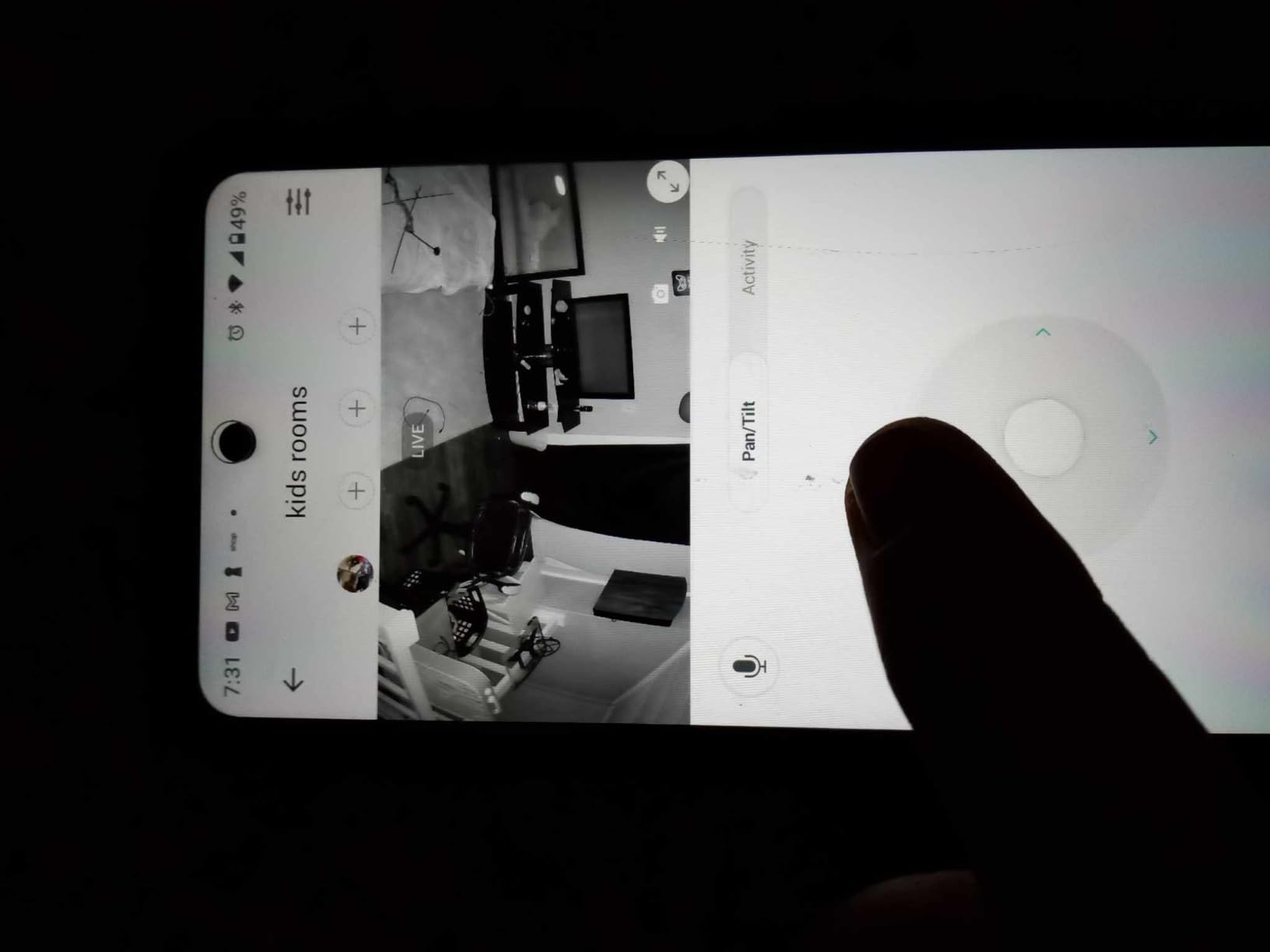
Local microSD storage up to 256 GB means no monthly fee for continuous recording. Over a three-year window that is the difference between a camera you set up once and a camera you have to think about billing. You can still add the optional Kasa Care plan for 30-day cloud history if you want a backup copy off the card.
Smart Actions are the sleeper feature here. You can have the camera trigger another Kasa device when it sees motion, which is how one of our testers used it as a simple signal for a smart bulb in the hallway at night without touching a wall switch.
Where this camera fits best
Choose the EC70 when the parent wanders around a single main floor, the household wants to avoid a subscription, and there is an outlet within reach of the middle of the room. It measures a little under four and a half inches tall, so it sits on a shelf without looking industrial.
It is also a good pick if you want a camera that also works as a baby or pet monitor, since it does both motion and sound detection and supports two-way talk. Several families buy one and move it between parents and grandchildren.
Where this camera disappoints
It is 2.4 GHz only. If your parent’s router has been split with 5 GHz on a separate network name, the camera will not find it, and you will be debugging a connection problem by phone from another state.
The 15 fps frame rate is fine for watching someone move through a room and soft if you are trying to read a label on a pill bottle on video. For motion at walking pace, which is what matters here, it is acceptable.
3. Tapo C100: The Budget Camera That Does the Job
Tapo 1080P Indoor Security Camera, Baby Monitor, Dog Camera, Wired, C100
1080p MP4 video
110 degree field of view
MicroSD up to 512 GB
270 g
Pros
- Low entry cost for a full indoor camera system
- Activity zones cut unwanted motion alerts
- Local microSD storage up to 512 GB avoids a subscription
- Two-way audio with a built-in siren
- Full-color night vision up to 30 feet
Cons
- Fixed lens with no pan or tilt
- 2.4 GHz Wi-Fi only
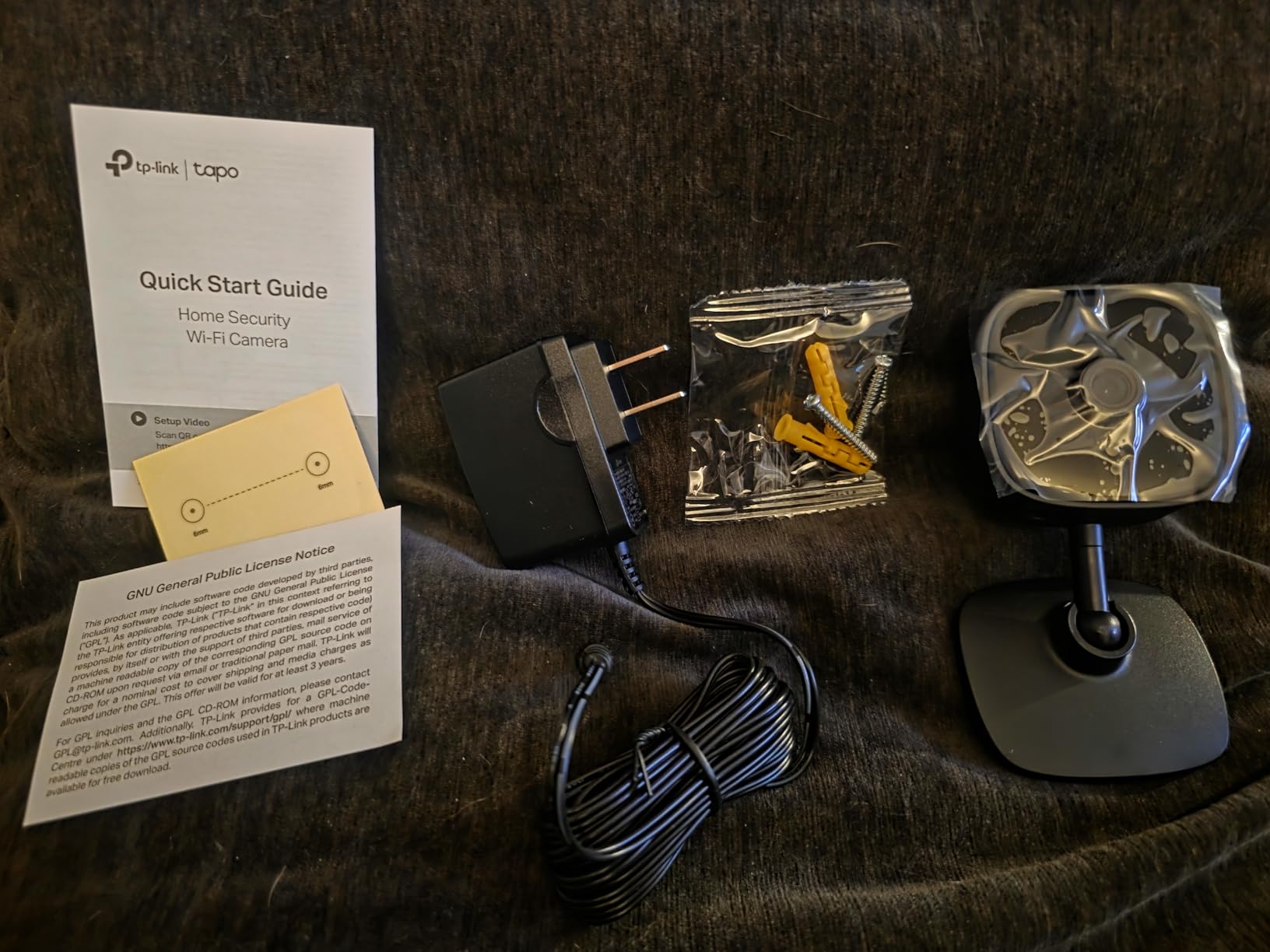
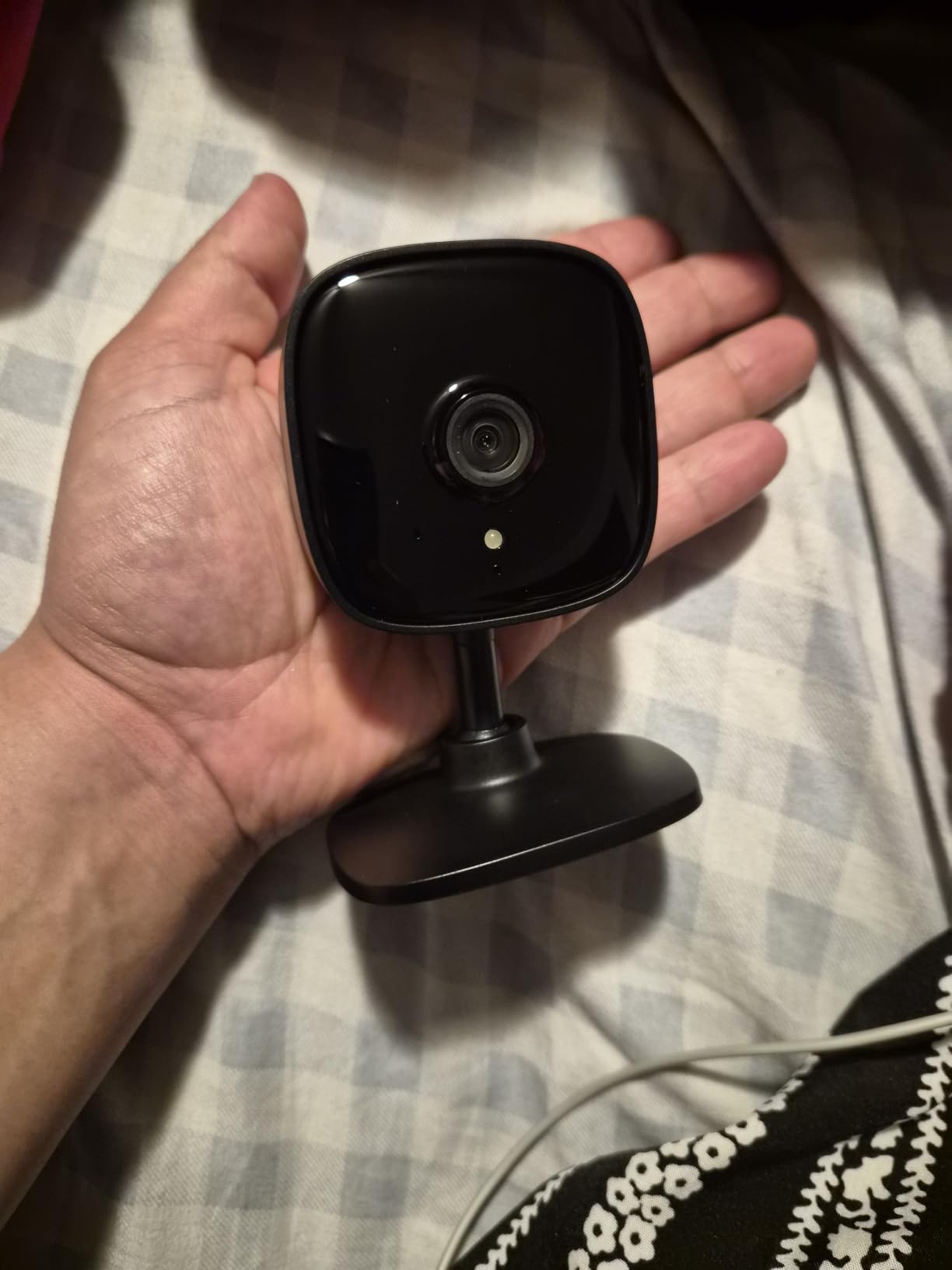
The C100 is the one to buy when you want two or three cameras covering a parent’s home and you would rather not think about it. It is a small wired bullet camera, it costs little, and the Tapo app handles it in a few taps. Pairing this camera with the EC70 in the same house is common and both run in the same app.
Activity zones are the feature that makes a fixed camera viable for elder monitoring. You draw a box around the doorway and the walkway to the kitchen, and the camera ignores the ceiling fan and the window. Without zones you get alerts that train everyone in the family to ignore their phone, which defeats the purpose entirely.
Local storage accepts a microSD card up to 512 GB, which is more headroom than most indoor cameras here. At 1080p that is a long stretch of continuous footage that stays in the house, and nothing is sent to a cloud server you did not choose.
The built-in siren and custom alarm are worth knowing about but worth disabling in a bedroom. A sudden loud alert at 3am will startle most older adults, and a startled person on the floor is the outcome you were trying to prevent. Forum users running eufy units for exactly this purpose recommend keeping audio prompts gentle for the same reason.
Where this camera fits best
Fixed bullet cameras suit a narrow sightline. Put the C100 high in a hallway or in a corner where it looks down the length of a room, and you get a stable, wide-enough view of the path a parent walks several times a day.
It is also the pick for a second bedroom or back hallway where you just want to know someone passed through, not a careful watch. Pair several across a home and you have coverage for less than one good pan and tilt unit plus a subscription.
Where this camera disappoints
No pan or tilt means once it is mounted, that is the view. If a parent moves out of the frame you will not swing to follow them, and you may get a notification of movement with nothing useful recorded.
Like the EC70, it is 2.4 GHz only. And at 15 fps it is a check-in camera, not a detail camera. If you want to tell whether someone is upright versus sitting on the floor from across the room, look at a 2K or 4K model instead.
4. Tapo C210: The Sharp Pan and Tilt Upgrade
Tapo 2K Pan Tilt Security Camera for Baby Monitor, Dog Camera, C210
2K 2304x1296 video
360 degree pan and 114 degree tilt
Night vision 30 feet
Device sharing
Pros
- 2K resolution sharp enough to identify people clearly
- 360 degree horizontal pan from one unit
- No-subscription microSD recording
- Person and baby crying detection
- Two phones can view one feed
- Two-year manufacturer warranty
Cons
- Wired design needs a nearby outlet
- 2.4 GHz Wi-Fi only
- Pan and tilt movement can be laggy
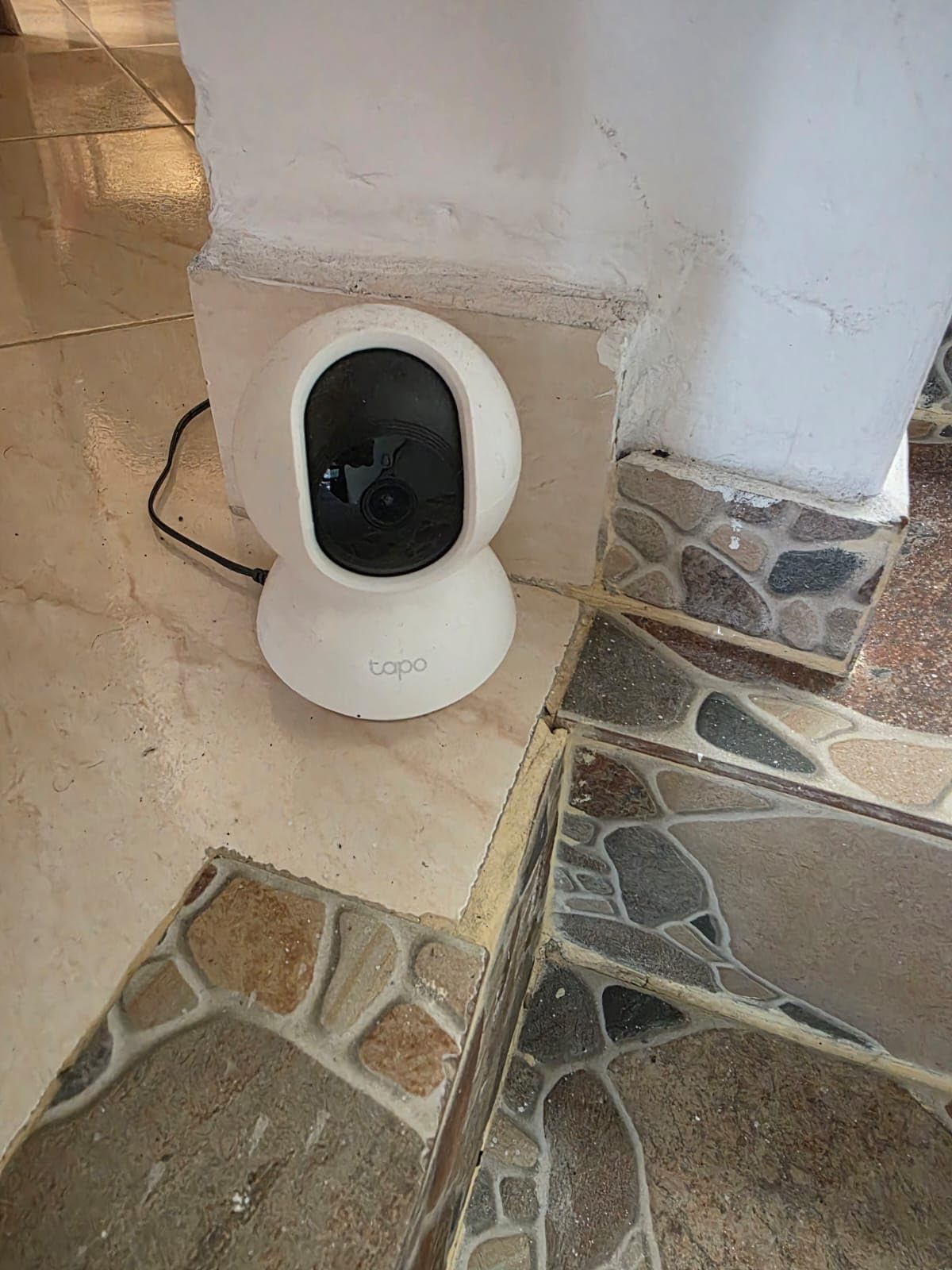
The C210 is the version of the EC70 we would buy for our own parents. Same form factor, same pan and tilt architecture, but the sensor moves from 1080p to 2K at 2304 by 1296. That extra detail is what lets you tell a person from a coat on a hook, or spot a change in how someone is moving between rooms.
For elder monitoring specifically, that distinction is the whole game. A fall looks like a shape on the floor at 1080p in a dim room. At 2K with 30 feet of night vision you can see posture, and posture tells you whether to call.
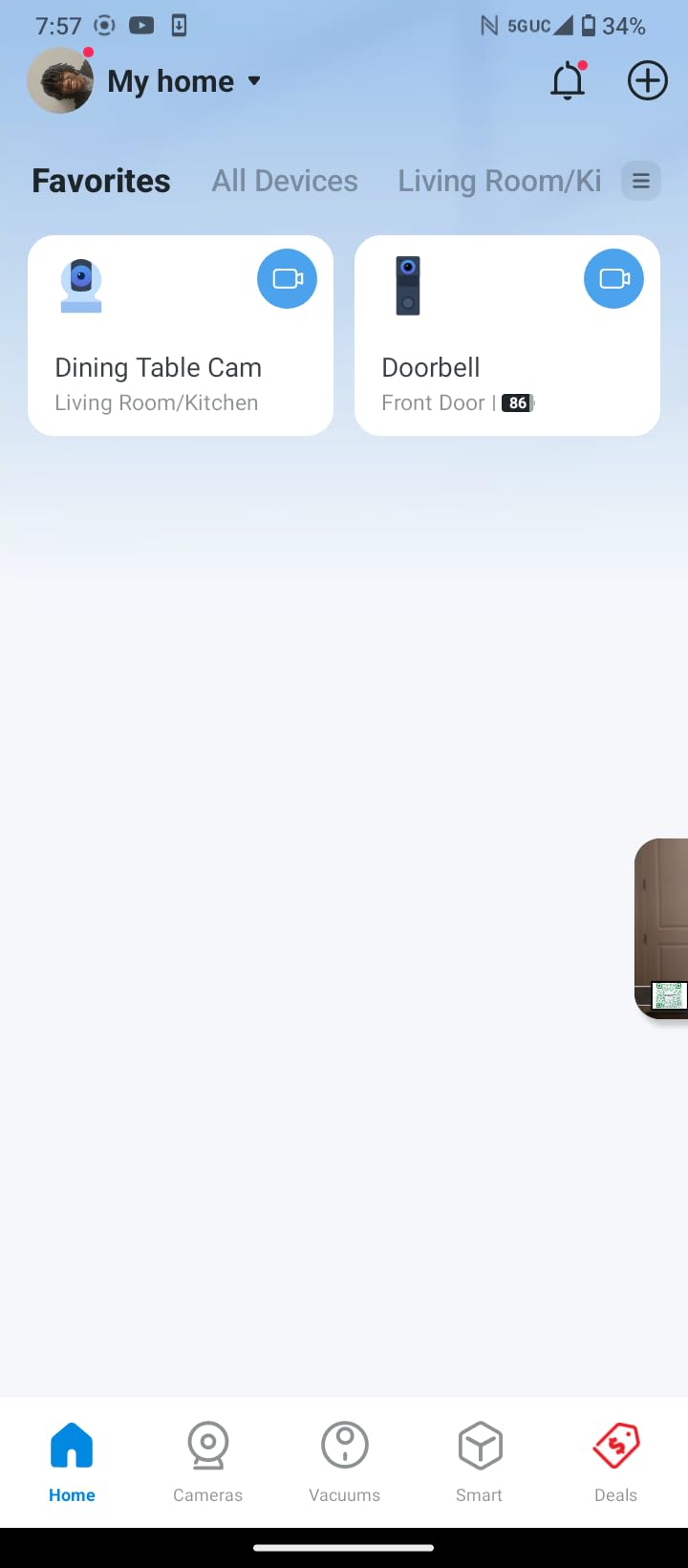
Device sharing is the feature that matters most if more than one person is involved. Two phones can view the same live feed at the same time, so a sibling in another state and a paid caregiver in the same town can both check in without passing a single login around. That avoids the practice forum users warn against, where one shared password eventually leaks.
Motion, person and baby crying detection with instant push notifications all work without a subscription. Tapo Care is optional and adds 30-day cloud history, so you can keep the local card as the primary record and use the cloud only as a backup.
Where this camera fits best
This is the pick for a parent with genuine mobility concerns who moves between two or three rooms, where you want one camera to follow them rather than three fixed ones staring at empty doorways. Preset viewing positions let you jump between the sofa and the kitchen table with one tap.
It also works well in a home where the camera does double duty as a baby or pet monitor, since crying detection is built in. Several of the highest-rated reviews on this model come from parents using it exactly that way.
Where this camera disappoints
Wired power means an outlet within about six feet of wherever you want coverage. In an older house with oddly placed sockets that can dictate the camera position rather than the other way around.
Pan and tilt adjustment can feel slightly laggy in the app, and live audio requires the app to be open on your phone. Neither is serious for a daily check-in, but both are mildly annoying when you are trying to talk to a parent while also watching them.
5. eufy Indoor Cam E220: 360 Degrees With On-Device AI
eufy Security Indoor Cam E220, Dog/Pet Camera, Pan and Tilt
2K clarity
360 degree pan
On-device AI detection
10.56 ounces
Pros
- 2K clarity with 360 pan covering a full room
- On-device AI keeps recordings local
- No mandatory subscription with a microSD card
- Automatic tracking follows the moving subject
- Works with HomeKit
- Alexa and Google Assistant
Cons
- AI human detection is inconsistent at mid range
- Tracking can miss important events
- 2.4 GHz Wi-Fi only
- microSD tops out at 128 GB
Eufy comes up constantly in family forums when people discuss cameras for an aging relative, and the E220 is the model that community tends to land on. Users running eufy hardware for an elderly parent cited wired power, easy setup and no subscription fees as the deciding factors. Those three things still hold here.
On-device AI is the part that separates it from most of the field. The camera decides locally whether a person or a pet caused the movement, and it records only the events of interest. Nothing about your parent’s daily routine has to leave the house for the basic filtering to work, which matters if you are asking an anxious parent to accept this technology at all.
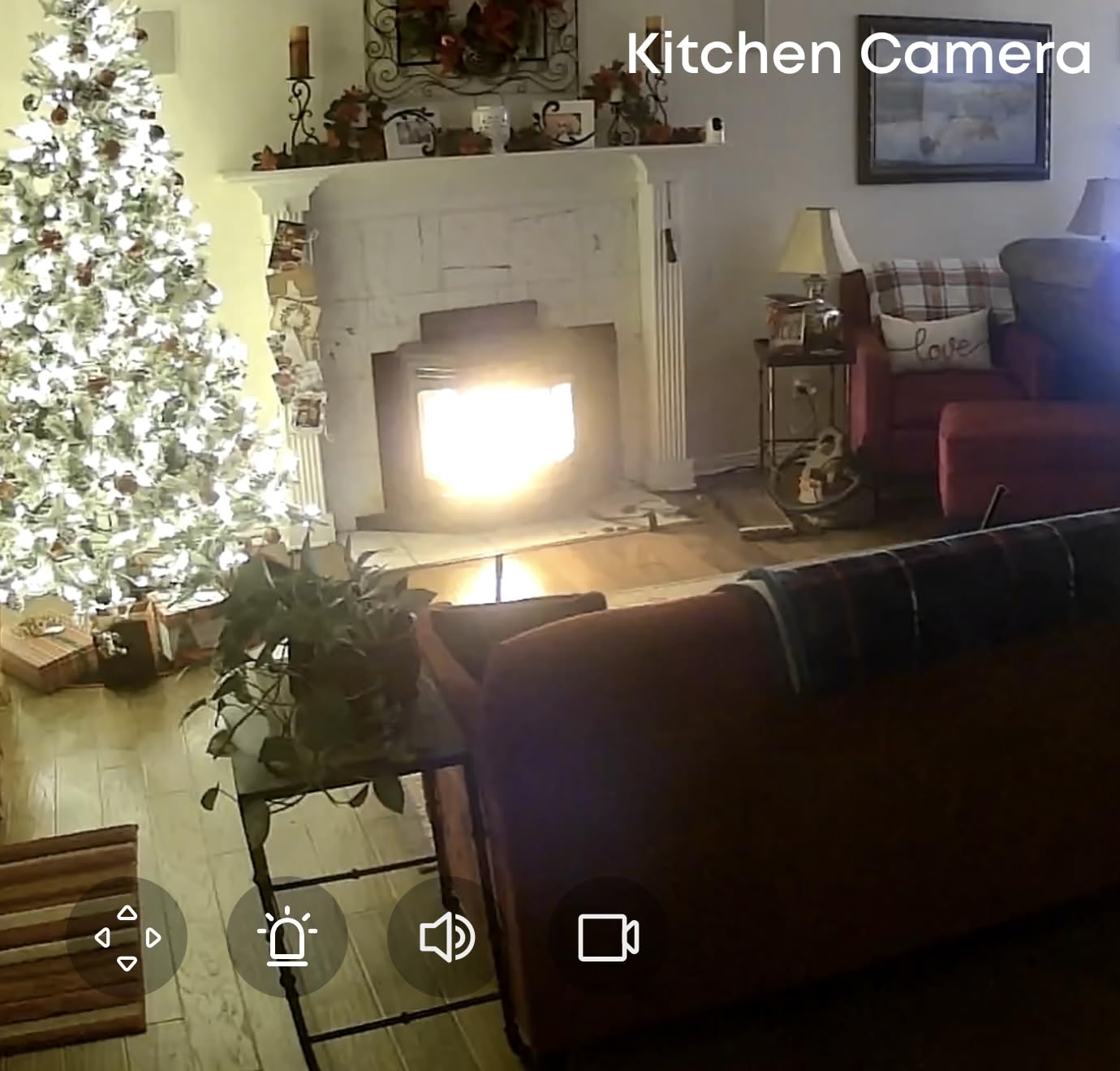
Apple HomeKit support is the standout for anyone in an Apple household, with one caveat: output drops to 1080p when you stream through HomeKit. If you want the full 2K picture, view it in the eufy app instead.
The body is small, at roughly 2.97 by 2.97 by 4.21 inches and about 10.5 ounces, so it disappears on a shelf better than most pan and tilt units. That matters more than it sounds when the camera lives in someone’s living room rather than a back hallway.
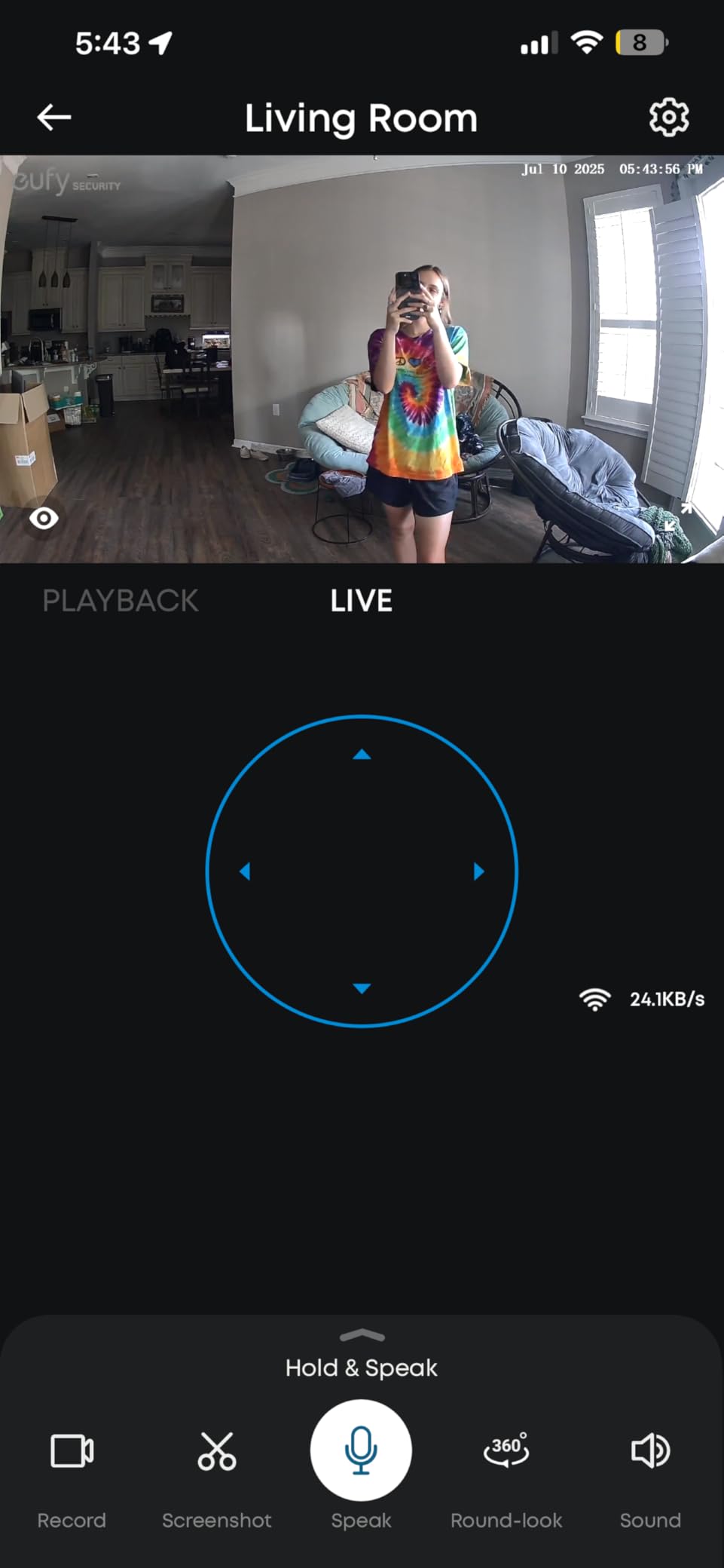
Where this camera fits best
Choose the E220 for a privacy-conscious family in an Apple or mixed-ecosystem home, where the parent should never have to pay a monthly fee and where footage staying local is a selling point you can actually explain to them.
It is also a strong fit for homes with a pet, because on-device AI separates the cat on the sofa from the parent walking past. That means far fewer false alerts, which is the number one complaint we saw about budget indoor cameras.
Where this camera disappoints
Human detection is inconsistent at mid range, and tracking sometimes misses the event it was supposed to follow. One forum user we read about cameras generally described a unit that failed to detect someone walking slowly in front of it. Treat auto-tracking as a convenience, not as the reason you get an alert.
The microSD ceiling is 128 GB in practice despite listings claiming 256, and the eufy app can lag when opening recorded events. If you need long retention, plan on rotating cards or use cloud backup.
6. aosu 2K Indoor Camera: The One-Touch Call Button
aosu 2K Indoor Camera,Baby Monitor for Home Security with 2.4GHz WiFi only
2K QHD at 25fps
One-touch call button
360 pan and 155 tilt
33 ft night vision
Pros
- One-touch call button is simple enough for older adults
- 360 degree pan and 155 degree tilt from a small body
- Good 2K image and audio quality
- Local microSD storage avoids a required subscription
- Multiple household users can be added
- Unobtrusive design
Cons
- Needs a power connection
- 2.4 GHz Wi-Fi only
- App occasionally crashes
- Night vision is dimmer than daytime image
This is the camera we would hand to a parent who has refused every smartphone we have tried to get them to use. Instead of an app screen, there is one physical button on top. Press it and the camera rings every registered household member. That is the entire interaction, and for someone who does not want to fiddle with a phone, it removes the last reason to resist.
The rest of the hardware is quietly capable. 2K QHD at 25 fps, 360 degree horizontal rotation with 155 degrees of vertical tilt, 6x zoom, and IR night vision reaching 33 feet. That tilt range is wider than most pan and tilt cameras here, which helps when the camera is low on a console table rather than up high.
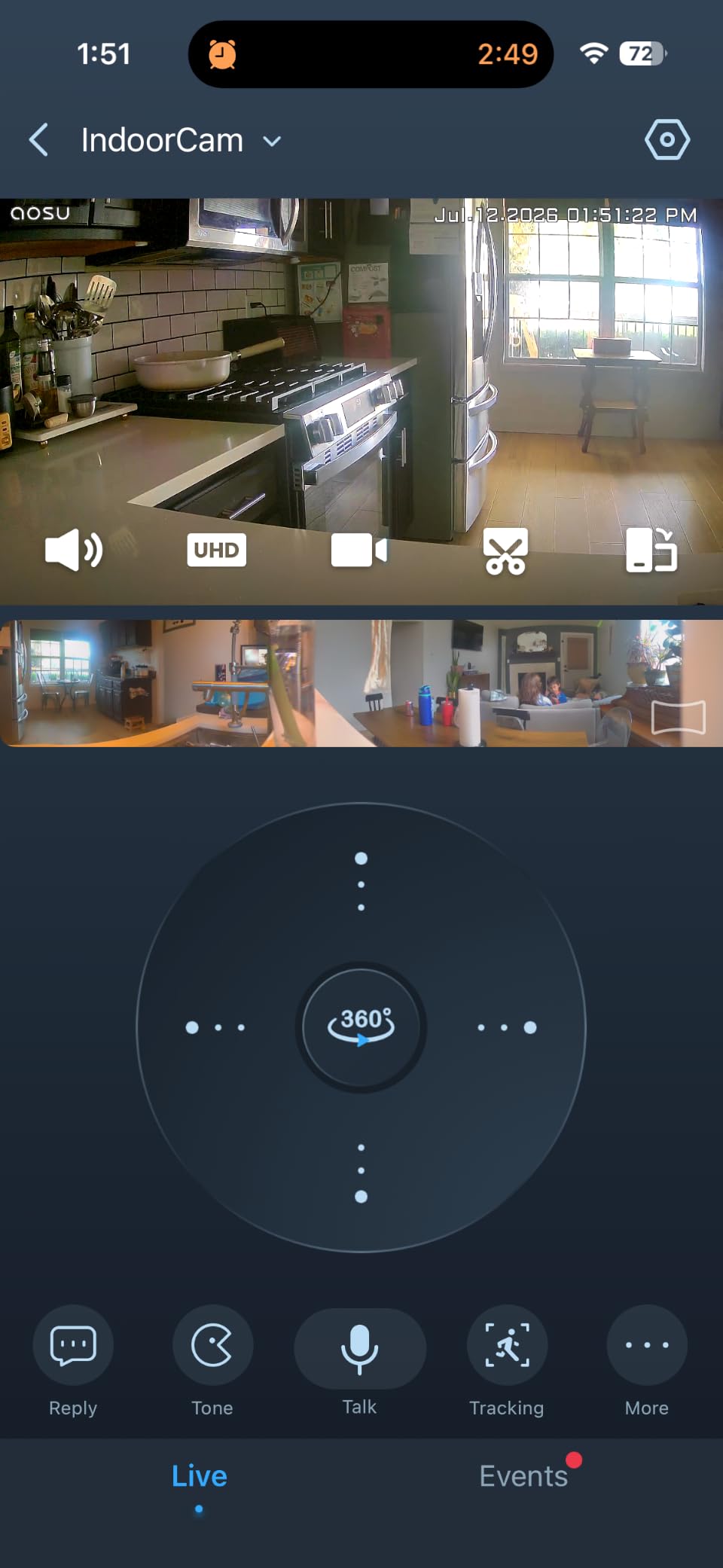
Multiple household users can be added with individual settings, so a paid caregiver can get their own login instead of borrowing yours. Combined with the call button, that covers the two most common requests from people setting this up for a parent: a simple way for them to reach you, and a clean way to give someone else access.
The body is small enough, at about 4.3 by 2.3 by 2.3 inches, that it does not dominate a room. Reviewers repeatedly mention that people in the home do not object to it, which is a strange but real factor when you are monitoring a living room.
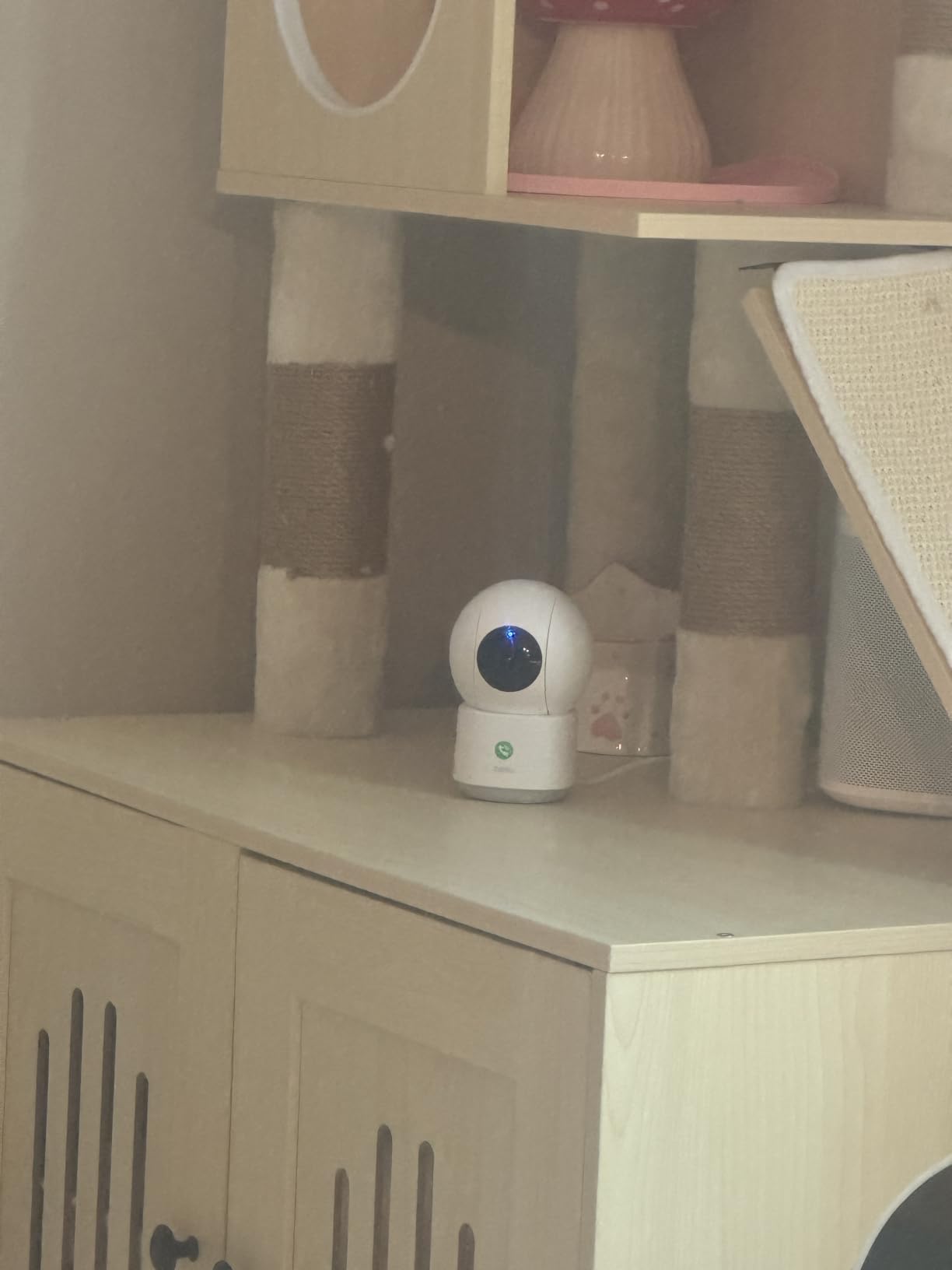
Where this camera fits best
This is our pick when the parent will not or cannot use an app but can press a button. It suits a parent with moderate dexterity who cannot manage a small screen but can push a physical control, and it works well in a living room where a low profile matters.
The 2K sensor and wide tilt make it a reasonable general camera too, so a single unit can cover a sofa, a doorway and a window without the sweeping motion feeling mechanical.
Where this camera disappoints
Wi-Fi dropouts on weak networks require a reboot and readjustment, and the app occasionally crashes and needs to be force-closed. Both appear in a minority of reviews, but both happen at exactly the wrong moment, which is when you need to check in.
It is 2.4 GHz only and needs a power connection. Night vision is dimmer than the daytime image, so a dim evening room will not be as clear as the daytime footage suggests.
7. Blink Mini 2K+: Fastest Setup and Clearest Audio
Blink Mini 2K+ (newest model) – Plug-in Home & Pet Indoor Security Camera with 2K video resolution, night vision, enhanced audio, motion detection – 1 camera (White)
2K video with up to 4x zoom
Plug-in power
Night vision
Compact body
Pros
- Sharp 2K video with up to 4x zoom
- Noise-canceled two-way talk is clearer than earlier Mini models
- Compact plug-in design installs in minutes
- Doubles as a chime for a Blink Video Doorbell
- Alexa support
Cons
- Person and vehicle detection requires a separate subscription
- Cloud storage tied to a subscription after the trial
- Fixed camera with no pan or tilt
The Blink Mini 2K+ is the fastest camera in this roundup to get running, and for a family setting things up remotely that matters. Plug it in, scan the code, and it is on the account. It is also small enough to tuck beside a television or on a high shelf without asking a parent to rearrange anything.
Noise cancellation on the two-way talk is the quiet headline. It is noticeably clearer than earlier Mini models, so a check-in conversation sounds like a conversation rather than a walkie-talkie. If your parent talks quietly, which many do, this is the camera that respects them.
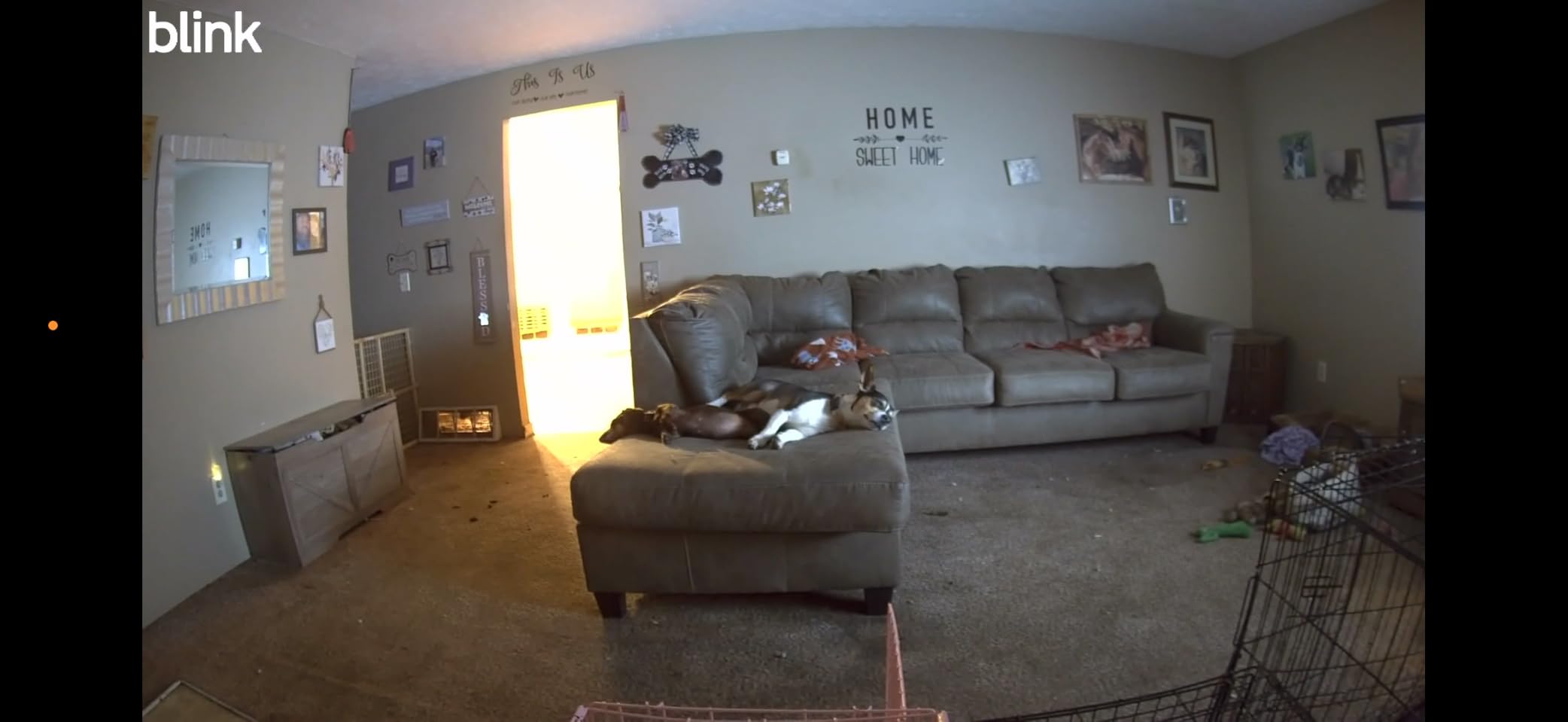
It can also act as a plug-in chime for a Blink Video Doorbell. That is not relevant to elder monitoring directly, but if your parent already has a Blink doorbell and struggles to hear it, the camera becomes a second alert point in the hallway.
The 4x zoom is digital rather than optical, so it is most useful for checking a doorway or a chair rather than reading fine detail across a room. At 2K the base picture is sharper than a 1080p fixed camera at a similar size.
Where this camera fits best
Choose the Blink Mini 2K+ for a parent in an Alexa household who wants a quiet, discreet camera in a hallway or doorway, especially if hearing is a concern. The noise-canceled audio is the single best argument for it.
It is also a sensible second camera when you already run Blink hardware elsewhere, so everything lands in one app. Review counts are in the thousands, which gives us more owner feedback to work from than most cameras at this tier.
Where this camera disappoints
Person and vehicle detection requires the Blink Subscription Plan, and cloud storage is tied to that plan after the free trial. That means the filtering that cuts false alerts and the ability to review footage later both sit behind a recurring fee, which makes it a weaker choice for pure elder monitoring.
Fixed lens with no pan or tilt. And for a parent living alone, a subscription-gated history is a real drawback because you may want to look back at yesterday’s footage and find that only the last few clips remain.
8. eufy Indoor Cam E30: Best 4K Detail Without a Monthly Fee
eufy Security 4K Indoor Camera E30, No Subscription, Work as Pet Camera
4K UHD at 24/7
360 degree pan
Local microSD with no fee
Color night vision
Pros
- 4K UHD video stays clear when zoomed in
- Full functionality with no subscription using local storage
- Smooth 360 pan with Quick Focus Tap
- Reliable on-device AI detection with auto tracking
- Color night vision spotlight with infrared fallback
- Records the seconds before a motion event
- Apple HomeKit support
Cons
- Needs a high-endurance microSD for reliable 4K recording
- HomeKit limits output to 1080p
- Notifications can be chatty without tuning
The E30 is one of two 4K cameras in this roundup and the more versatile of the pair. 4K UHD at 24/7 with H.265 encoding means you can zoom into a face across a large room and still tell who you are looking at. For a parent with any cognitive decline, being able to confirm identity from another state is worth more than almost any other spec here.
Quick Focus Tap is the feature we found ourselves using most. Tap a spot in the live view and the camera pans and narrows to it. Instead of waiting for auto-tracking to find someone, you point at them. Given how often tracking misses the moment, this is more reliable.
On-device AI handles humans, pets, audio cues and crying, with auto tracking after each detection. The integrated spotlight switches between color and infrared night vision, so a dark evening room can stay in color when motion triggers it rather than dropping to monochrome.
Full functionality runs on a local microSD card with no monthly fee, which is unusual at 4K. The catch is that 4K 24/7 recording is hard on memory cards, so budget for a high-endurance card rather than the cheapest one in the drawer.
Where this camera fits best
This is the pick for a large room, a high ceiling, or a parent who has had hallucinations or confusion where you need to positively identify who is on screen. On-device processing with local storage also keeps the privacy story simple to explain.
It works as a pet camera too, since pet detection is separate from person detection. For an Apple household, HomeKit integration is clean, though you accept a drop to 1080p when viewing through Home.
Where this camera disappoints
Motion notifications can be overly chatty until you tune activity zones. Set your zones before you hand it over, or your phone will train you to ignore it within a week.
The head is slightly bulky for small shelves, and at roughly 12.5 ounces it is not the most discreet unit we looked at. With 4K recording, the card itself becomes a real ongoing cost that the no-subscription advantage does not fully erase.
9. Anona 4K Pan-Tilt Two-Pack: Solves the 5 GHz Problem
Anona 4K UHD Indoor Camera, Pet/Dog/Baby Security Camera with Phone App, 360°Pan-Tilt, 5G/2.4G Dual-Band Wi-Fi 6, Auto-Tracking, Person/Pet/Baby Crying Detection, Privacy Mode, Two-Way Audio, 2 Pack
Dual-band Wi-Fi 6
4K 8MP with 8x zoom
Two cameras included
355 degree pan
Pros
- 5 GHz dual-band Wi-Fi 6 avoids 2.4 GHz congestion
- 4K UHD with 8x zoom captures detail at distance
- Detects people
- pets and crying separately
- 355 degree pan plus 110 degree tilt with auto tracking
- Two cameras cover more than one room
Cons
- microSD card not included
- Newer brand with a smaller review base
- Cloud storage is a paid option
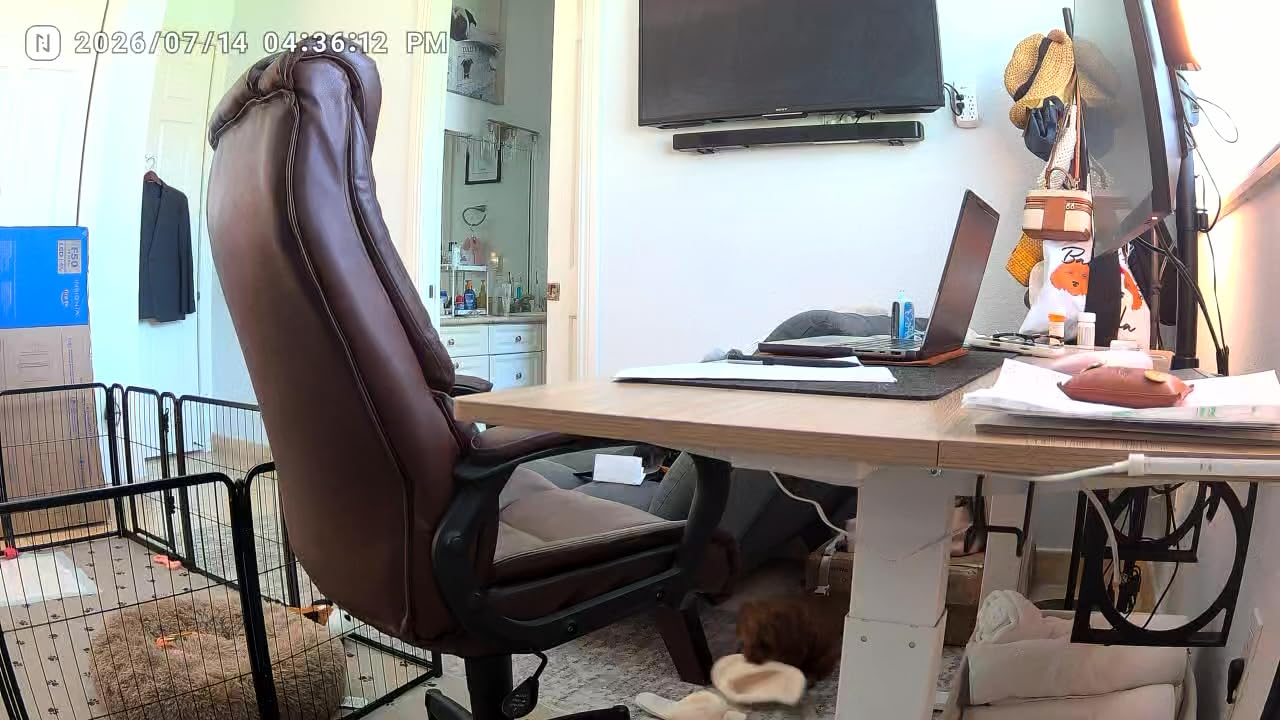
Most indoor cameras in this price range are 2.4 GHz only. The Anona is the exception here, with dual-band 2.4 GHz and 5 GHz Wi-Fi 6, and in an older house with thick plaster walls and a crowded 2.4 GHz band that is often the difference between a camera that connects on the first try and one that needs three attempts and a restart.
You get two cameras in the pack, which is what most families actually need. One in the living room, one in the hallway or kitchen, both 4K 8MP with 8x zoom. Multi-room coverage without buying two units is the clearest reason to pick this over a single pan and tilt.
Detection separates people, pets and baby crying with instant app notification. Privacy mode is built in, so you can cut the camera from the app during private hours without unplugging anything, which is a softer version of the Ring’s physical cover.
Local microSD up to 512 GB works for recording, and the cloud option is AES-128 encrypted. The cloud is a paid add-on rather than a requirement, so you can start entirely local.
Where this camera fits best
Pick the Anona when your parent’s home has thick walls, an older router, or a 5 GHz network that other family devices have already claimed. Dual-band support, along with the two included cameras, means it lands on whichever band is less crowded and still covers more than one room.
It also suits anyone who wants two rooms covered at high resolution and cares about local processing of detection data. Alexa and Google Assistant are both supported, so it drops into an existing smart home without a hub.
Where this camera disappoints
The microSD card is not included, so local recording needs an extra purchase, which undercuts the no-subscription pitch slightly. Plan for that before you set it up remotely.
Anona is a newer brand with a much smaller review base than the Tapo and eufy models here. The spec sheet looks strong and the rating is 4.5 from roughly 2,050 reviews, but long-term reliability comments do not exist yet. Several forum threads describe indoor cameras failing after several months, and with a newer brand you have less history to reassure you.
10. SensForge 2.5K Pan-Tilt: The Shared-Access Answer
SensForge 2.5K Indoor Pan-Tilt Security Camera, 360° Dual-Band 2.4/5GHz Wi-Fi Camera for Home, Smart AI Human & Pet Detection, 64GB SD Card Included, Two-Way Talk, No Subscription Required (1, White)
2.5K capture
64GB SD card included
Dual-band 2.4 and 5 GHz
360 pan and 90 tilt
Pros
- Only camera here that includes a 64GB SD card installed
- Dual-band 2.4 and 5 GHz reduces connection problems
- 2.5K resolution is a step up from 1080p
- 360 pan plus 90 tilt covers a full room
- No subscription for continuous local recording
- Easy permission sharing for several family members
Cons
- App only available in the United States and Canada
- SD card cannot be expanded beyond 64 GB
- AI summaries require optional Pro Membership
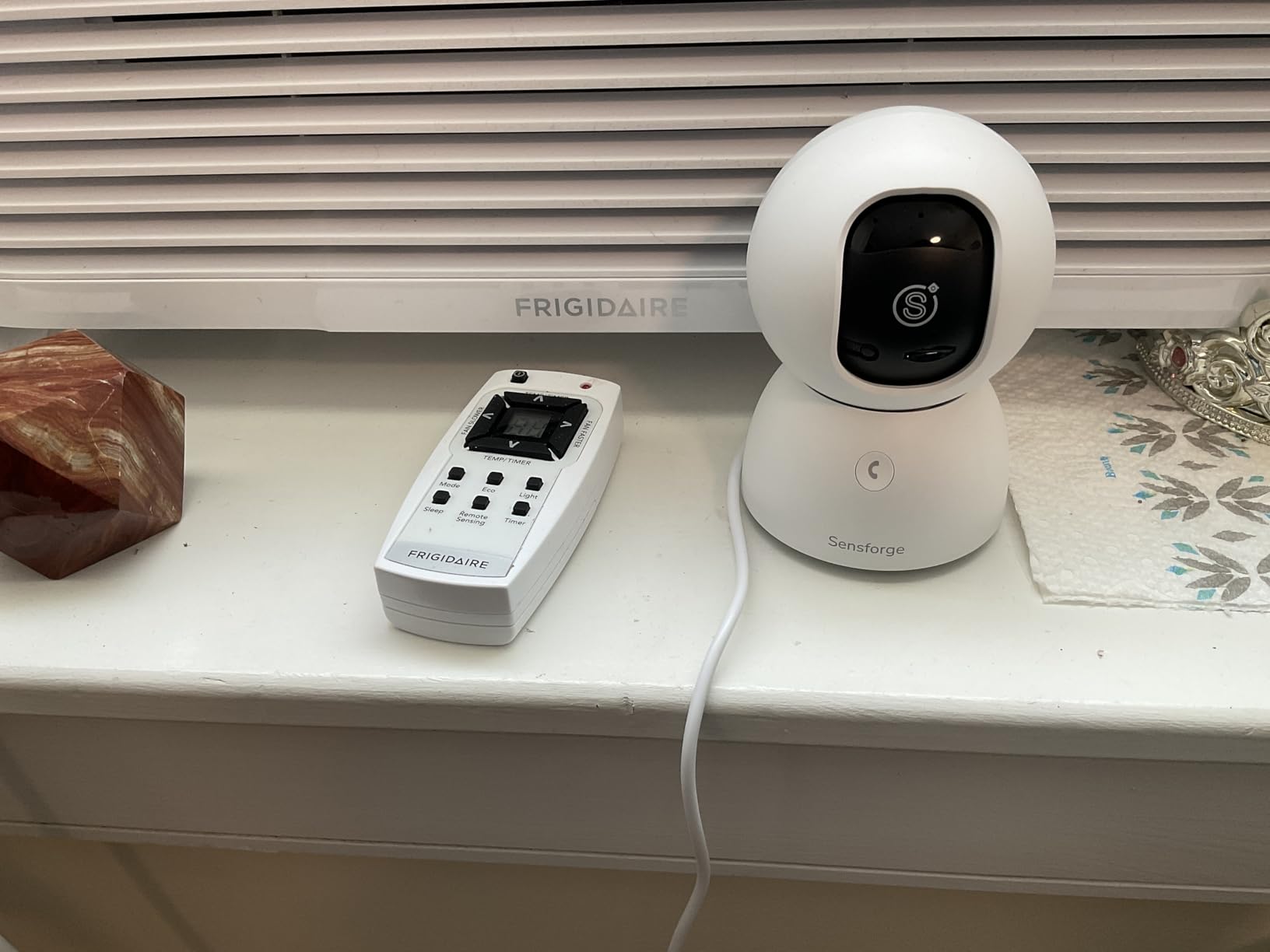
The SensForge answers the question that comes up on almost every forum thread about this topic: how do several people watch the same feed. It has explicit shareable access and permissions in the app, so you can add a sibling, add a paid caregiver, and remove either one later without resetting anyone else. That is a meaningfully different feature set from passing one login around a family group text.
The included 64GB microSD card is the other reason I like it. Every other camera here needs you to buy a card separately for local recording, which is the step most remote setups forget. This one arrives ready to record.
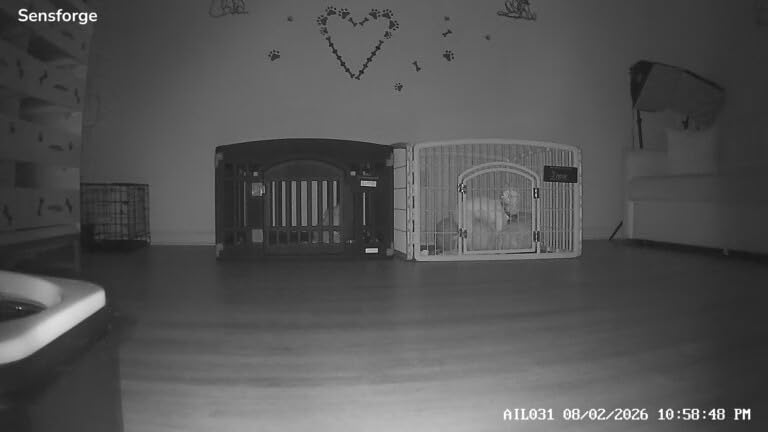
Dual-band 2.4 GHz and 5 GHz support gives it the same connection flexibility as the Anona without needing two cameras. At 2.5K capture and 360 degree pan with 90 degrees of tilt, it covers a room well and holds more detail than the 1080p pan and tilt options.
AI detection covers humans, dogs, cats and general motion, and runs without a paid tier. The optional Pro Membership adds AI video descriptions and weekly highlight reels, which are conveniences rather than safety features, so you can skip it.
Where this camera fits best
Choose the SensForge when more than two adults need access, such as a family with three adult children plus a paid caregiver. Per-user permissions mean you can give the caregiver view-only access to the living room without exposing your whole account.
It is also the simplest remote first-time setup of the subscription-free options, because the card is already in the camera. If you are shipping it to a relative and configuring it over the phone, fewer steps means fewer failures.
Where this camera disappoints
The app is only available in the United States and Canada. If your parent lives elsewhere, or you travel to set it up, this one is out.
The 64GB card cannot be expanded, and the camera is not designed to be placed behind or through a window. With a smaller review base than the established brands, it carries more uncertainty over a multi-year horizon.
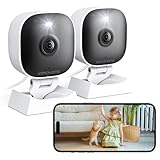
11. VSMAHOME 2K Two-Pack: Covering Two Rooms on a Shoestring
2K Cameras for Home Security Indoor/Outdoor,Inside Cameras for House/Baby/Elder/Pet,Wifi Camera,Plug&Play,Color Night Vision,2-Way Audio 24/7 Record,Support Cloud/Memory Card(Not Included),6.56ft Wire
2K with color night vision
IP66 rated
Fixed 105 degree lens
Two cameras included
Pros
- Lowest two-camera cost in this roundup
- IP66 rated so the same unit works on a sheltered porch
- Color night vision rather than black and white
- Two-way talk for soothing or checking in
- Two-year warranty and weekday phone support
Cons
- 2.4 GHz Wi-Fi only
- Fixed camera with no pan or tilt
- No memory card included
- microSD limited to 128 GB
- Smaller review base
When a family needs two rooms covered and the budget is genuinely tight, this two-pack does the job without much thought. The cameras are wired with a 6.56 foot cable, which is long enough to reach an outlet from a shelf or a door frame in an older house where sockets are in odd places.
The IP66 rating is unusual at this end of the market and genuinely useful. It means the same unit can sit inside or on a sheltered porch, so if your parent’s entryway has partial cover you are not buying a second type of camera.
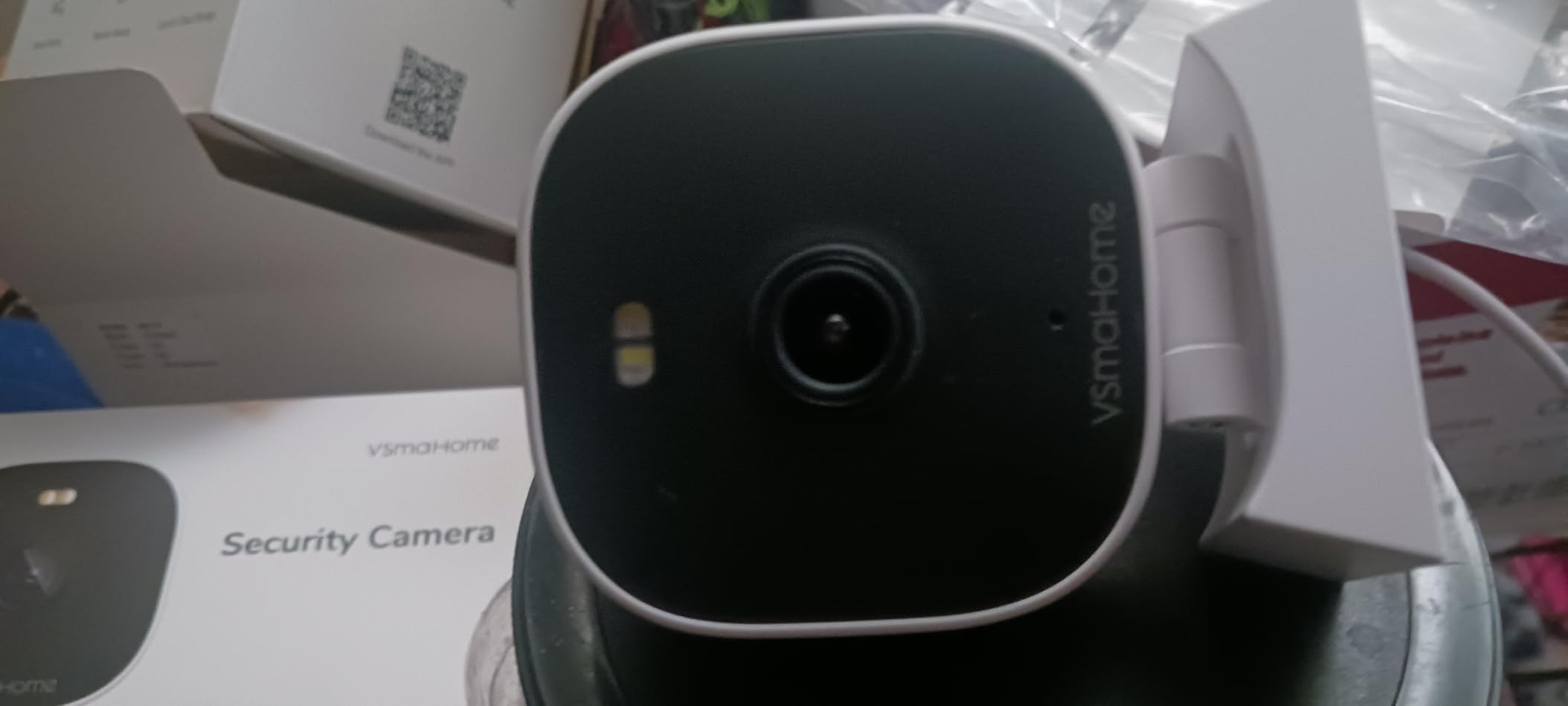
Color night vision rather than the usual infrared black and white is a real difference for evening check-ins. You can tell a person from a chair at 11pm, which matters when the question is whether someone is sitting on the floor or in their chair.
Two-way talk works for checking in, and the two-year warranty plus weekday phone support gives you somewhere to go if a unit misbehaves. Reviewers treat the fixed 105 degree lens with 8x digital zoom as adequate for a hallway or doorway.
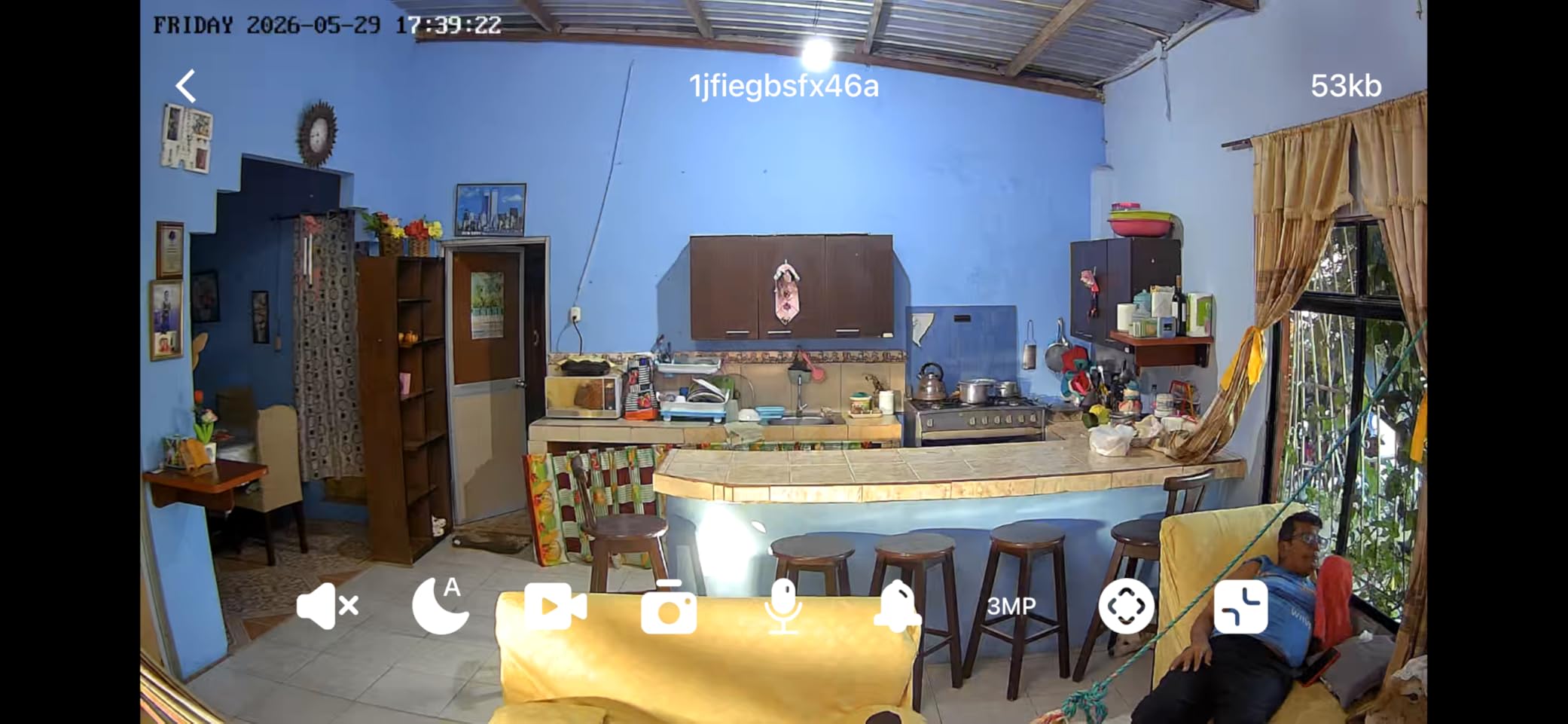
Where this camera fits best
This is the pick for a first attempt at monitoring a parent’s home where you want a camera in the living room and one near the front door, and you would rather not research a subscription model. Local microSD up to 128 GB keeps recording free.
It also suits a home with a covered porch or a damp hallway where an indoor-only camera would be a poor fit. The two-year warranty is longer than several competitors here.
Where this camera disappoints
No memory card is included, so local recording needs an extra purchase, and the card tops out at 128 GB. Both are friction points in a remote setup.
It is 2.4 GHz only with a fixed 105 degree lens, so coverage is a slice rather than a room. The review base is by far the smallest here at around 750 ratings, and the brand is less established, so long-term reliability is less documented.
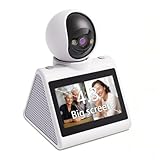
12. KEENLUK Camera With Built-In Screen: The Only One a Parent Can Use Alone
KEENLUK Home Security Camera with 4.3″ Screen, Two Way Video Call Function for Elderly, Baby and Pets, 1080P HD with Motion Detection
4.3 inch built-in screen
One-button call
1080p with 350 degree lens
SD card storage
Pros
- Built-in screen lets a parent see who is calling without a phone
- One-button call removes the need for a smartphone app
- Device-to-device calling between two cameras
- Screen can be switched off in settings for privacy
- Two-way video with clear audio
Cons
- Only 1080p rather than 2K or 4K
- 2.4 GHz Wi-Fi only
- SD card not included
- Smallest review base in this roundup
This is the only camera in the roundup with a screen on the camera itself. A family member appears on the 4.3 inch display when they call, and there is a single button to answer. For a parent who does not use, or will not use, a smartphone, that changes the fundamental relationship. They are a participant in the call rather than the subject of a feed.
Device-to-device calling lets two cameras in a home talk to each other, so you could pair one in the bedroom with one in the kitchen as a simple intercom. The 350 degree wide-angle lens with night vision covers a small room almost completely from a corner.
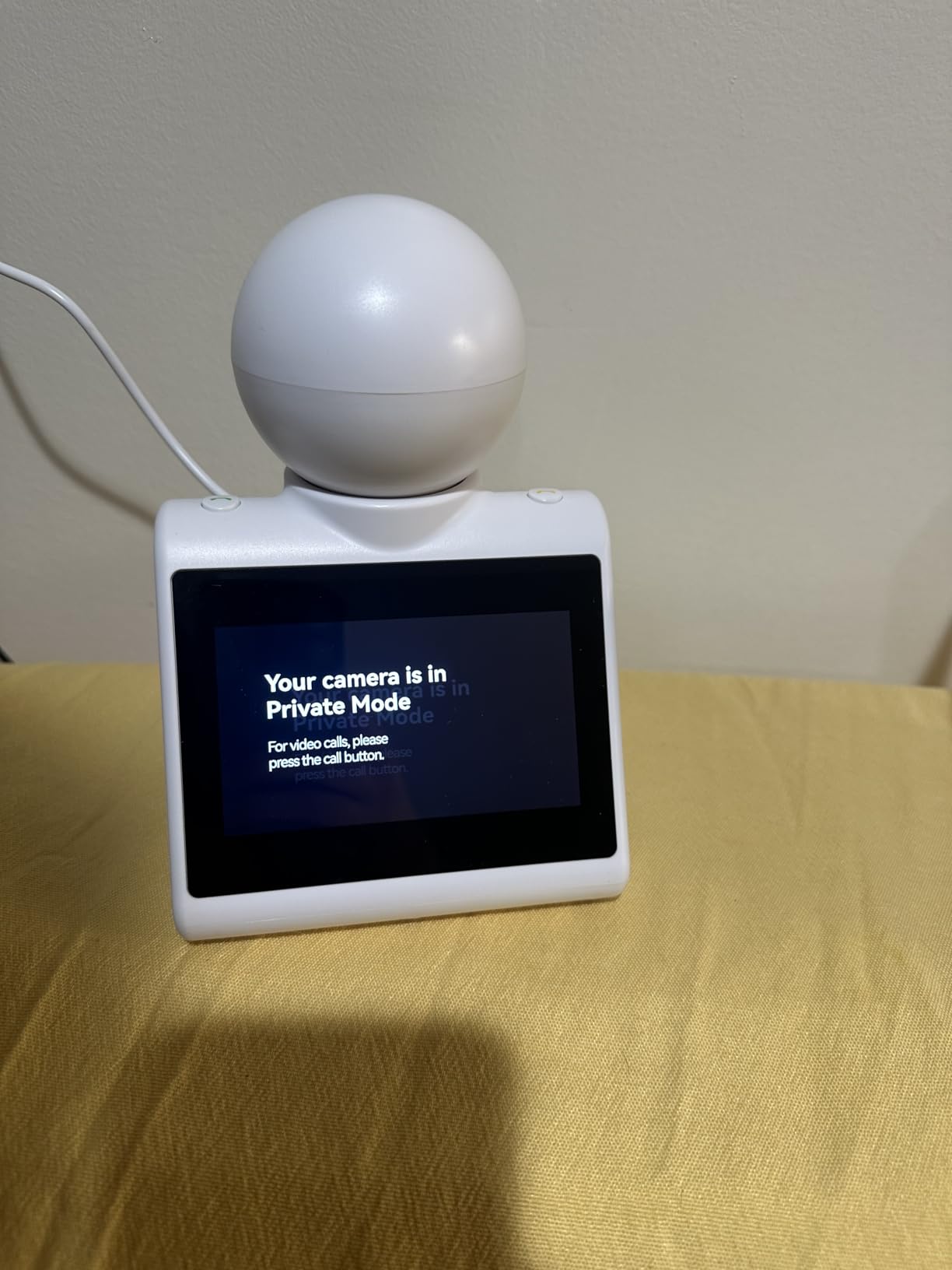
Privacy control is handled in app settings, where you can switch the screen off. That is softer than a physical cover, but it also means the screen does not glow in a dark bedroom all night, which is the more common complaint with these screen-equipped units.
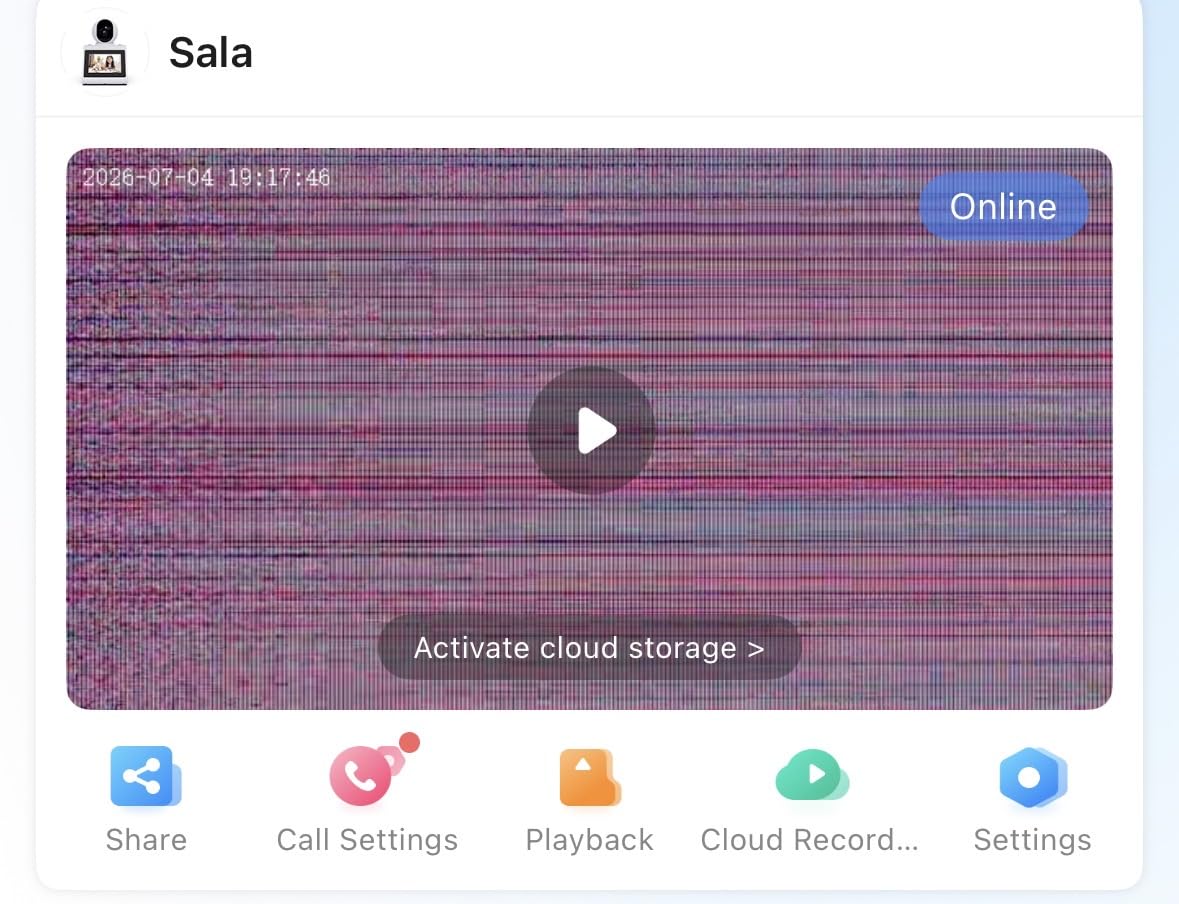
Motion sensors send notifications to a phone, so you still get told when the room is active. Local SD card storage works, though the card is not included.
Where this camera fits best
This is the pick for a parent with no smartphone, mild cognitive impairment, or a stated refusal to have a phone app on their account. The video call back to the camera is the single most caregiver-friendly feature in the entire roundup.
At roughly 4.72 by 4.72 by 7.08 inches it needs a shelf or a bedside table, and it is best placed where a parent naturally spends time, such as beside an armchair or on a kitchen table.
Where this camera disappoints
It is 1080p only, so if you need to read fine detail across a room this is the wrong tool. With a 4.0 average and roughly 210 ratings, it carries the lowest rating and smallest review base here, with a meaningful share of one-star reviews.
It is also 2.4 GHz only and needs a card purchased separately. The appeal is very specific and very real, but it is a narrower camera than the Tapo and eufy options if your parent is comfortable with an app.
How to Choose an Indoor Camera for Elder Monitoring
Specification sheets for security cameras are written for burglary, not for aging in place. The National Institute on Aging frames aging in place around the idea that most people want to remain in their own homes, and technology is one support among many. That reframes what you are shopping for. Here is the order we would work through.
Start with the check-in, not the picture
Ask yourself what a normal check-in looks like. Most families want to glance at a parent for thirty seconds in the morning and again in the evening, and occasionally talk to them. Two-way audio quality ranks above resolution for that use. If your parent speaks softly or speaks in a language the microphone struggles with, test the audio before anything else.
Pan and tilt versus fixed is the next decision. A fixed camera with a stable, well-chosen angle produces fewer confusing notifications and a steadier image. A pan and tilt camera covers a whole room but can lose a person mid-sweep. For one parent in one main room, either works. For a parent who moves between rooms, pan and tilt earns its place.
Decide the storage question before you buy
This is where subscription fatigue does real damage. Free tiers commonly retain only short clips, which means you cannot look back at yesterday’s evening to see whether your mother was eating or moving around normally. Local microSD storage removes the monthly fee and keeps footage in the house.
Work out your retention need first. A 256GB or 512GB card at 1080p gives weeks of continuous footage. At 4K, plan on a high-endurance card and expect a shorter window. Check whether the card is included: the SensForge includes 64GB, most others do not.
Count the people who need access
This gets skipped and it causes real friction. If two adult children plus a paid caregiver need to view the feed, you want per-user sharing rather than one shared login. Device sharing on the Tapo C210 and explicit permissions on the SensForge handle this properly. Round-robin use of a single account is how shared passwords leak.
Check the Wi-Fi before you commit
Most indoor cameras here are 2.4 GHz only, including every Tapo model, the eufy E220, the aosu, the VSMAHOME and the KEENLUK. If the router splits 2.4 and 5 GHz onto different network names, 2.4 GHz-only cameras will not find the network you are looking at. The Anona and SensForge support both bands.
In older houses with thick walls, a mesh node near the camera location often solves more problems than any camera choice. If you can place the router or a mesh node in the same room as the camera, do that before you shop.
Verify the privacy controls and the notification settings
A physical privacy cover, as on the Ring Indoor Cam, is the strongest form of control because your parent can operate it without an app. App-based privacy modes are acceptable. Before handing the camera over, tighten the activity zones and disable any siren or spotlight you will not use. Forum users describe sirens starting older adults at night, which is the opposite of what you want.
Also follow the FTC and NIST guidance on securing these devices: change default passwords, turn on two-factor authentication where the app offers it, and keep firmware current. A camera on the guest network rather than the main network limits the damage if the device is ever compromised.
Consent, Privacy and Dignity With Your Parent
Here is the part most camera roundups skip. On senior forums, an older poster put it plainly: constant videotaping makes them feel watched rather than safe. That is not a technical objection, and buying a better camera does not answer it. A parent who feels surveilled will find a way to unplug the camera, cover it, or stop answering.
So have the conversation before you buy anything, not after. A workable opener sounds something like: I want to be able to check on you without driving over every evening, and I want to know you are okay if I call and you do not pick up. That framing positions the camera as a way to reduce your interruptions, not to add oversight.
Then give them something real. Offer a choice of location, and let them veto the bedroom and the bathroom outright. Offer a camera with a physical privacy cover and let them demonstrate that they can turn it off. If they pick the screen-equipped model and can call you back, they are an active participant rather than a subject.
Tell them what you will and will not do. Say plainly that you will not watch them in private spaces, that you will not review footage recreationally, and that you will not add cameras to other rooms without asking. Families that make those limits explicit tend to get more cooperation than families that ask for blanket access and hope for the best.
Setting Up From Another State
Setting up a camera in your parent’s home when you live hours away is the most common setup scenario in the forums and the one most guides ignore. The technical part is fine. The logistics are what break.
Send the camera to them rather than bringing it, and send it before a weekend so they are not unpacking it alone on a weekday. Write the setup steps on paper with photographs. Most of these cameras install by plugging in, scanning a QR code from the phone app, and waiting about a minute.
Do the account setup yourself on your own phone first. Create the account, then use the app’s share or add-user function to send an invitation to your parent or their phone. If you control the parent email account, add it to the household before shipping the box.
Test the Wi-Fi at the intended camera location before you commit to a model. Ask your parent to hold their phone where the camera would sit and check the signal there. If it is weak, solve that with a mesh node first. A camera that drops offline generates alerts that train you both to ignore it.
Finally, book a video call and walk through one check-in together. Nothing catches setup problems faster than watching your parent open the app, find the live view, and press the talk button. Do that once and most of the support burden disappears.
Layer Your Safety Plan: Camera Plus Pendant Plus Check-Ins
No indoor security camera detects a fall in a medically reliable way. Some will flag a large change in a scene or a prolonged absence of movement, and some will miss a person who fell slowly. None is a certified medical alert device, and none should be presented to a parent as one.
Layer it instead. A wearable medical alert pendant is the layer that calls a monitored response center when a person presses the button or when the device itself is certified to detect a fall. That is the layer built for the job.
The camera layer answers different questions: is my mother up and moving today, did she get to the kitchen, is the house empty when it should not be, can I speak to her right now. Those are well-being signals rather than emergency response, and they complement a pendant rather than competing with it.
A third layer is free. Agree on a check-in schedule with the parent, something like a morning and evening call, and treat two missed check-ins as a reason to drive over. Cameras plus a pendant plus a routine give you coverage you cannot get from any single device, and the camera is the piece most families are missing.
Frequently Asked Questions
How do I monitor my elderly parent living alone?
Start by putting one camera in the room where your parent spends the most time, usually the living room or kitchen, with a view of the walkway to the bathroom. Choose a camera with two-way audio so you can speak rather than only watch, and use person detection so curtains and pets do not train you to ignore alerts. Set two scheduled check-ins a day rather than watching constantly. Give siblings and any paid caregiver their own app access instead of sharing one login. And treat it as well-being monitoring, not emergency response.
Can I put a camera in my elderly parents’ house?
Yes, if your parent agrees and you stay out of private spaces. The clearest approach is to have the conversation first, choose the location together, and rule out bedrooms, bathrooms and anywhere else private. Pick a camera with a physical privacy cover so your parent can switch it off without an app, and agree in advance that you will not add cameras elsewhere without asking. Families who explain their limits honestly get far more cooperation.
What are the best indoor security cameras for elderly parents?
The Ring Indoor Cam is our top pick for most families because of clear two-way talk and a physical privacy cover. The Tapo EC70 is the best value, with pan and tilt coverage and microSD recording up to 256 GB with no monthly fee. The Tapo C210 adds 2K detail and device sharing for two phones. The eufy E30 covers 4K detail with no subscription. For weak Wi-Fi, the Anona and SensForge are the only picks with 5 GHz dual-band support.
What is the easiest camera to use for seniors?
The KEENLUK camera with a built-in 4.3 inch screen is the easiest, because a parent presses one button to call a family member and sees them on the camera without a phone. The aosu 2K camera is next, with a one-touch call button that rings every registered household member. Every other camera in this roundup assumes at least one adult uses a phone app. If your parent will not use an app, do not buy a phone-first camera and hope for the best.
Are there good security cameras for elderly people that work without WiFi?
No. Every camera in this roundup is WiFi-enabled and needs a home network to stream. Where a parent’s WiFi is weak, the fix is the network rather than the camera. Place the router or a mesh node in the same room as the camera, remember that most models here are 2.4 GHz only, and use the Anona or SensForge if your router separates the two bands onto different network names.
What is the best indoor security camera without a subscription?
The Tapo EC70 is the best subscription-free option, with pan and tilt coverage, 1080p video, 30 feet of night vision and a microSD card up to 256 GB for local recording. The Tapo C210, eufy E220 and eufy E30 are also fully functional with no monthly fee. The SensForge is worth a look because the 64GB card is already installed. The Ring Indoor Cam works without a subscription but puts its AI alerts and video history behind one.
Can an indoor camera detect if my elderly parent falls?
Not reliably, and no consumer indoor camera is a certified medical alert device. Cameras may flag a large change in a scene or a long absence of movement, and can also miss a slow fall. Use a certified wearable medical alert pendant for fall response and treat the camera as well-being monitoring, showing whether your parent is up and moving. A pendant plus a camera plus scheduled check-ins is a far safer plan than any single device.
Final Verdict: Which Camera to Buy
Buy the Ring Indoor Cam if your parent lives alone and you want the check-in to feel like a conversation, and if you are willing to accept that its smartest alerts sit behind a subscription. Buy the Tapo EC70 if you want pan and tilt coverage and no monthly fee, which is the combination most families end up happy with. Buy the Tapo C210 if you need sharper detail and two people watching the same feed.
Move up to the eufy E30 if you need to identify someone from another state, the aosu if your parent will only press a button, and the KEENLUK if your parent will not touch an app at all. Pick the Anona or the SensForge if the Wi-Fi in that house is the thing you are worried about.
Whichever you choose, have the consent conversation first and keep a medical alert pendant in the plan. The best indoor security cameras for elderly parents are the ones a parent is willing to live with, and that is as much a relationship decision as a shopping one.
Related guides on this site: our picks for the best indoor security cameras for pets, best smart locks for elderly parents, and best security cameras for outdoors.