
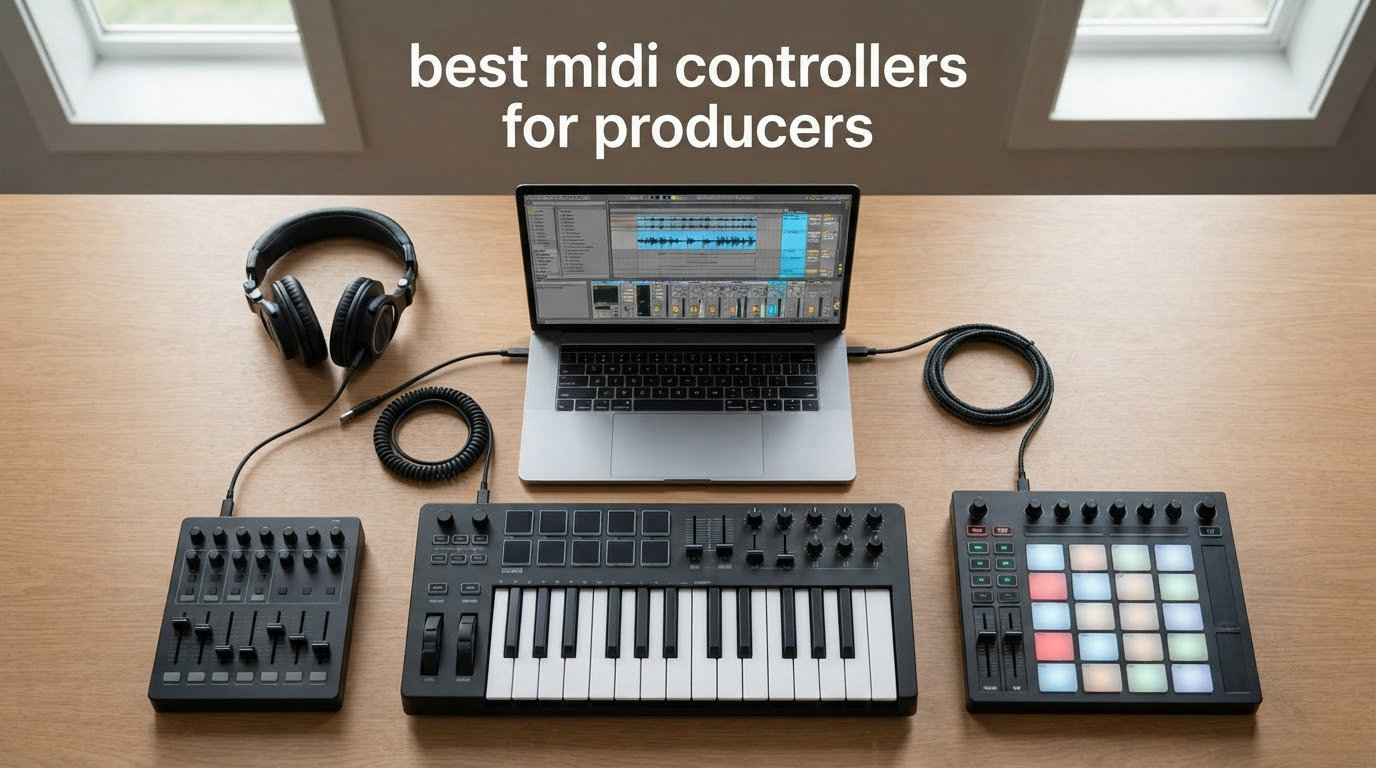
There is no single best MIDI controller for producers, because the right answer depends on three things: which DAW you open every day, whether you need a keyboard or a pad grid, and how many keys your playing actually requires. Our short answer: the Akai Professional MPK Mini IV is the best MIDI controller for most producers starting out, the M-Audio Keystation 49 MK3 is the best value 49-key board, and the Novation Launchkey 88 MK3 is the one to buy if you never want to think about octave shifting again.
We spent weeks moving these twelve controllers between a bedroom studio desk, a rehearsal room and a small stage setup, and we narrowed the list to the boards that do something the others cannot. That means compact travel boards, full 61 and 88 key keybeds, DAW-specific controllers with no keys at all, and a couple of hybrid designs that split the difference.
What follows is a complete roundup of the best MIDI controllers for producers in 2026, covering every controller family on one page. If you want the short list first, jump to the picks below. If you want to understand key counts and key action before spending anything, start with the buying guide further down.
Top 3 MIDI Controllers for Producers in 2026
These three cover the widest range of real workflows, and between them they answer the three questions producers ask most often: which DAW am I using, do I need portability or a full-size keyboard, and what do I want to spend.

Akai MPK Mini IV 25-Key
- 25 mini velocity keys
- 8 rotary knobs and a color screen
- 8 RGB MPC pads
- USB-C plus full-size MIDI out

M-Audio Keystation 49 MK3
- 49 full-size velocity keys
- Volume fader and transport buttons
- Pitch and mod wheels
- Bundled Ableton Live Lite and MPC Beats

Arturia MiniLab 3
- 25 slim synth-action keys
- 8 encoders and 4 faders
- 2 banks of 8 RGB pads
- Capacitive pitch and mod touch strips
The Akai MPK Mini IV earns the top slot on the strength of its review volume, its knob-and-screen control set, and the fact that it still carries a full-size MIDI out so it is not trapped on your computer. The M-Audio Keystation 49 MK3 is the pragmatic pick if you want full-size keys and a working DAW template on day one. The Arturia MiniLab 3 is unusually complete for its size, and it carries the highest average rating of the twelve we tested.
Best MIDI Controllers for Producers (October 2026)
Here is every pick in one scannable block, with the specs that actually change the buying decision.
| Product | Specifications | Action |
|---|---|---|
| Akai Professional MPK Mini IV 25-Key |
|
Check Latest Price |
| M-Audio Keystation 49 MK3 |
|
Check Latest Price |
| Arturia MiniLab 3 |
|
Check Latest Price |
 Novation Launchkey 88 MK3 Novation Launchkey 88 MK3 |
|
Check Latest Price |
 Novation Launchpad Mini MK3 Novation Launchpad Mini MK3 |
|
Check Latest Price |
 Native Instruments Komplete Kontrol M32 Native Instruments Komplete Kontrol M32 |
|
Check Latest Price |
 Nektar Impact GX61 Nektar Impact GX61 |
|
Check Latest Price |
 Akai Professional APC Mini MK2 Akai Professional APC Mini MK2 |
|
Check Latest Price |
 Nektar SE49 Nektar SE49 |
|
Check Latest Price |
 Novation FLkey 49 Novation FLkey 49 |
|
Check Latest Price |
 Korg nanoKEY2 Korg nanoKEY2 |
|
Check Latest Price |
 M-Audio Oxygen 49 MKV M-Audio Oxygen 49 MKV |
|
Check Latest Price |
1. Akai Professional MPK Mini IV 25-Key – Best Overall
Akai Professional MPK Mini IV 25-Key USB-C MIDI Keyboard Controller, Black
25 mini velocity keys
8 assignable knobs and color screen
8 RGB MPC pads
USB-C and MIDI out
Pros
- Huge bundled instrument suite with over 1000 sounds from AIR and Moog
- Pre-mapped control for Ableton Live Lite 12 and Logic Pro
- Full-size MIDI out for external gear
- Light enough for travel and streaming setups
Cons
- Mini keys are small for piano-style playing
- 25 keys in a 3-octave layout forces frequent octave shifting
This is the controller we recommend to a producer who has been working with the mouse and is ready to start playing ideas in real time. The 25 keys are mini, so this is a sketching and beat-making instrument rather than a performance keyboard. What sets it apart from the other 25-key boards in this roundup is the control surface above the keys: eight assignable 360-degree rotary knobs, a push-and-turn encoder, and a full-colour screen that actually shows you what you have selected.
The eight MPC-style pads are velocity and pressure sensitive with RGB backlighting, which makes them far more than decoration. We used them for finger drumming and for mappable one-shots, and the pressure response is consistent enough to play them rather than just trigger them. The arpeggiator adds Pattern, Freeze and Mutate functions plus chord and scale modes, so you can generate movement from a held chord when your right hand is busy elsewhere.
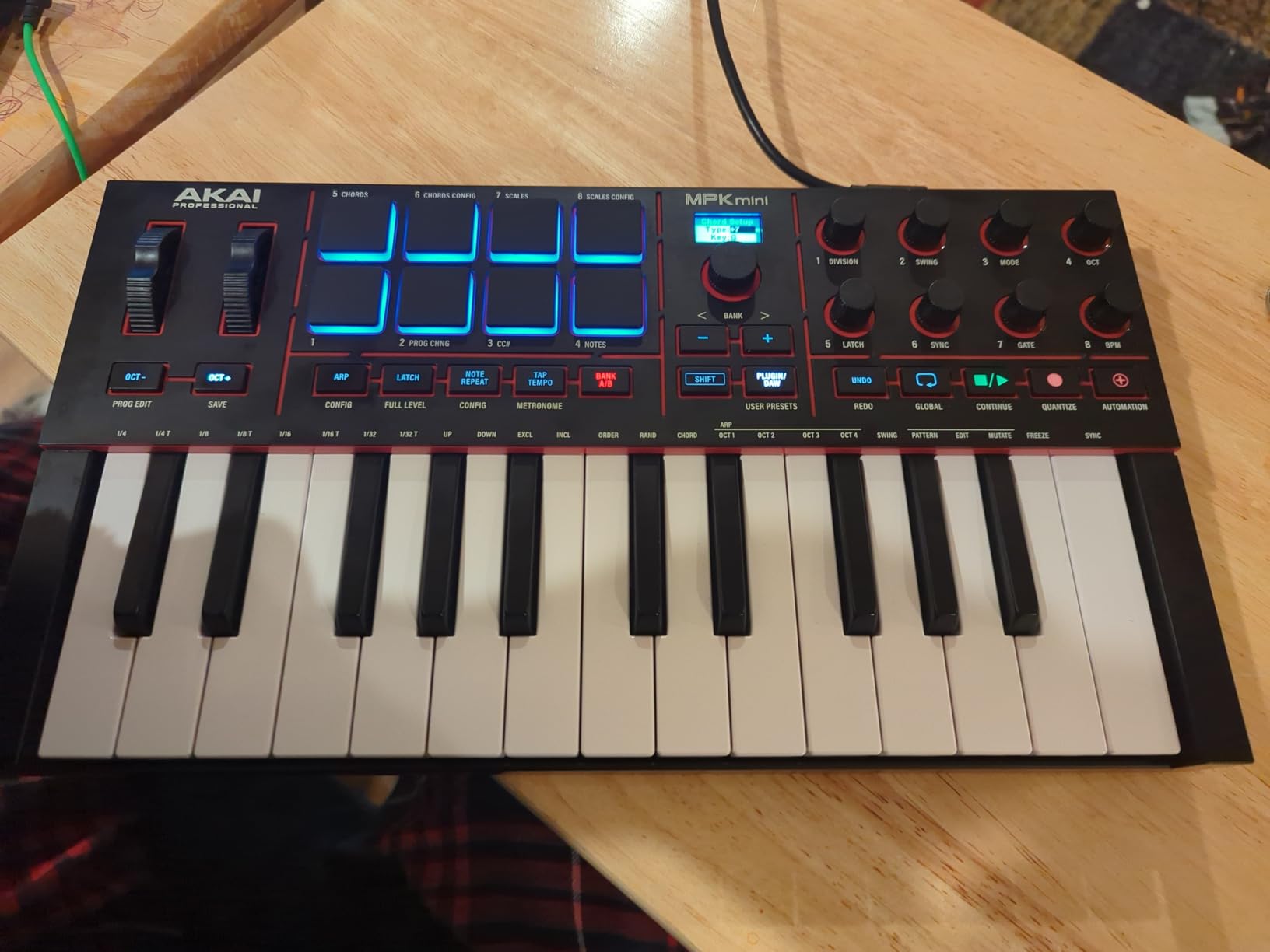
Connectivity is where this board quietly outshines its category. It runs over USB-C using USB 3.0, it is bus powered, and it carries a full-size MIDI out, which means it can drive an external synth or a drum machine instead of being locked to your laptop. Owners on r/synthesizers frequently call Akai hardware bombproof, and that durability reputation is why we keep recommending the brand for a first controller.
The bundled software is unusually generous: a virtual instrument suite with more than 1000 drums, keys, synths, bass and effects from AIR, Akai Professional and Moog, plus Native Kontrol Standard integration and three complimentary Native Instruments sound bundles, and it arrives pre-mapped for Ableton Live Lite 12, Logic Pro and FL Studio, so there is nothing to bind before your first session.
Who the MPK Mini IV suits
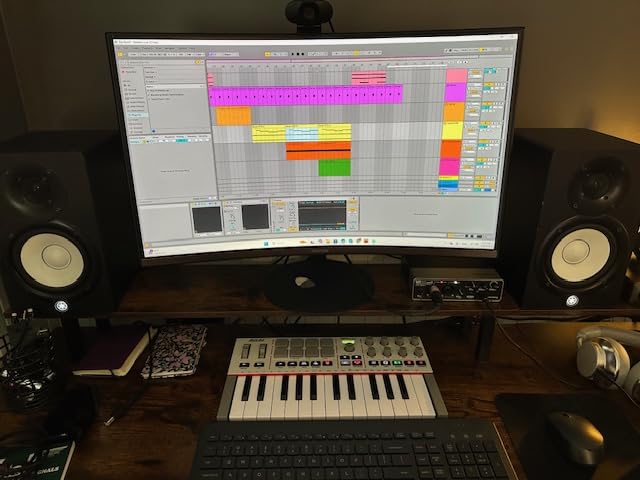
It suits the bedroom producer who wants hands-on control of a plugin mix without giving up desk space, and the beat maker who works mostly in short patterns. It also works as a travel or streaming controller at 1 kg, and as a second surface next to a larger keybed. If you mostly write to a single sound and never need two hands on a chord, this is the right shape.
Where the MPK Mini IV falls short
Mini keys are the whole story here. They are short, they are narrow, and any player with real keyboard technique will feel the gap immediately. The 25-key layout is also non-standard, so the two-octave-plus range means constant octave shifting, which is exactly the fatigue that makes people regret a two-octave board. If you are a trained pianist or a live player, look at a 49-key or 61-key option instead.
2. M-Audio Keystation 49 MK3 – Best Value 49-Key
M-AUDIO Keystation 49 MK3 USB MIDI Controller
49 full-size velocity keys
Volume fader and transport buttons
Pitch and modulation wheels
Sustain pedal input
Pros
- Full-size keys give a natural playing feel
- Volume fader and transport cover essential DAW control
- No drivers or external power required
- Large bundled suite including Ableton Live Lite and MPC Beats
Cons
- Velocity response is often inconsistent on the black keys
- Keys are stiff and light against weighted alternatives
- No pads or rotary encoders for deeper parameter control
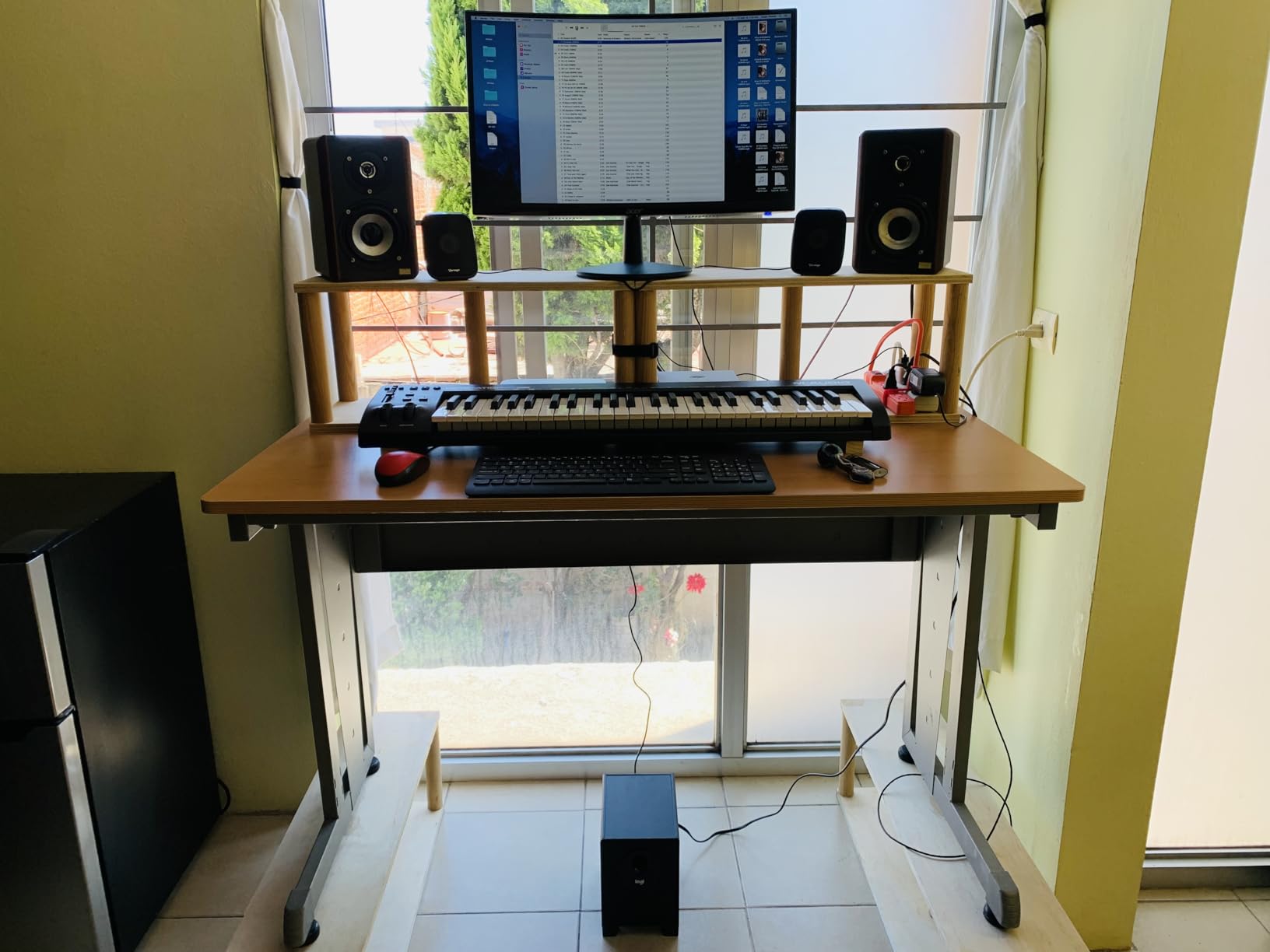
This is the board we hand to someone who wants real full-size keys without researching keybeds for a fortnight. Forty-nine full-size velocity-sensitive keys across a 32-inch chassis is the size most people describe as the minimum for two-handed playing, and the chassis still fits a normal desk without pushing your monitors back.
Control is deliberately simple: a volume fader, transport and directional buttons, pitch and modulation wheels, octave up and down, and a sustain pedal input. That is not a modern pad-and-knob surface, and if you are used to controlling a mix from hardware you will miss pads. What you get instead is a controller with almost nothing to configure, which is why it remains a common first recommendation in producer forums.
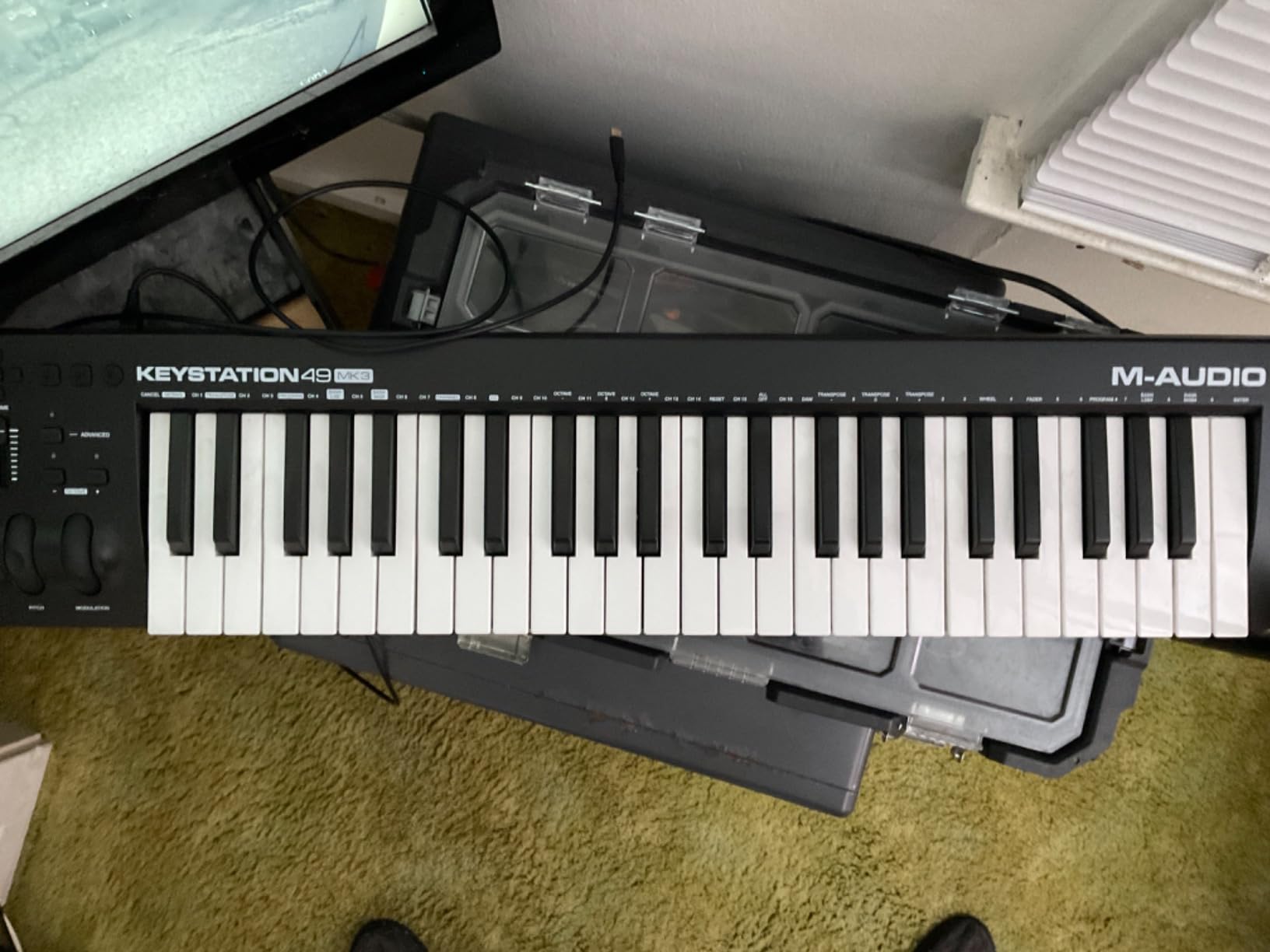
Setup is genuinely zero-friction. It is plug-and-play over USB with no drivers and no power supply, and it works on Mac, Windows and iOS through an Apple to USB camera adapter if you want to work on an iPad. The bundle includes MPC Beats, Ableton Live Lite, Velvet, XPand2, Mini Grand and Touch Loops, plus free Skoove lessons and 60-plus app-based lessons from Melodics.
Here is where we have to be straight with you: this is an unweighted keybed, and owners consistently report the velocity response as inconsistent, especially on the black keys. We found the same. It is fine for chord progressions and bass lines, and it will feel thin if you are used to a weighted digital piano. Try the keys before you commit, because velocity response is the one spec you cannot judge from a list.
Who the Keystation 49 MK3 suits
It suits a first-time producer who wants to move from mouse to keyboard this month, and anyone working on a tight desk who needs full-size keys in a 32-inch footprint. It is also a sensible rehearsal-room board given the 1-year manufacturer warranty and the no-driver setup. Our broader [MIDI keyboard roundup](https://www.superfooddrive.org/best-midi-keyboards/) covers the other budget tiers in more depth.
Where the Keystation 49 MK3 falls short
The control surface is the limit. With no pads, no rotary encoders and no screen, every parameter tweak still means reaching for the mouse, and that is exactly the friction a controller is supposed to remove. The stiff, light action also makes long sessions tiring for players who push dynamics hard. If your workflow is pad-based beat making, the controls here will frustrate you within a week.
3. Arturia MiniLab 3 – Best Compact Control Layout
Arturia MiniLab 3 Universal MIDI Controller, White
25 slim synth-action keys
8 encoders and 4 faders
2 banks of 8 RGB pads
Capacitive pitch and mod sensors
Pros
- Owners single it out as the most complete controller in the compact category
- Unusually dense control layout for a compact body
- Capacitive pitch bend and modulation plus MIDI out
- 5 year limited warranty and a strong software suite
Cons
- 25 slim keys are short and need frequent octave changes
- Pad and encoder count is modest next to a large grid controller
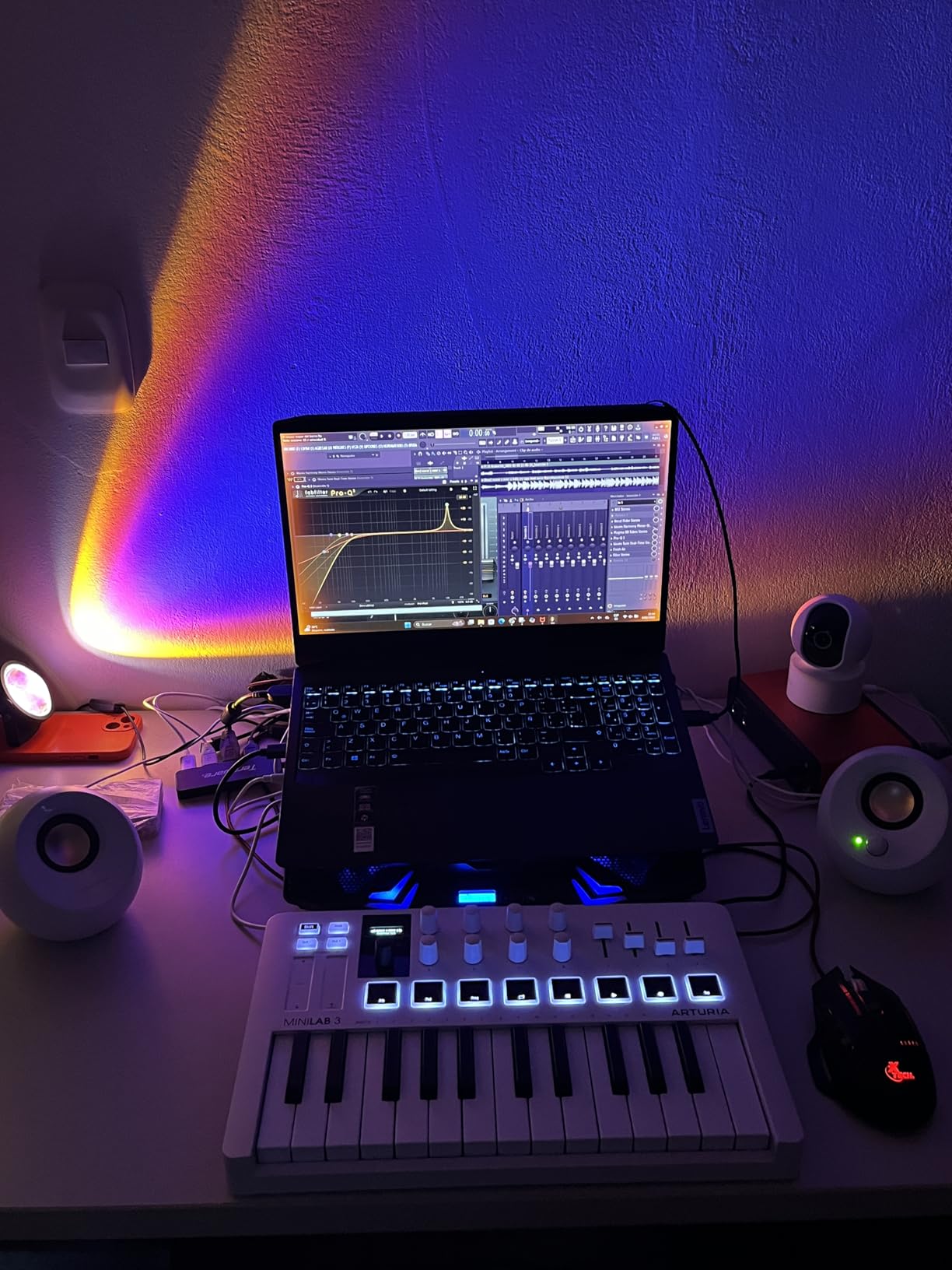
The MiniLab 3 packs an unusually dense control surface into a small box, and owners give it the highest average rating of the twelve. In an 8.6 by 14 inch body you get 25 slim velocity-sensitive synth-action keys, eight rotary encoders, four faders, and two banks of eight velocity and pressure sensitive RGB pads.
What makes it distinctive is the pair of capacitive touch sensors that stand in for pitch bend and modulation. There is no wheel to knock, no mechanical part to wear out, and you get a smooth continuous sweep. We found them responsive after a few minutes, though it takes slightly longer to develop a light touch than a physical wheel.
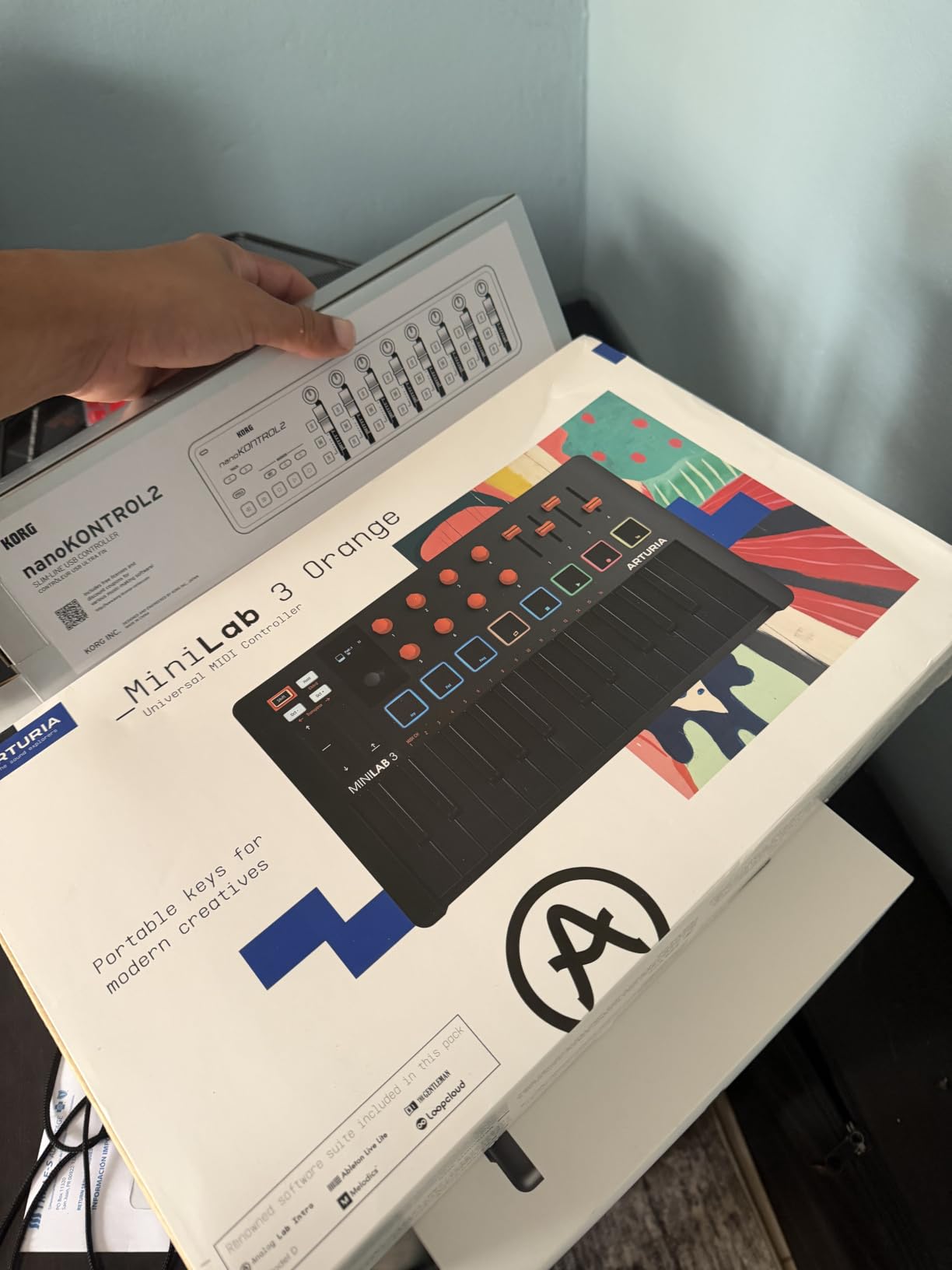
There is also a built-in arpeggiator with a mini display and a clickable browsing knob, so the controller can generate patterns without any software open. Connectivity includes MIDI out alongside USB, and the bundle covers Ableton Live Lite, Analog Lab Intro and the UVI Model D. The 5-year limited warranty is the longest in this roundup, which tells you something about how Arturia backs the product.
Forum consensus in r/synthesizers puts Arturia first for build quality, and the MiniLab 3 is where that reputation shows most clearly at the entry end. The pads are usable for finger drumming across two banks, which gives you a drum surface and a melodic surface in one compact box.
Who the MiniLab 3 suits
It suits a producer with a small desk who wants knobs, faders and pads but refuses to give up two octaves of keys. It also works well as a second controller beside an 88-key, where the Launchkey handles playing and the MiniLab handles mixing. The capacitive sensors also appeal to anyone who performs and needs pitch and modulation on the same surface as the pads.
Where the MiniLab 3 falls short
Twenty-five slim keys are short, and you will shift octaves constantly. The pads number sixteen across two banks, which is a fraction of what a dedicated grid controller gives you, so clip launching and finger drumming at scale is not the goal here. If you play piano at all, this is a control surface with a small keyboard attached, not the other way round.
4. Novation Launchkey 88 MK3 – Best Full-Size Keybed
Novation Launchkey 88 [MK3]
88 semi-weighted velocity keys
16 velocity-sensitive RGB pads
Deep DAW integration
MIDI output for external gear
Pros
- Full 88-key semi-weighted range removes octave shifting
- Seamless DAW integration for Ableton and Logic Pro
- Arpeggiator with Strum Mode and chord modes
- Custom Modes and MIDI output for hardware synths
Cons
- Semi-weighted action still is not a true weighted piano feel
- Bulky 18.2 lb chassis needs a stand and real desk space
This is the pick for the producer who writes piano parts and never wants to plan around a range limit. Eighty-eight semi-weighted velocity-sensitive keys cover the full range, so a two-handed chord voicing or a full arrangement sketch never requires an octave jump. That single feature removes the compromise that makes compact controllers feel awkward after about a year.
Integration is deep, with support for Ableton, Logic Pro, Cubase and HUI, so you get transport and DAW controls working without a manual. Sixteen velocity-sensitive RGB backlit pads handle drum programming and clip launching, and the arpeggiator adds a Strum Mode plus fixed, scale and user chord modes that are useful for held-chord movement.
![Novation Launchkey 88 [MK3] customer photo 1](https://www.superfooddrive.org/wp-content/uploads/2026/09/B09XHQ8XLK_customer_1.jpg)
Custom Modes and MIDI output are what make this a working instrument rather than a computer accessory. You can layer it above a hardware synth or a drum machine and send notes, velocity and control changes out over 5-pin MIDI while the DAW runs on USB. A 3-year manufacturer warranty is included, and the body runs to 18.2 pounds across a 50-inch chassis.
Be clear-eyed about the feel, though. Semi-weighted is a middle ground, not a weighted action, and players coming from an acoustic or a hammer-action digital piano will still feel the difference. We also found the footprint demands a stand or a deep desk. Neither is a dealbreaker, but both are facts you should plan for before ordering.
![Novation Launchkey 88 [MK3] customer photo 2](https://www.superfooddrive.org/wp-content/uploads/2026/09/B09XHQ8XLK_customer_2.jpg)
Who the Launchkey 88 MK3 suits
It suits composers, arrangers and producers working on long-form pieces where writing a full arrangement on one screen is the bottleneck. It also suits anyone running a hardware rig who needs the controller to double as a MIDI output source. Multi-controller owners on forums commonly pair an 88 with a 49 or 61 for DAW control, and this is the natural top of that stack.
Where the Launchkey 88 MK3 falls short
It is not a weighted action controller, so it will not replace a digital piano for acoustic-style playing. It is also too large for a laptop-only or travel workflow, and 18.2 pounds is a genuine two-person carry. If your studio is a bedroom desk under 50 inches wide, this will not physically fit without rearranging the room.
5. Novation Launchpad Mini MK3 – Best Ableton Grid Controller
Novation Launchpad Mini MK3 MIDI USB Grid Controller
64 RGB backlit pads
Ableton Live and Live Loops support
Three Custom Modes
7.1 inch square bus-powered body
Pros
- Exceptionally tight Ableton Live clip-launching integration in this roundup
- Extremely light at 14 oz for mobile setups
- Three Custom Modes for mapping anything MIDI
- 64 RGB pads give clear visual feedback
Cons
- No keys
- so it is a companion rather than a playing controller
- Pad-only design limits direct parameter editing
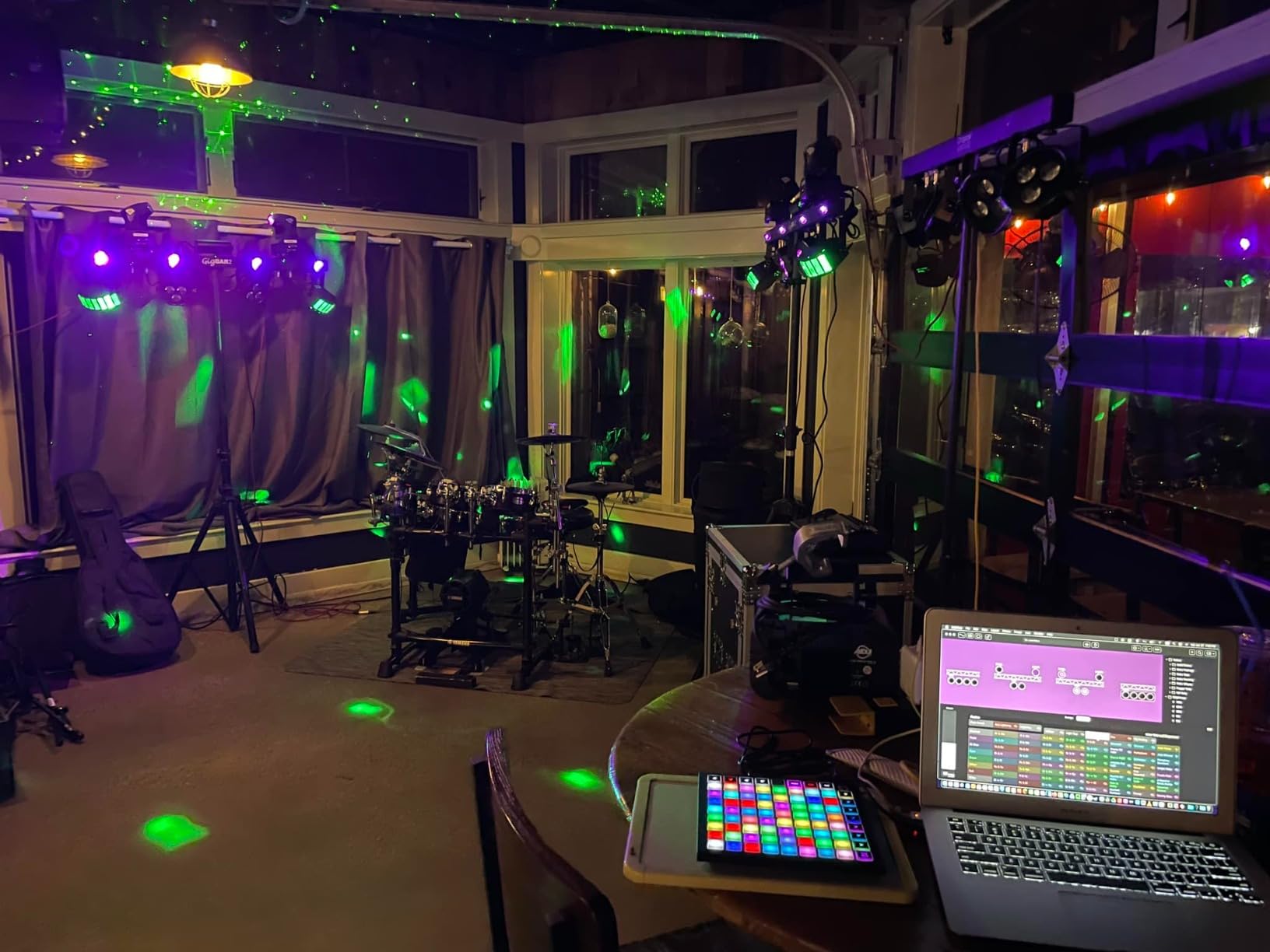
This is the only controller here with no keys at all, and that is the point rather than a compromise. Sixty-four RGB backlit pads arranged in an 8×8 grid sit at 7.1 inches square and 0.56 inches thick, which means it goes on a desk, a lap desk or a laptop bag without changing the room.
For Ableton Live users it is one of the tightest integrations in this roundup. The pads reflect your Live session directly, and there is also support for Logic Pro Live Loops. Stop, Solo and Mute controls sit alongside a dedicated row of buttons, so mixing decisions are tactile rather than a hunt through the mouse menu.
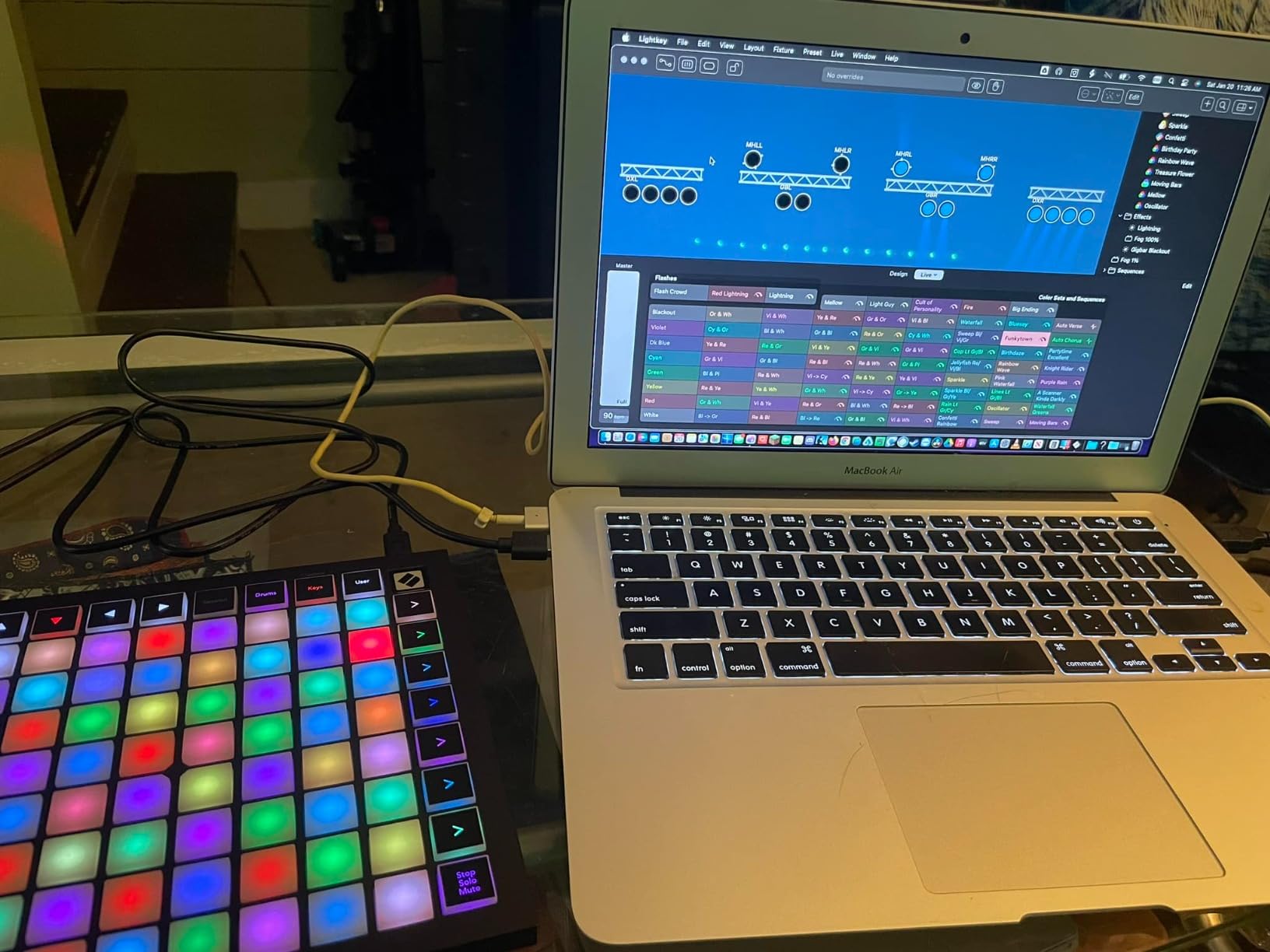
Three Custom Modes, editable through Novation Components, turn the grid into whatever you need: a drum surface, a clip launcher for a different DAW, or a bank of custom triggers. That flexibility is what separates this from a fixed-purpose pad box, and it is why the same unit works for a live set and for studio beat programming.
It is bus powered over USB-C, weighs 14.08 ounces, and includes Ableton Live Lite plus a 2-year manufacturer warranty. We ran it for a full session off a laptop with no hub and no driver install, which is exactly the reliability that neither the spec sheet nor the forum threads always promise.
Who the Launchpad Mini MK3 suits
It suits Ableton Live producers who build songs out of clips and want to fire them by hand, and anyone rehearsing a live set. It is also a natural companion to one of the keyboard controllers here: the Launchkey plays, the Launchpad launches. For producers on Logic Pro who use Live Loops, the integration covers that workflow too.
Where the Launchpad Mini MK3 falls short
There is no keybed, so you cannot play a melody or edit a piano part on it. Pad-only control also means fine parameter work still requires the mouse, because 64 pads give you triggers rather than continuous encoders. If you write instrumental music rather than loop-based music, you need a keyboard controller in the setup regardless.
6. Native Instruments Komplete Kontrol M32 – Best for Native Instruments Users
Native Instruments Komplete Kontrol M32 Controller Keyboard (26154)
32 compact semi-weighted keys
8 touch-sensitive knobs
Two-color OLED display
Automatic NKS plugin mapping
Pros
- Owners single out its keybed as the best-feeling in the compact class
- Knobs map automatically to Komplete Kontrol and MASCHINE
- 32 keys gives an extra octave over a 25-key mini
- Very light at 1 kg
Cons
- OLED screen is small and hard to read
- No physical pitch or modulation wheels
- Knob CC changes made while connected are not stored on the unit
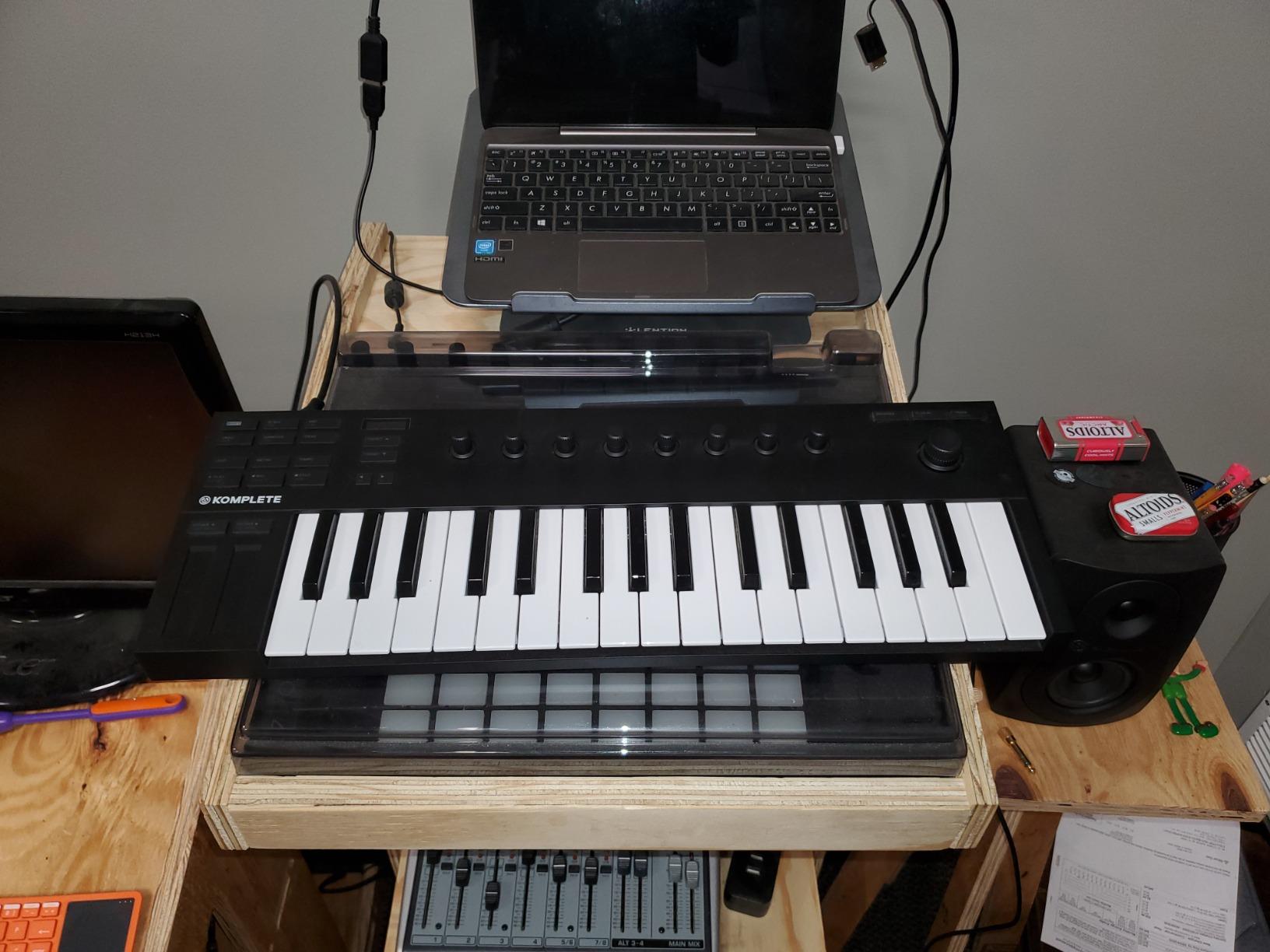
The M32 is the one to buy if your instrument library is already Native Instruments. Thirty-two compact semi-weighted keys give you an octave more than a typical 25-key mini, which sounds minor until you are playing a two-handed progression and realise the extra range removes the jump.
The real argument for it is automation. Automatic parameter mapping works for NKS plugins such as Pigments and Komplete Kontrol, so you open an instrument, touch a knob, and the right parameter moves. That removes the most tedious task in software production, and it is why owners of this board tend not to go back to a generic controller.
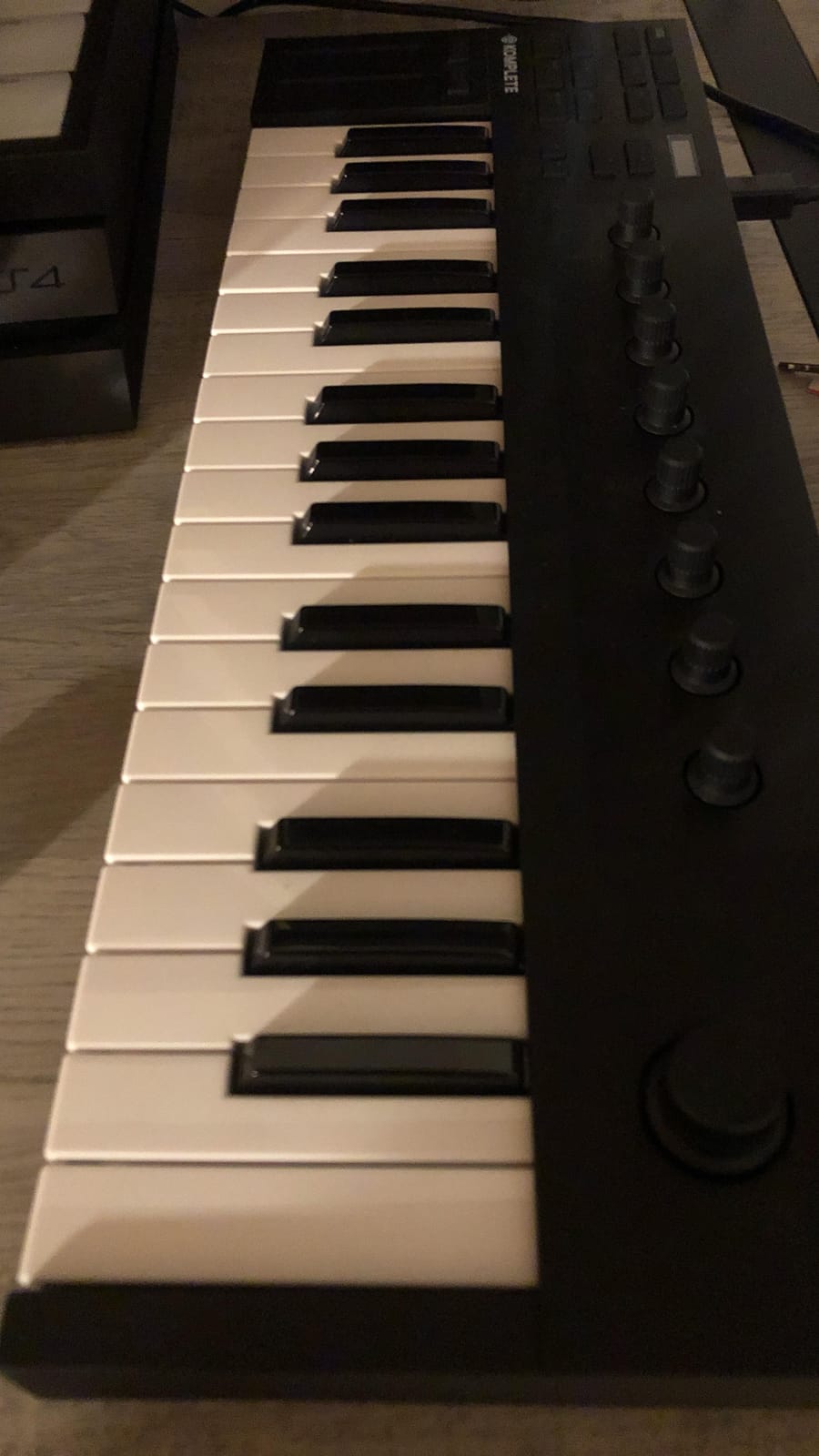
Smart Play adds scale, chord and arpeggiator modes, and a two-color OLED display shows what you are browsing. The bundle includes MASCHINE Essentials and Ableton Live 10 Lite, and the whole unit is USB 2.0 bus powered at 1 kg, so it fits in carry-on luggage and runs off a bus.
There are real trade-offs. There is no physical pitch or modulation wheel, which matters if you play anything lead-based. The OLED is small, and owners with poor eyesight report struggling to read it. Knob CC customisations made while the board is connected to a computer are not stored on the unit, which is an annoyance if you move between setups.
Who the Komplete Kontrol M32 suits
It suits producers who have bought into the Native Instruments ecosystem and want instant parameter control rather than manual mapping. It also suits a travel setup, since 1 kg and 32 keys is a realistic carry-on combination. Anyone who wants a display and play helpers without carrying a full-size board will find it fits.
Where the Komplete Kontrol M32 falls short
Outside NKS plugins, the automation advantage largely disappears and you are back to MIDI Learn. The missing pitch and modulation wheels are a genuine limitation for expressive playing, and the small OLED is frustrating for browsing large libraries. Transport and menu buttons are also clicky and loud, which is noticeable in a quiet room or on a recording.
7. Nektar Impact GX61 – Best 61-Key Option
Nektar Impact GX61 USB MIDI Controller Keyboard
61 full-size synth-action keys
14 assignable buttons
Pitch and modulation wheels
Sustain pedal and Bitwig 8-Track included
Pros
- 61 full-size keys in a slim 38 inch chassis that still fits a desk
- Key feel consistently rated above the M-Audio Keystation line
- Good velocity sensitivity with no reported latency
- Includes a sustain pedal and Bitwig 8-Track
Cons
- Unweighted action is stringy for players used to a real piano
- Key stiffness is inconsistent across the keyboard
- Open wheel faces can let dust into the bearings
Sixty-one keys is the size most producer forums call the sweet spot, and the GX61 is the board in this roundup that delivers it without a 50-inch footprint. The chassis is 38 inches wide and 7.75 inches deep, which is long but still fits a normal desk, and it weighs 6 pounds so it is manageable for a gig.
Owners repeatedly compare this key feel favourably against the similarly positioned M-Audio Keystation, and we agree the response is more even. The keys are full-size synth action with good velocity sensitivity, and reviewers report no latency in practice, which is the detail that matters most when you are playing against a click or a backing track.
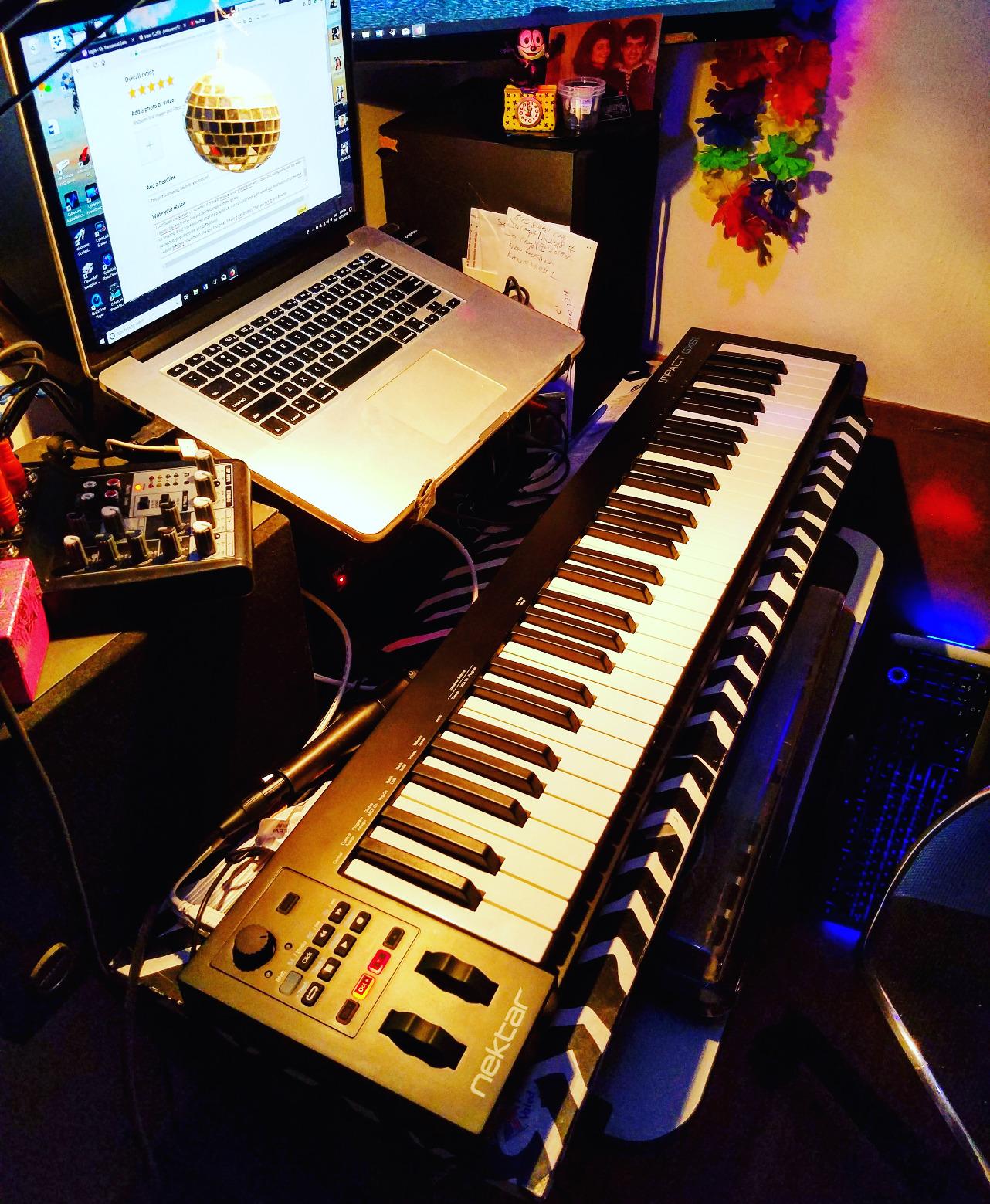
On-board pitch bend and modulation wheels are present, along with 14 MIDI assignable buttons plus octave, transpose and volume controls, and a sustain pedal input with a piano-style pedal in the box. Nektar DAW integration covers most popular hosts, and owners report plug-and-play recognition in Reaper, Logic and other DAWs with no custom configuration needed.
It also works on Mac, PC and iOS, and a Bitwig 8-Track DAW licence is included along with a USB cable, user guide and a 10-foot keyboard dust cover. The 2-year manufacturer warranty is included. That dust cover matters more than it sounds if you have a cat, which most home studios do.
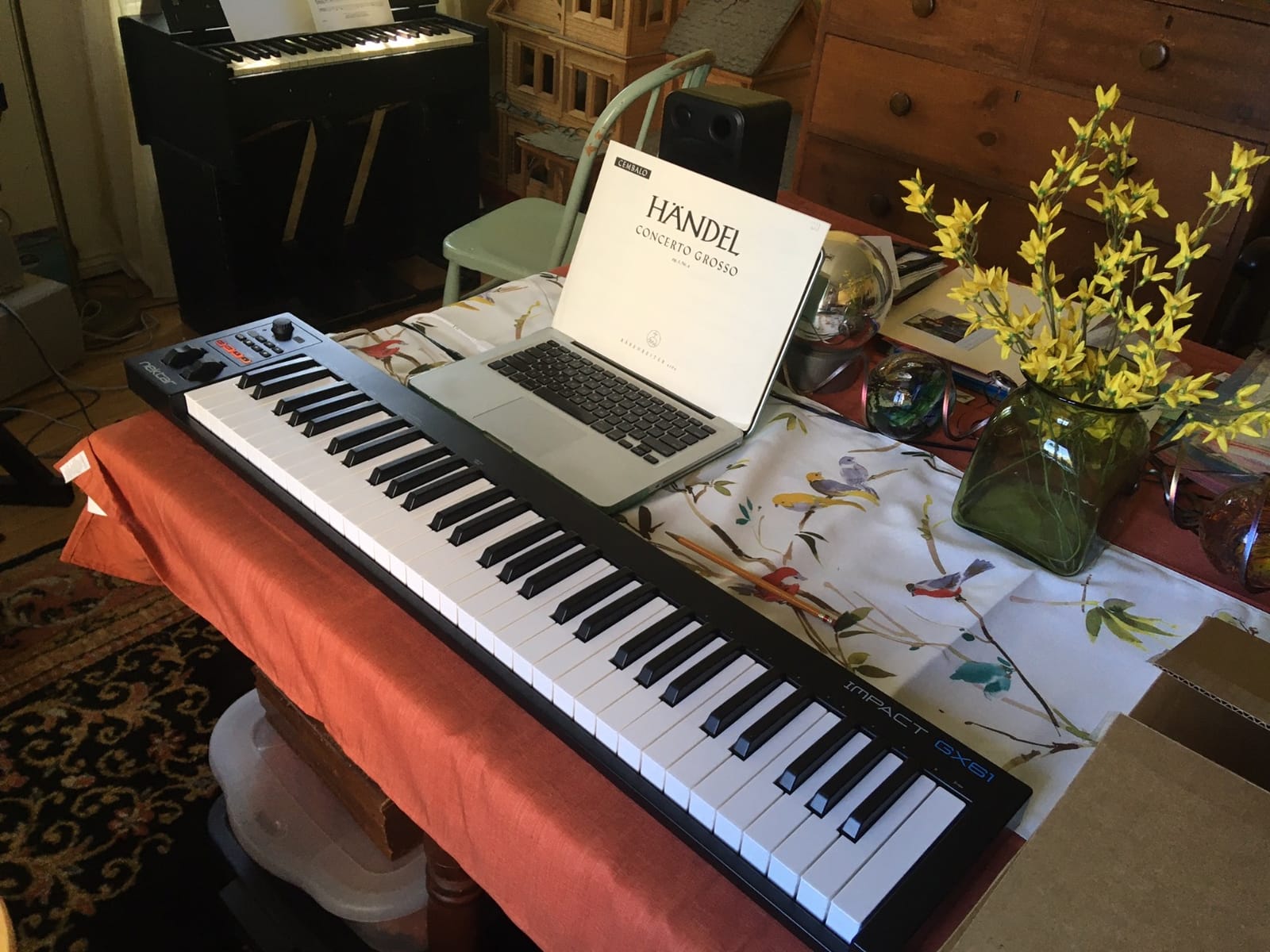
Who the Nektar Impact GX61 suits
It suits a producer who plays two-handed and has outgrown 49 keys but does not want an 88-key commitment. It is a solid all-round choice here for songwriters who need real range for chord work, and the bundled sustain pedal means you are not making a second purchase in week one.
Where the Nektar Impact GX61 falls short
Unweighted synth action will feel stringy next to a semi-weighted or hammer-action board, and key stiffness is reported as inconsistent across the range. The open faces on the pitch and modulation wheels can let dust into the bearings, which is a long-term reliability note worth knowing. There are also no pads or rotary encoders, so DAW control is limited to the assignable buttons.
8. Akai Professional APC Mini MK2 – Best Ableton Macro Control
Akai Professional APC Mini MK2 USB MIDI Pad Controller
8x8 grid of 64 RGB pads
9 faders with Device mode
Pre-mapped 1-to-1 for Ableton Live
810 g bus-powered body
Pros
- 1-to-1 pre-mapped Ableton integration removes manual setup
- 64 RGB pads plus 9 faders cover launching and mixing at 810 g
- Smart Scale View note mode makes playing off the pads easy
- Bus powered and truly plug-and-play on Mac and PC
Cons
- Tuned specifically for Ableton Live
- so value drops in other DAWs
- No keyboard for playing melodies
- No rotary encoders for fine parameter work
The APC Mini MK2 is a small box with a very specific job: launching clips and controlling the Ableton Live mixer. Sixty-four RGB backlit pads in an 8×8 matrix sit on a body that weighs 810 grams and is 1.2 inches thick. It disappears into a bag, and it changes how fast you work in Live.
The killer feature is 1-to-1 pre-mapping for Ableton Live 11 and later. Pads mirror your clips, faders mirror your mixer, and a Device mode turns the faders into macros for the selected device. No MIDI Learn session, no template, no hunting through menus, which is exactly the setup cost that makes people abandon hardware control.
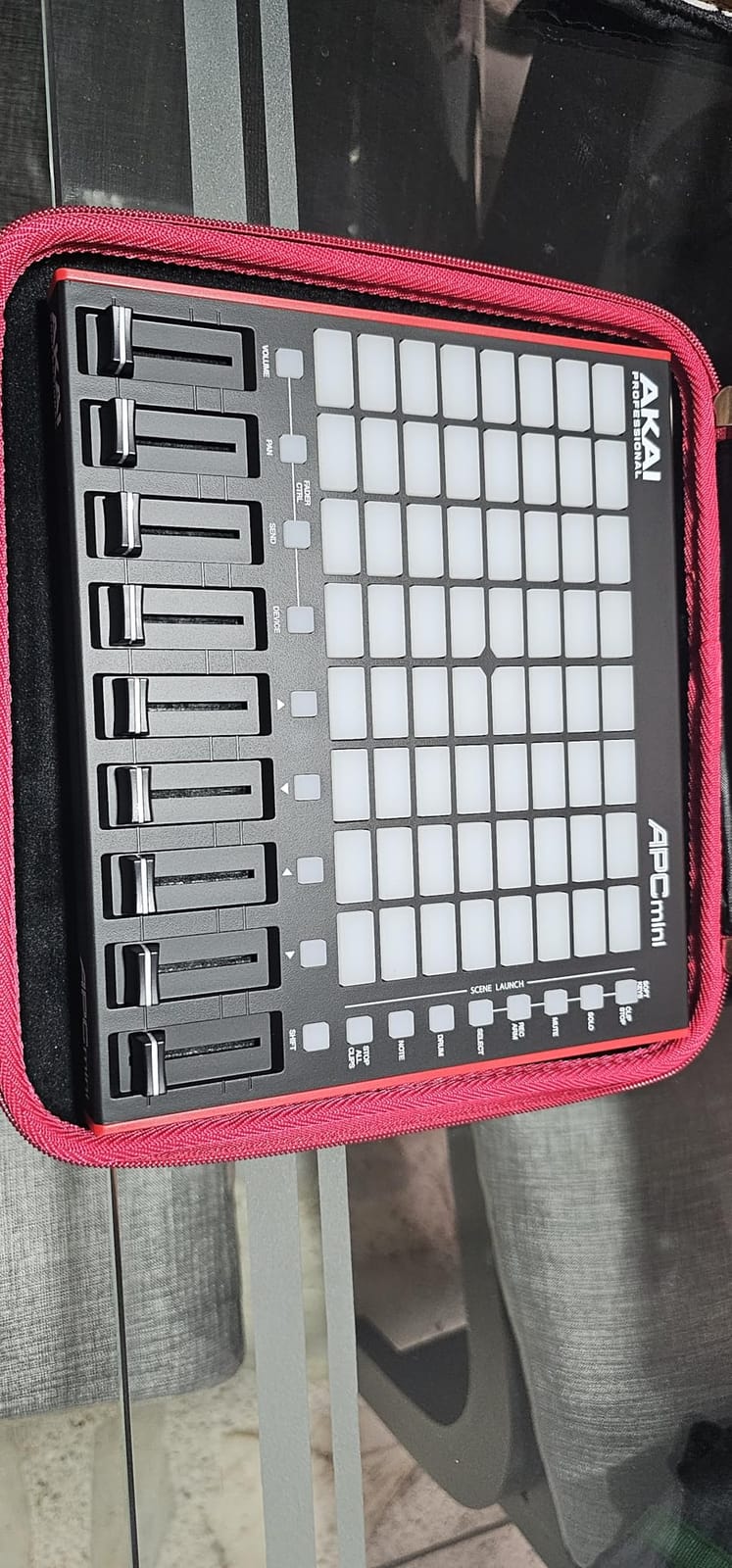
It is not only a launcher. A drum sample mode integrates with Ableton Drum Rack, and Smart Scale View note mode makes playing melodies off the pads straightforward by snapping notes to a scale. That turns the grid into a playable instrument when you want to sketch a hook quickly without reaching for a keyboard.
It is USB bus powered and plug-and-play on Mac and PC, with Ableton Live Lite bundled along with Hybrid 3, Mini Grand and Velvet. The 1-year manufacturer warranty is the shortest here, which is a fair trade against the integration you get out of the box.
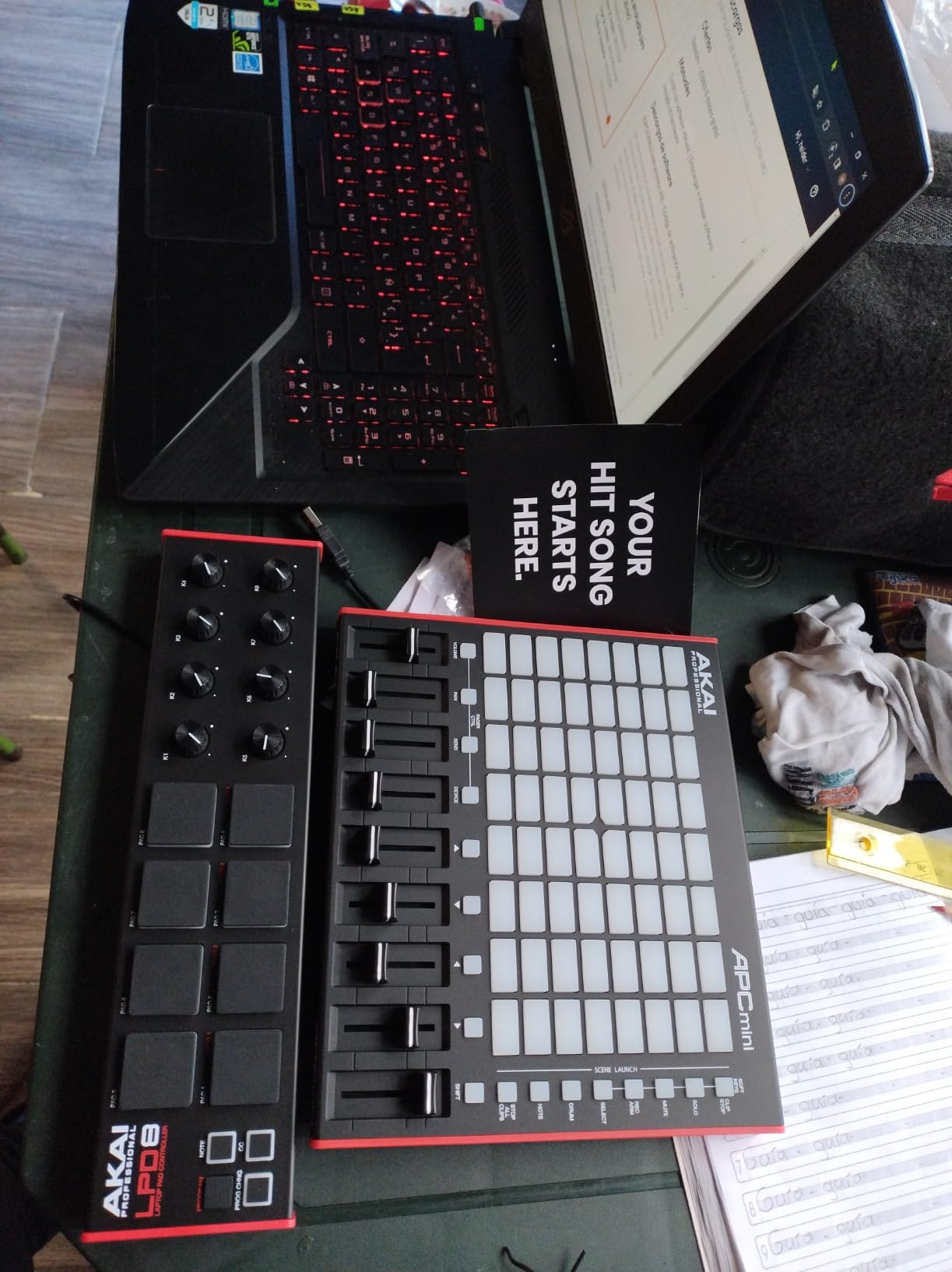
Who the APC Mini MK2 suits
It suits Ableton Live producers who write in clips, and live performers who need a mixer under their hands. It also works well as a compact second surface for finger drumming inside Live. If you are on Live and your current setup is a mouse, this is the most direct upgrade to your workflow in this roundup.
Where the APC Mini MK2 falls short
Its value collapses if you do not use Ableton Live, because the 1-to-1 mapping is the product. There is no keybed, so melodies need another controller, and there are no rotary encoders, so fine parameter work stays in the mouse. It is a specialist tool rather than a general one, and it is best bought alongside a keyboard rather than instead of one.
9. Nektar SE49 – Best Budget 49-Key Starter
Nektar, 49-Key Midi Controller (SE49),Black white Grey
49 full-size velocity-sensitive keys
DAW integration for major hosts
Bitwig Studio 8-Track included
4 pound chassis
Pros
- Full-size velocity-sensitive 49 keys at an entry-level price point
- Broad DAW integration covering Bitwig Cubase Logic Reaper FL Studio and Studio One
- Only 4 pounds so it moves easily between rooms
- Bitwig Studio 8-Track licence and sound content included
Cons
- Basic transport and control surface with limited assignable options
- Unweighted key action is light for players who want piano feel
- Older design with no screen pads or encoders
The SE49 is the pick if your budget is the first constraint and you refuse to compromise on key size. Forty-nine full-size velocity-sensitive keys in a 31.7 inch chassis is the same footprint as the Keystation 49 MK3, and it is the easiest 49-key board here to move between a rehearsal space and a home desk.
The standout feature is DAW coverage. Nektar integration spans Bitwig, Cubase, Logic, Reaper, FL Studio and Studio One, and it works with any MIDI software application. A Bitwig Studio 8-Track licence and a sound content package are included, which for a first-time producer means you can legally record something the day it arrives.
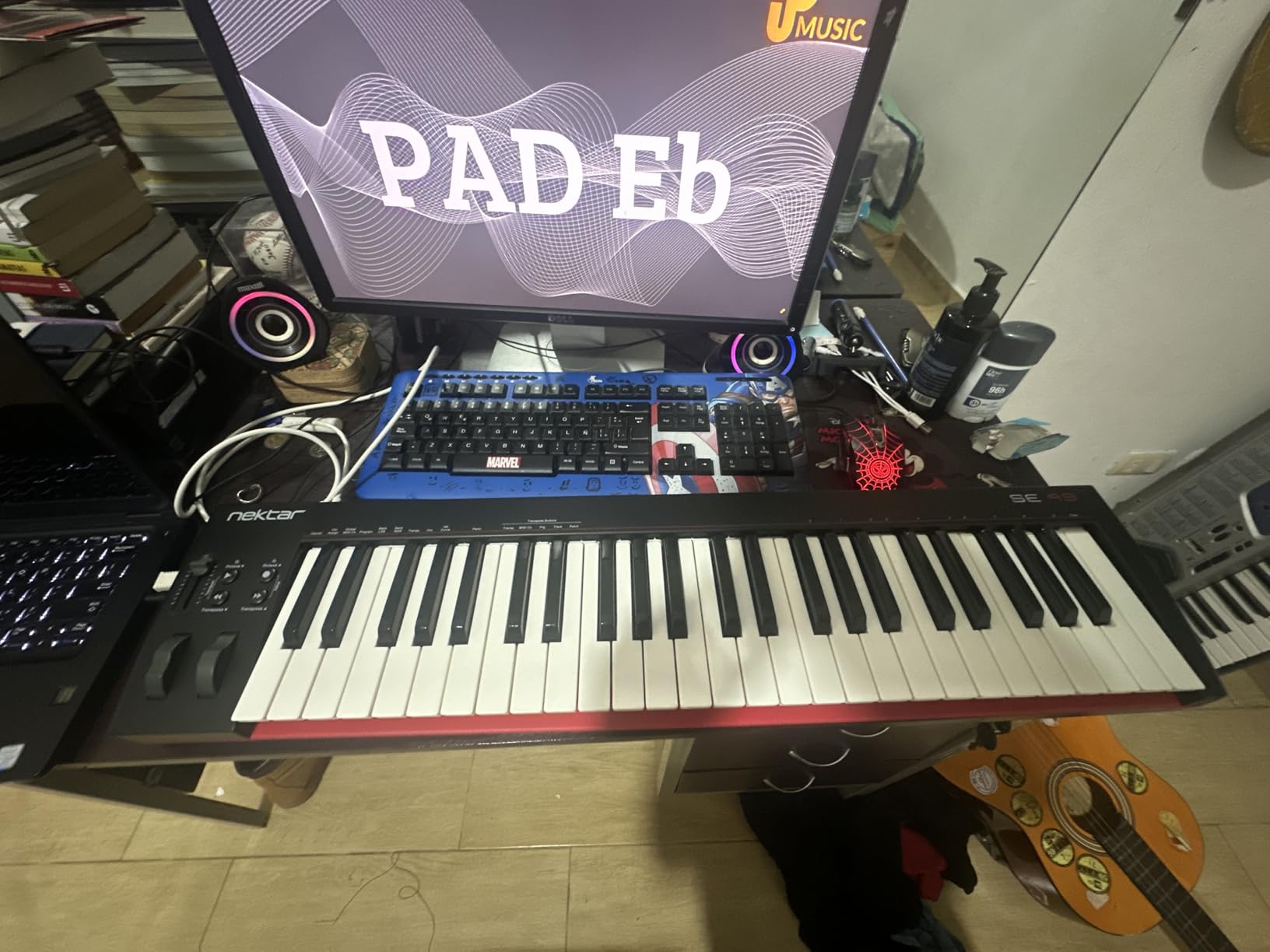
It runs on Mac, PC and iOS, so it is not locked to one platform, and the 2-year manufacturer warranty is longer than most of the budget boards here. Nothing needs installing; it is class-compliant and recognised on connection, which removes the usual first-evening configuration work.
What you give up is control surface. There is no screen, no pads and no rotary encoders, and the transport and control layout is basic with limited assignable options. If you plan to mix from hardware or trigger samples by hand, you will be reaching for the mouse from day one.
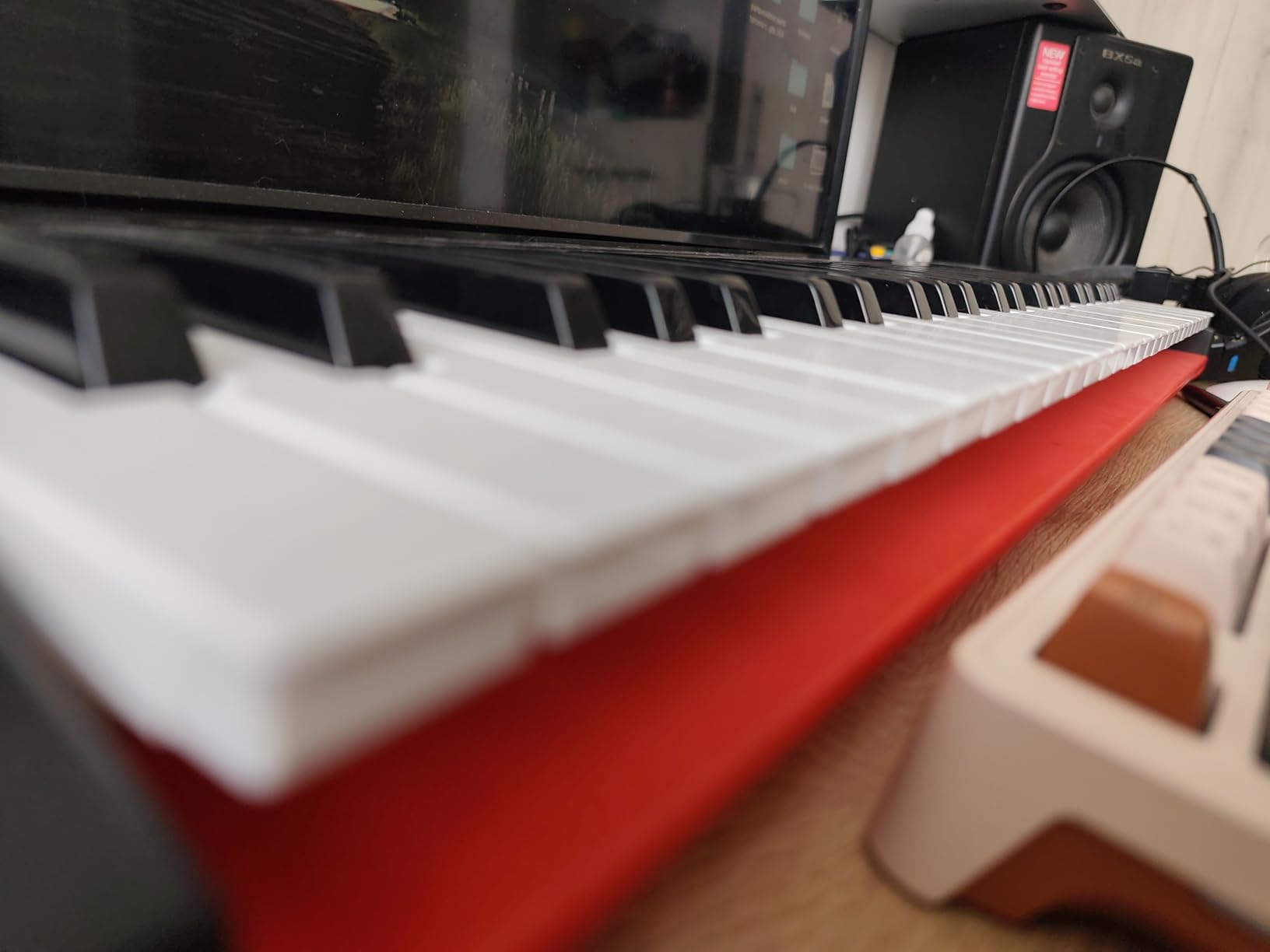
Who the Nektar SE49 suits
It suits a first-time producer who wants full-size keys, broad DAW support and a legal DAW included without stretching. It also suits anyone teaching or rehearsing who needs one board that travels between rooms. If you are unsure whether you will stick with production, this is the lowest-risk way to find out.
Where the Nektar SE49 falls short
Unweighted key action is light, and anyone coming from a weighted digital piano will find it thin. The design is dated by modern standards, with no screen to show what you have loaded and no encoders for parameter work. It is a playing surface with basic transport, not a production console, and the controls will not scale with your workflow.
10. Novation FLkey 49 – Best for FL Studio
Novation FLkey 49 USB MIDI Controller Keyboard
49 semi-weighted velocity keys
8 encoders and 9 faders
16 pads with Sequencer Mode
5-pin MIDI out and USB-C
Pros
- Instant integration with the FL Studio mixer Channel Rack and transport
- Pads encoders and faders cover much of FL Studio without a mouse
- Sequencer Mode and Two Pad mode speed up drum programming
- Can preset-browse most FL Studio plugins from the keyboard
Cons
- Enclosed USB A cable means MacBook users need an adapter
- Knobs cannot be MIDI-learned for third-party plugins without editing scripts
- Faders are not motorized so they do not track on-screen moves
The FLkey 49 is the most thorough hardware answer to FL Studio’s workflow in this roundup. Eight rotary encoders and nine faders bring the Mixer and Channel Rack off the screen, and the transport and score log buttons cover undo, redo, quantise and metronome without touching a mouse.
Sixteen velocity-sensitive RGB backlit pads do more than trigger. Sequencer Mode maps them to the FL Studio step sequencer, Two Pad mode gives you a second layer, and the pads can also trigger FPC and SliceX. Owners call this a major workflow upgrade specifically for pad-based beat making, and that matches what we saw.
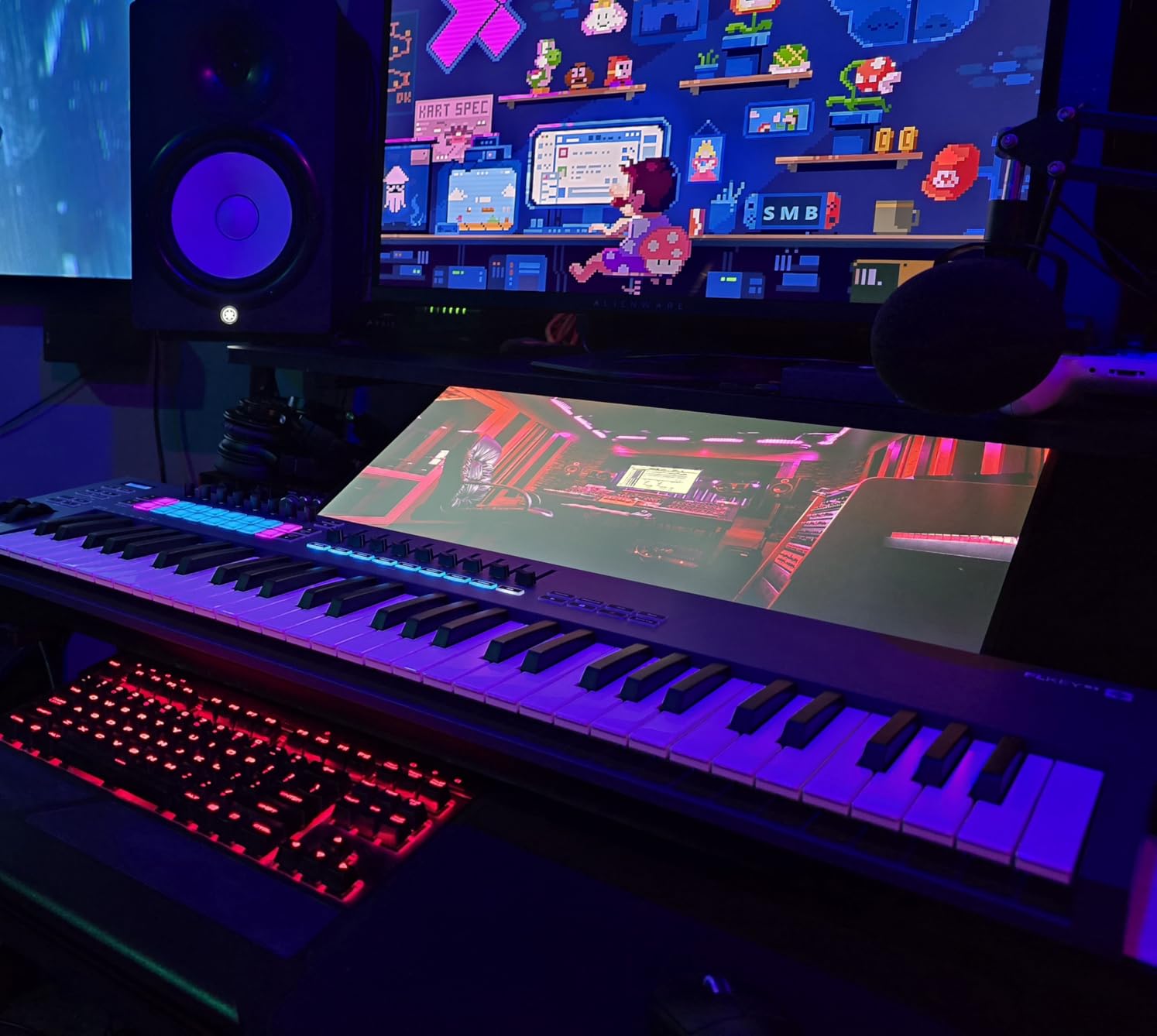
There is scale mode and three chord modes for harmony work, plus pitch and modulation wheels, 5-pin MIDI out and USB-C. You can preset-browse most FL Studio plugins directly from the keyboard, which cuts the biggest time sink in the software. A 3-year manufacturer warranty is included, and the body is 32 inches wide at 6.8 pounds.
The compromises are real and worth stating. The knobs cannot be MIDI-learned for third-party plugins without editing Novation’s Python scripts, and the faders are not motorized, so they will not move when you change a value on screen. The enclosed USB A cable also means MacBook users need an adapter or hub.
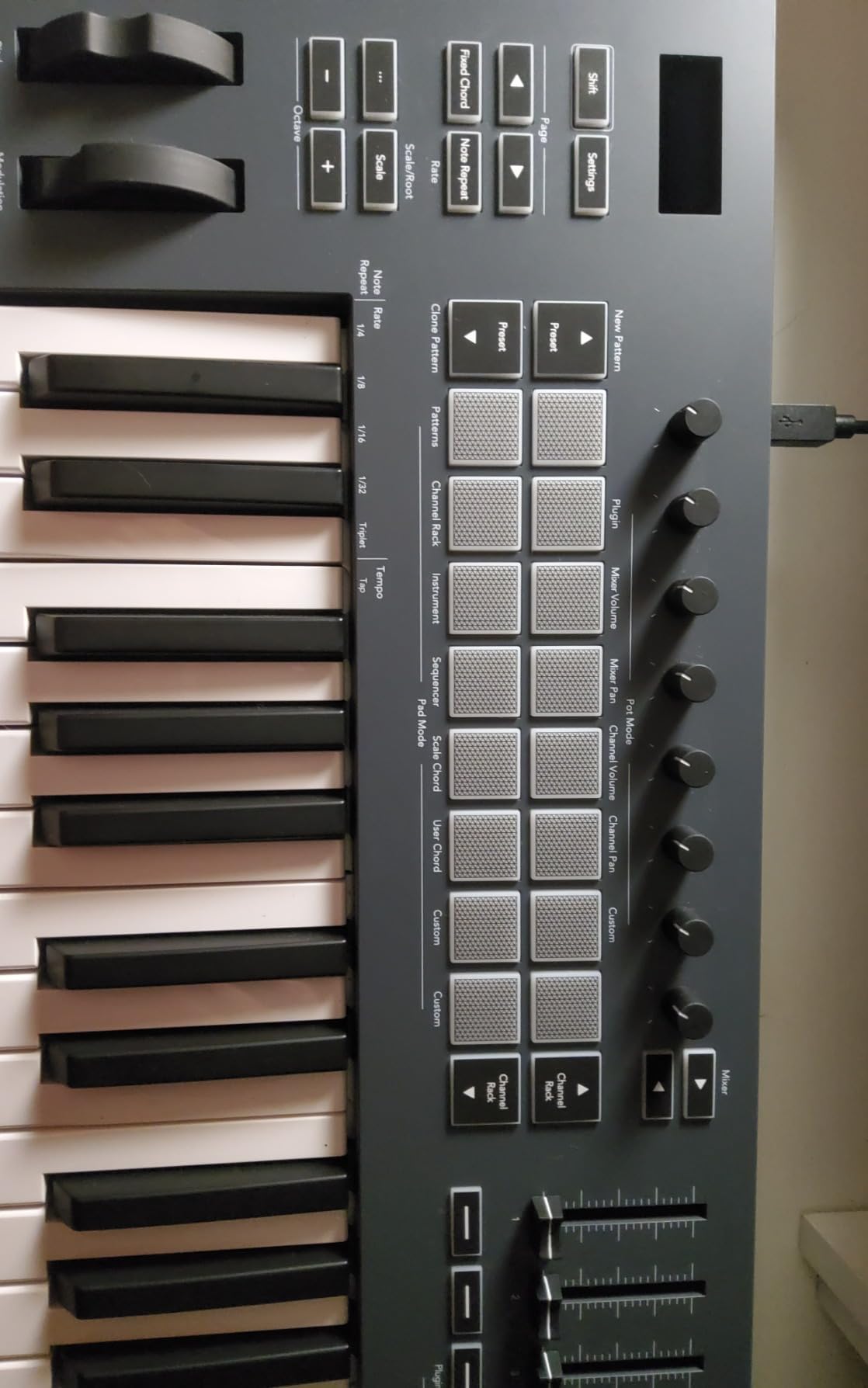
Who the FLkey 49 suits
It suits FL Studio producers who want to stop reaching for the mouse and who work with the Channel Rack and step sequencer daily. It also suits anyone who wants a 5-pin MIDI out alongside USB so the same board can drive a hardware synth. If your DAW is FL Studio, this is the most complete integration you will find here.
Where the FLkey 49 falls short
Its mapping advantage is largely tied to FL Studio, so in another DAW you are back to manual assignment for anything not stock. The keys are stiff and narrow, which trained piano players report as tiring, and the default velocity curve needs heavy key pressure to reach high values. None of that is fatal, but all three are felt in the first hour.
11. Korg nanoKEY2 – Best for Travel and Laptop Sessions
Korg, 25-Key Midi Controller (NANOKEY2BK),Black
25 low-profile velocity keys
1.6 inch thick and 16 ounces
Sustain button
No bundled software
Pros
- Thin
- light and simple enough to carry everywhere
- Only 16 ounces so it moves easily between rooms
- Key width and spacing are well judged for reducing wrong notes
- Sustain button covers a common need without extra hardware
Cons
- No knobs faders pads display or bundled software
- Mini keys are very short and only 25 are included
- No pitch or modulation wheels and the sustain button is less expressive than a pedal
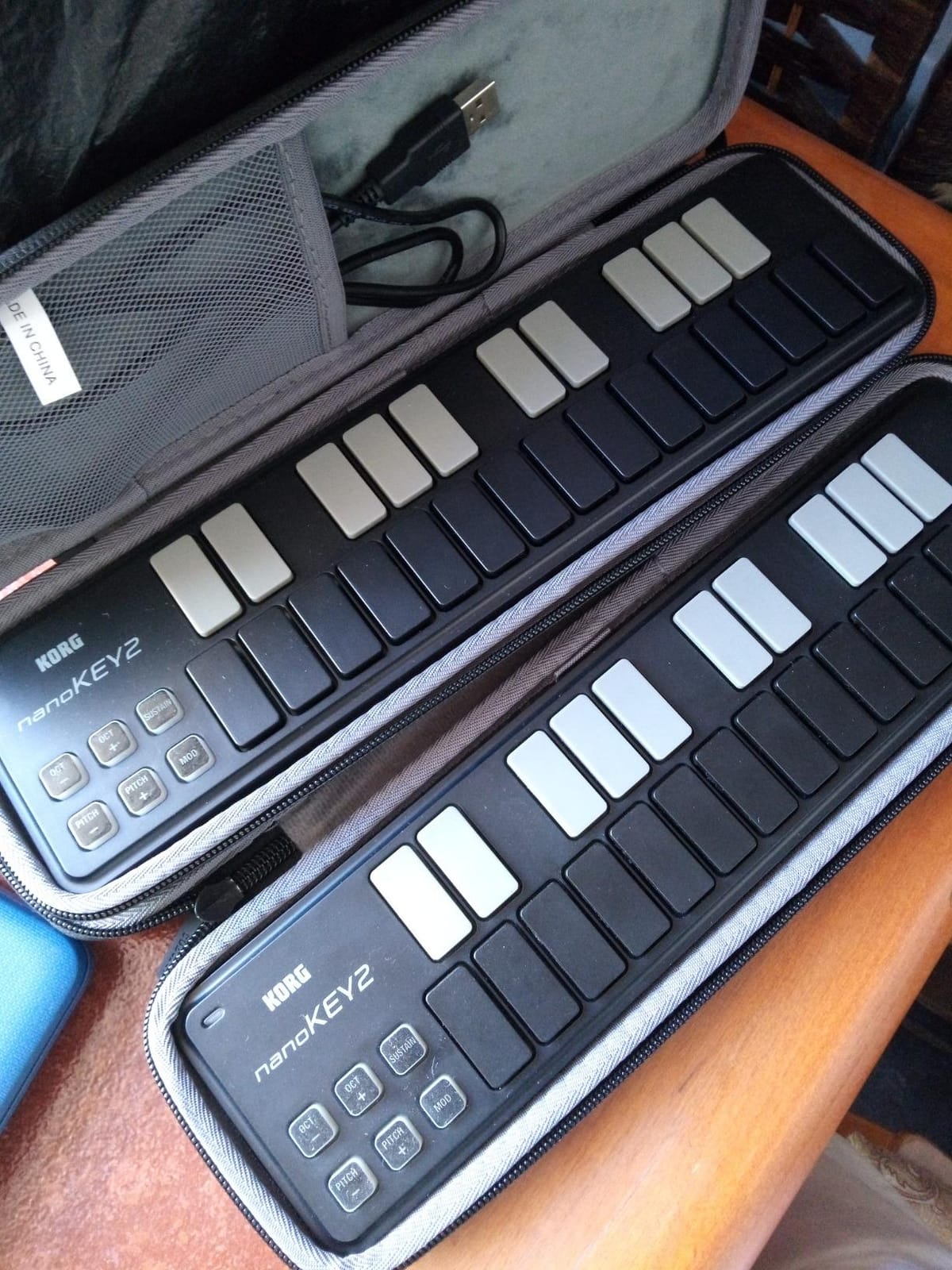
The nanoKEY2 exists for one job: giving you playable keys when everything else is a compromise. At 1.6 inches thick and 16 ounces it is barely thicker than a paperback, and the 25 low-profile keys are velocity sensitive despite the flat profile. That combination is unusual at this size and it is the reason we keep recommending it for travel.
Key width and spacing are well judged by owners for reducing wrong-note entry, which matters more on a small board than anywhere else. When you are writing a melody in a hotel room with a laptop on your knees, note accuracy matters more than weighted action. The sustain button covers the most common need without a separate pedal.
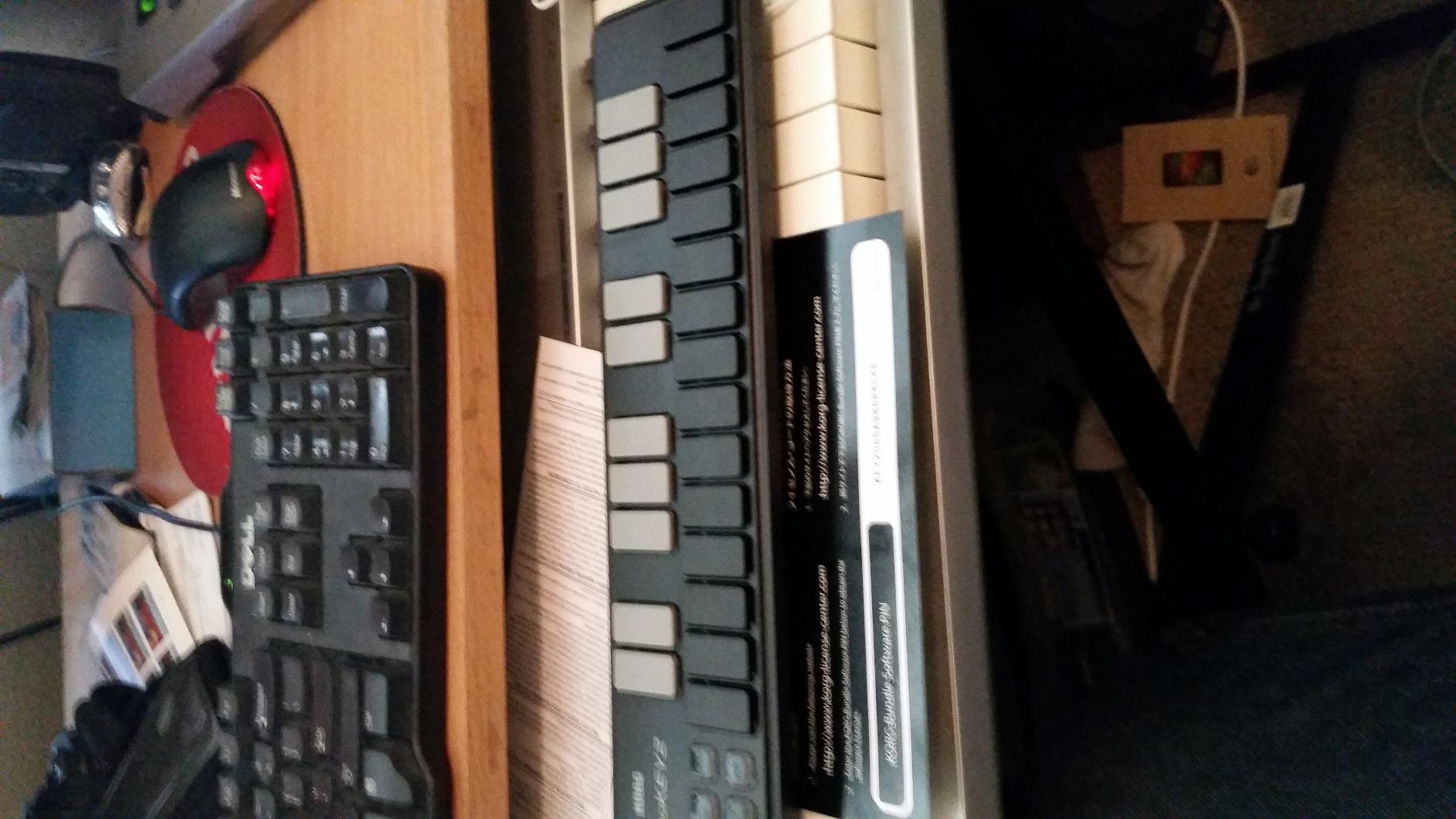
It is a plain USB-MIDI device built for laptop and netbook use, and it needs nothing else to work. There are no drivers, no power supply and no bundled software, which is unusual in a category where bundles are standard. That emptiness is a feature here: nothing to install, nothing to expire, nothing to bloat the bag.
It is a bare-bones board, which makes it a reasonable stopgap. But stopgap is the honest description. There is no pitch or modulation wheel, no controls of any kind beyond the sustain button, and the flat keys give you no travel to express dynamics with.
Who the Korg nanoKEY2 suits
It suits a producer who works on the move, teaches in different rooms, or needs a backup board for a session away from the studio. It also suits anyone learning keys who wants the lightest possible starting point. If your main production rig is a laptop, it does the job without adding a single cable to your setup.
Where the Korg nanoKEY2 falls short
Twenty-five very short mini keys force constant octave shifting, and forum threads regularly describe two-octave boards as the size people regret buying. There are no knobs, faders, pads or display, so every control decision stays in software. The sustain button is also less expressive than a real pedal, which you will feel on sustained chords.
12. M-Audio Oxygen 49 MKV – Most Controls in a 49-Key Body
M-AUDIO Oxygen 49 MKV USB MIDI Keyboard Controller
49 full-size piano-style keys
16 backlit pads with Note Repeat
8 knobs and 9 faders
NKS integration with Komplete 15 Select
Pros
- Among the most control-rich 49-key boards in this roundup
- NKS integration plus a choice of three Komplete 15 Select bundles
- Note Repeat on the pads speeds up beat programming
- Generous software bundle including MPC Beats and Ableton Live Lite
Cons
- Costs more than other 49-key options here
- Auto-mapping covers bundled and NKS plugins better than third-party ones
- No dedicated screen for browsing sounds
The Oxygen 49 MKV answers the most common regret in this category: buying a 49-key board and then realising the controls were too thin to grow into. Sixteen backlit velocity-sensitive pads across two banks, eight assignable knobs and nine assignable faders give you a real control surface in a 32-inch body, which is a rare balance at this size.
Note Repeat on the pads is the feature that changes beat-making speed. Hold a pad and it repeats at a chosen rate, so hi-hats, rolls and percussion patterns can be performed rather than programmed one hit at a time. Owners consistently single this out, and it is the reason the Oxygen finds a place in pad-heavy workflows despite being a keyboard.
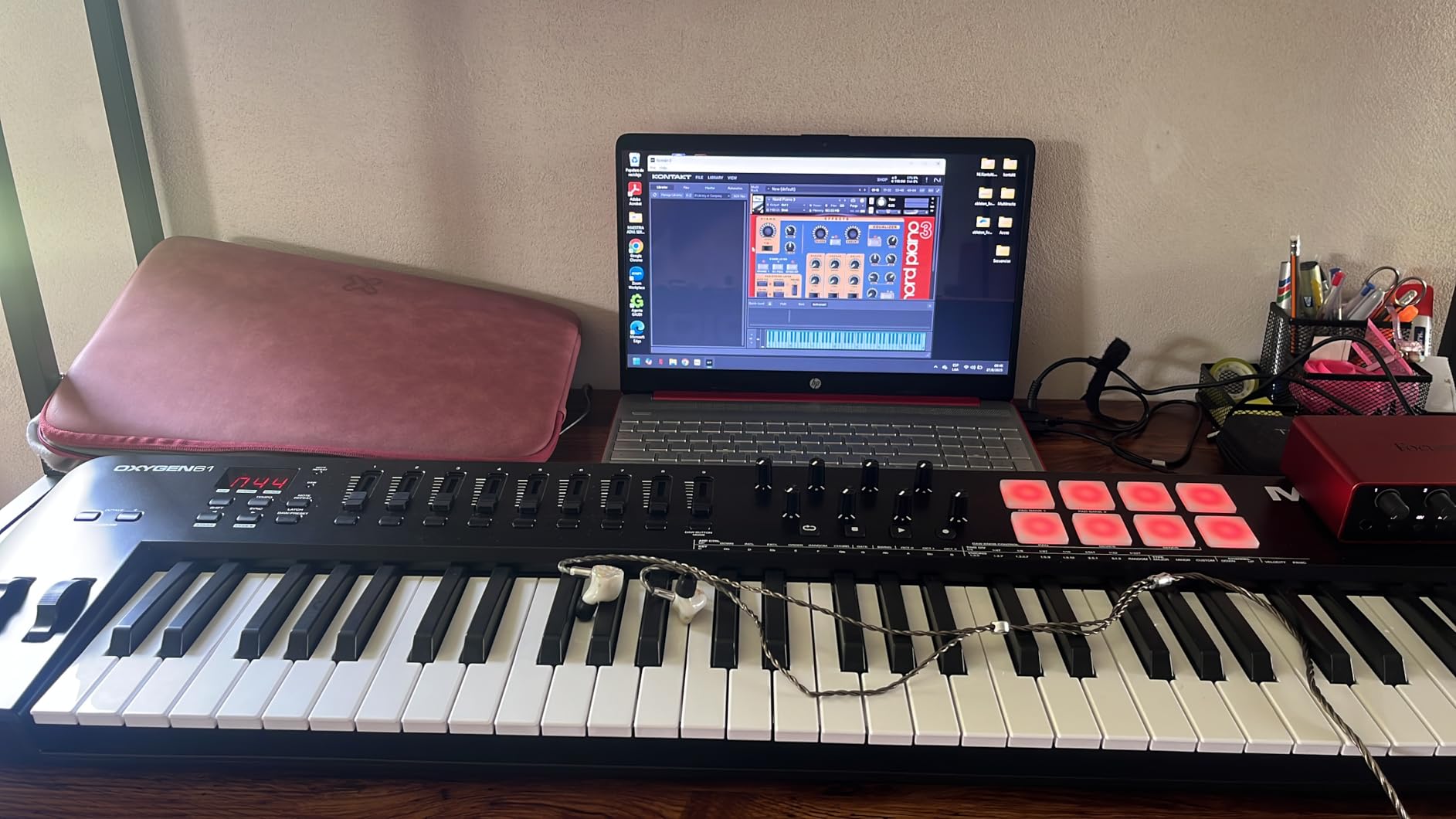
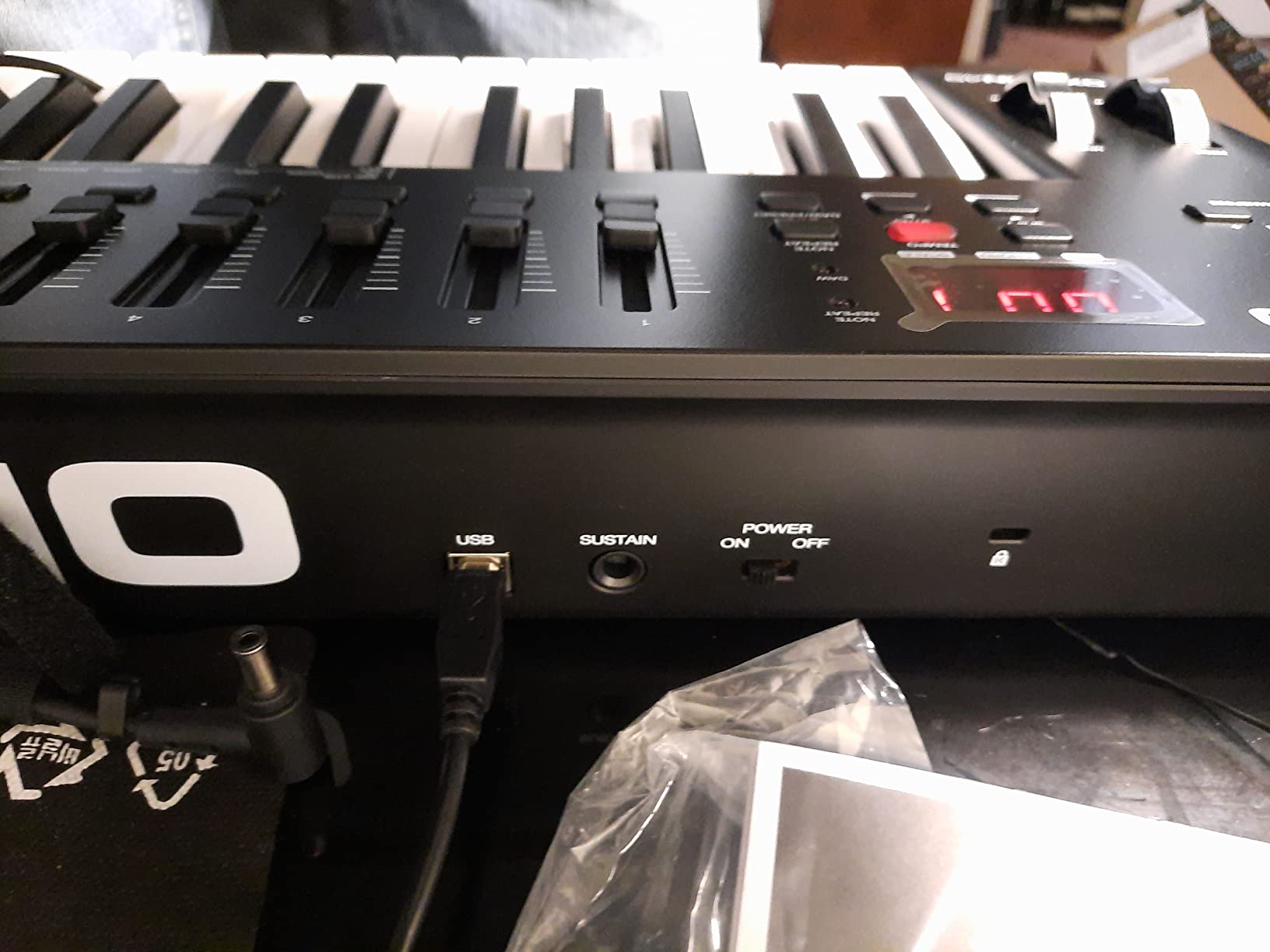
Native Kontrol Standard integration means the knobs map automatically to NKS plugins, and you choose one of three curated Komplete 15 Select sound bundles. Smart Chord and Smart Scale modes, an arpeggiator, pitch and mod wheels and a sustain pedal input round out a feature list that is hard to argue with at this size. MPC Beats, Ableton Live Lite, Hybrid 3, Mini Grand and five MPC expansion packs are bundled.
It is also among the more expensive 49-key boards here, and that gap matters because several cheaper options give you full-size keys. Auto-mapping covers bundled and NKS plugins far better than third-party ones, so if your instruments sit outside that ecosystem you will be mapping by hand. There is also no dedicated screen, which makes browsing large libraries slower.
Who the Oxygen 49 MKV suits
It suits a producer who wants pads, knobs and faders now and does not want a second purchase later. It also suits anyone whose instrument library is built around Native Instruments plugins, since the NKS integration is the most complete here. For a 49-key board that also does finger drumming, the Oxygen is hard to match on pad behaviour.
Where the Oxygen 49 MKV falls short
The price places it well above other 49-key options, and if you only need keys you are paying for controls you may never touch, which is the exact overpaying mistake producers warn about. The lack of a screen slows sound browsing, and mapping anything outside the bundled and NKS set is manual work you have to budget time for.
How Many Keys Do MIDI Controllers for Producers Need?
Buy 49 keys as a producer, 61 keys as a generalist, and 25 keys only for sketching, beat making and travel. Eighty-eight keys are for people writing arrangements, and two octaves are for people who do not mind jumping octaves all the time.
Here is how the sizes map to real work rather than marketing categories.
25 keys (two octaves plus). Enough for a bass line, a single synth patch, chord stabs and a hook you already know in your head. Not enough for a two-handed chord progression without a jump. Both 25-key boards in this roundup, the Akai MPK Mini IV and the Arturia MiniLab 3, compensate with pads, knobs and a screen rather than range.
32 keys. One octave more than a mini keyboard, and the first size where a two-handed voicing becomes possible. The Komplete Kontrol M32 is the only one here, and the extra octave removes a jump you would otherwise make constantly.
49 keys (four octaves). The producer default. You can play a progression, split your hands across an octave and a half, and sketch a chorus, all without moving. Every forum thread on this topic converges here. Four boards in this roundup sit at 49: the Keystation 49 MK3, the Nektar SE49, the FLkey 49 and the Oxygen 49 MKV.
61 keys (five octaves). The sweet spot for songwriters. You stop thinking about range and start thinking about music, and a five-octave span covers most pop, rock and electronic material hands-on. The Nektar Impact GX61 is the pick here, and it is a board people tend to keep for years.
88 keys. The full range, no compromises, and a serious commitment in weight and desk space. Worth it for arrangers and anyone who plays a real piano part. The Novation Launchkey 88 MK3 is the option here, and it is semi-weighted rather than hammer action.
If you are still torn between 49 and 61, the deciding question is simple: do you play chords with both hands, or do you play single-line parts and a bass line? Single-line work is fine on 49. Two-handed chord work is noticeably cramped on 49 and comfortable on 61.
Key Action, Velocity and Aftertouch Explained
Key action is the feel of the key when you press it, and it changes your playing more than any other spec. Four types cover almost everything you will see.
Synth action, also called unweighted, is the light, springy feel on budget boards like the Keystation 49 MK3, the Nektar SE49 and the Impact GX61. It is fast and cheap, and it will feel thin next to anything weighted.
Semi-weighted adds enough resistance to feel like a real instrument without the mass of a full weighted key. The Launchkey 88 MK3, the FLkey 49 and the Komplete Kontrol M32 all use it, and it is the sweet spot for producers who want expression without a moving hammer.
Hammer action replicates an acoustic piano with a counterweighted key. It is expressive and expensive and heavy, and for most producers it is overkill unless you also play a real digital piano.
Low-profile keys, like the Korg nanoKEY2, trade travel for portability. They are responsive but give you far less to express dynamics with, so they suit sketching rather than performance.
Velocity sensitivity is the second thing to check, and it is the one spec you cannot judge from a list. It means the controller reports how hard you hit the key, which is what makes a chord swell and an attack feel alive. Reviewers repeatedly flag inconsistent velocity response, especially on black keys, so play-test before buying.
Aftertouch adds expression beyond velocity. Channel aftertouch responds to pressure anywhere on the key, and polyphonic aftertouch responds per key, so you can hold a chord and press one note harder. It is genuinely expressive and it is rare and expensive. None of the twelve controllers here has polyphonic aftertouch, which is a reasonable compromise for software production.
Pads vs Knobs vs Faders: Which Controls Change Your Workflow
Pads, knobs and faders solve different problems, and the mistake producers make is buying the wrong one for how they actually work.
Faders control continuous values one dimension at a time: volume, pan, filter cutoff, send levels. They are what you want for mixing. The APC Mini MK2 is built around nine of them for exactly this reason, and the FLkey 49 and Oxygen 49 MKV pair nine faders with eight knobs.
Knobs are smaller and more precise than faders, and they are better for parameters that sit in a range, like a filter or a resonance setting. The Arturia MiniLab 3 packs eight encoders and four faders into a 25-key body, and the Akai MPK Mini IV adds eight rotary knobs plus a push-turn encoder and a color screen.
Pads do not control a value, they fire something: a sample, a clip, a one-shot, a note. Sixteen pads on a keyboard controller (MiniLab 3, FLkey 49, Launchkey 88, Oxygen 49 MKV) handle finger drumming and quick triggers. Sixty-four pads in an 8×8 grid (Launchpad Mini MK3, APC Mini MK2) are for clip launching and a full performance layout.
The common regret, and it comes up repeatedly in producer forums, is paying for pads and knobs that sit unused because the real bottleneck was key feel. If you write melodies and chords, buy the keys first. If you trigger and arrange, buy the pads first. Buying a cheap 61-key board for playing plus a grid controller for control is a very common and very sensible two-controller setup.
DAW Compatibility: Ableton Live, Logic Pro, FL Studio and Bitwig
Every controller sends standard MIDI, so all twelve work with any DAW. The difference is how much setup each one needs, and that is where the buying decision really lives.
1-to-1 pre-mapped. The Akai APC Mini MK2 is mapped pad-for-pad and fader-for-fader to Ableton Live 11 and later. The Novation Launchpad Mini MK3 reflects your Live session directly and also handles Logic Pro Live Loops. Zero setup, but the mapping only pays off in the DAW it was built for.
Deep native integration. The Novation Launchkey 88 MK3 supports Ableton, Logic Pro, Cubase and HUI. The Novation FLkey 49 is built around the FL Studio mixer, Channel Rack and step sequencer. The Akai MPK Mini IV arrives pre-mapped for Ableton Live Lite 12, Logic Pro and FL Studio.
Broad host coverage. The Nektar Impact GX61 and Nektar SE49 integrate with most major DAWs, including Bitwig, Cubase, Logic, Reaper, FL Studio and Studio One, and owners report plug-and-play recognition with no custom configuration. The M-Audio Keystation 49 MK3 comes with Ableton Live Lite and MPC Beats ready to go.
Plugin-aware auto-mapping. The Native Instruments Komplete Kontrol M32 and the M-Audio Oxygen 49 MKV both support Native Kontrol Standard, so knobs map automatically to NKS plugins such as Pigments and Komplete Kontrol. Outside the NKS ecosystem, you are back to MIDI Learn.
Bitwig 8-Track licences are bundled with both Nektar boards here, which is a small but real advantage if you want a legal DAW out of the box. For everything else, MIDI Learn is a fifteen-minute job per controller and worth doing regardless of what you buy, because a saved template pays for itself the first week.
How to Set Up a New MIDI Controller in Five Steps
Most controller regret comes from an unfinished setup, not the wrong hardware. Five steps get you from unboxing to a working template.
1. Connect and confirm. Plug the controller into the computer by USB, open your DAW, and check the MIDI input list before anything else. If the device is not listed, the problem is the cable or the port, not your settings.
2. Install the DAW script or control map. If the manufacturer provides a template for your DAW, install it now. Ableton, Logic, Cubase, Bitwig and Reason all have device templates, and they give you transport, mixer and plugin control for free.
3. Test every control. Play a note and watch the velocity value. Turn a knob and watch the CC number. Hit a pad and check the note number. Controllers that ship with broken or mislabelled controls are not unusual, and you want to know now rather than in a session.
4. MIDI Learn what is left. For anything the template did not cover, turn on MIDI Learn in your DAW, click the parameter you want, then touch the control. Save the map as a template so you never do it twice.
5. Set a velocity curve and check your buffer. If the velocity response feels too soft or too harsh, adjust the curve in your DAW or on the controller. Then watch your latency buffer setting while playing, and lower it until you stop hearing a delay without introducing clicks.
Add a sustain pedal early rather than later. The Nektar Impact GX61 includes one, and for the rest it is a small purchase that prevents an annoying hole in your setup. If you run older hardware synths, a USB to 5-pin MIDI interface is the other accessory worth owning before you need it.
Frequently Asked Questions
How many keys should a MIDI controller have?
Forty-nine keys is the right default for most producers because it covers four octaves, enough for two-handed chord work and bass lines without jumping octaves. Go to 61 keys if you write full song arrangements, since five octaves covers most pop, rock and electronic material hands-on. Drop to 25 or 32 keys only for beat making, sketching and travel, and consider 88 keys if you write piano parts regularly. The number matters far less than key size and key action.
Is 49 keys enough for a MIDI controller?
Yes, for producing. Forty-nine full-size keys is four octaves, which covers chord progressions, bass lines and melody writing for the majority of electronic and pop work. It becomes cramped the moment you want to play a wide two-handed voicing or a full chorus arrangement, and producer forums describe 49 as the minimum rather than the ideal. If your desk has room and your budget allows, 61 removes that limitation entirely.
Which is better, 49 keys or 61 keys?
Choose 49 if you play single-line parts, a bass line and one-handed chords, or if desk space is tight. Choose 61 if you play two-handed chord progressions, sketch arrangements quickly, or want to stop thinking about range. The 49-key boards in this roundup include the M-Audio Keystation 49 MK3, the Nektar SE49, the Novation FLkey 49 and the M-Audio Oxygen 49 MKV, while the Nektar Impact GX61 covers the 61-key case.
Is 61 keys enough for a beginner?
More than enough, and arguably one key more than a beginner needs. A 61-key board gives you five full octaves, so you can learn scales, chords and progressions without hitting an octave limit, and it will not need replacing when you progress. If your budget is tight, a 49-key board teaches you the same things. The Novation FLkey 49 and Nektar Impact GX61 are both realistic first purchases for that reason.
Do MIDI controllers work with any DAW?
Yes. Every controller here sends standard MIDI, so all of them work with any DAW at a basic level, including Ableton Live, Logic Pro, FL Studio, Bitwig, Reason, Cubase, Reaper and Studio One. The difference is setup effort. Native Kontrol Standard boards map automatically to compatible plugins, DAW-specific boards like the Novation FLkey 49 and Akai APC Mini MK2 arrive pre-mapped, and everything else needs a template or a MIDI Learn session.
What is the best MIDI keyboard for music production?
It depends on key count and control surface together. For a producer moving from mouse to keyboard, the M-Audio Keystation 49 MK3 gives full-size keys and a working setup immediately. For a compact all-rounder, the Arturia MiniLab 3 packs encoders, faders and pads into 25 keys. For full range, the Novation Launchkey 88 MK3 removes octave shifting entirely. For pad-based beat making, the M-Audio Oxygen 49 MKV adds Note Repeat pads and nine faders.
Which MIDI Controller Should You Buy?
Start with your DAW, not the spec sheet. If you are on Ableton Live, the APC Mini MK2 or the Launchpad Mini MK3 removes setup entirely and the Launchkey 88 MK3 covers the keyboard side. If you are on FL Studio, the FLkey 49 is the most complete integration available. If you are on Logic Pro, the MPK Mini IV and the Launchkey 88 MK3 both arrive with working templates. If you are on Bitwig, both Nektar boards include an 8-Track licence.
Then decide how you work. A bedroom producer writing songs on a small desk gets the most out of the M-Audio Keystation 49 MK3 for full-size keys, or the Nektar Impact GX61 if the extra octave is affordable. A producer who finger drums gets the M-Audio Oxygen 49 MKV, where Note Repeat pads and nine faders turn the board into a beat machine. A producer who works on the move gets the Arturia MiniLab 3 or the Korg nanoKEY2.
Our pick, if you want one answer, is the Akai Professional MPK Mini IV. It has the most review history of the twelve, a control surface that does not need explaining, and a full-size MIDI out so it is not confined to your computer. Add a 49-key or 61-key board later if the mini keys stop being enough, and you will not have wasted anything.
Whatever you choose, play the keys in a store before you buy, set up the template on day one, and give it a month before you judge it. Our [broader MIDI keyboard guide](https://www.superfooddrive.org/best-midi-keyboards/) goes deeper on the budget tiers if you want a second opinion.