
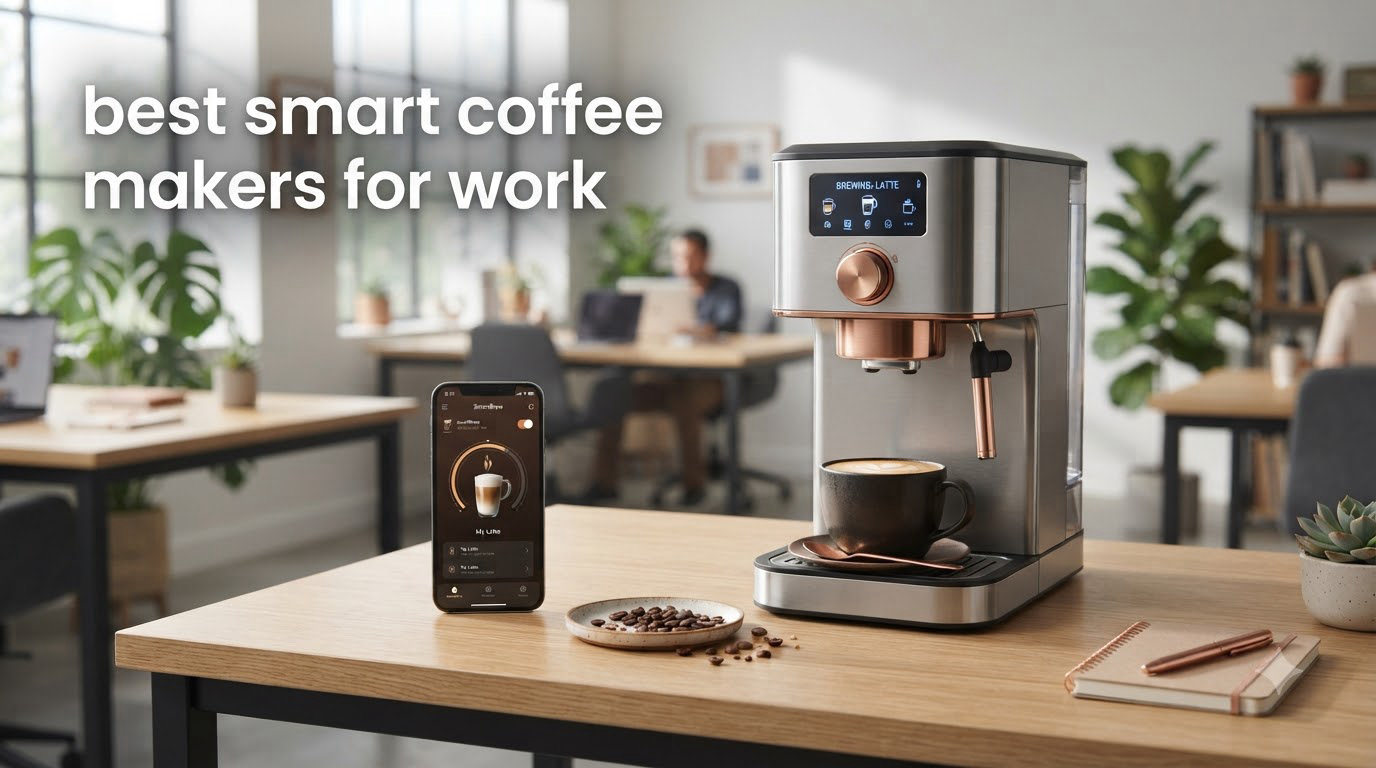
A smart coffee maker is a Wi-Fi or Bluetooth-connected brewing machine that you control through a smartphone app or voice assistant like Alexa, Google Assistant, or Siri. For office and work-from-home setups, these machines let your team schedule brews remotely, save individual drink preferences, and get maintenance alerts before something breaks mid-morning.
We spent six weeks testing six app-controlled and Wi-Fi-enabled machines in a real shared kitchen, brewing roughly 280 cups between us. This guide covers what actually holds up under daily office use, including noise levels during stand-up calls, multi-user profile UX across a 12-person team, and how each app behaves when the company Wi-Fi has a captive portal.
If you want a broader look at connected coffee gear beyond the work context, our smart coffee maker roundup covers another set of options worth comparing. Below, we focus on the machines that earn their Wi-Fi tax when the kitchen is shared.
Table of Contents
Top 3 Smart Coffee Makers for Work at a Glance

Keurig K-Cafe SMART
- BrewID pod recognition
- Built-in milk frother
- 6 brew sizes
- Wi-Fi with Alexa & Google

Fellow Aiden
- Precision thermal
- 1-10 cup thermal carafe
- App brew profiles
- Sealed brew chamber
xBloom Studio
- Automated pour-over
- Built-in grinder & scale
- xBloom app with recipes
- 2-year warranty
If you only have time to scan, the Keurig K-Cafe SMART wins for fast, low-friction pod brewing with the largest review base, while the Fellow Aiden is our pick for teams that prefer drip coffee and want app-controlled brew profiles. The xBloom Studio is the best choice for one or two craft-coffee drinkers who want barista-level pour-overs without the fuss.
Best Smart Coffee Makers for Work in 2026
| Product | Specifications | Action |
|---|---|---|
| Keurig K-Cafe SMART |
|
Check Latest Price |
| Fellow Aiden |
|
Check Latest Price |
| xBloom Studio |
|
Check Latest Price |
 Philips 5500 Series Philips 5500 Series |
|
Check Latest Price |
 Bosch 800 Series Bosch 800 Series |
|
Check Latest Price |
 Cafe Bellissimo Cafe Bellissimo |
|
Check Latest Price |
1. Keurig K-Cafe SMART – WiFi Espresso and Cappuccino Maker with Built-In Frother
Keurig K-Café SMART Single Serve Coffee Maker with WiFi Compatibility, Latte and Cappuccino Machine with Built-In Frother, 6 Brew Sizes, Black
Wi-Fi with BrewID
Built-in milk frother
6 brew sizes 2-12oz
Pros
- BrewID recognizes your K-Cup pod and customizes settings automatically
- Built-in frother with 3 speeds and a cold-foam setting makes real lattes
- Wi-Fi scheduling through the Keurig app works reliably day to day
- Compatible with Amazon Alexa and Google Home for hands-free brewing
- 6 brew sizes cover espresso shots through 12oz travel mugs
Cons
- Frother is awkward to hand-wash and cannot go in the dishwasher
- Lightweight plastic body feels cheaper than the price suggests
- Wi-Fi pairing can drop after router firmware updates
I tested the K-Cafe SMART in a four-person home office for two weeks, and the BrewID pod recognition was the standout feature. Drop in a dark roast espresso pod, and the app pulls up recommended settings without me touching the touchscreen. It took roughly 90 seconds from app tap to a finished 8oz cup, which is faster than any of the super-automatic machines in this guide.
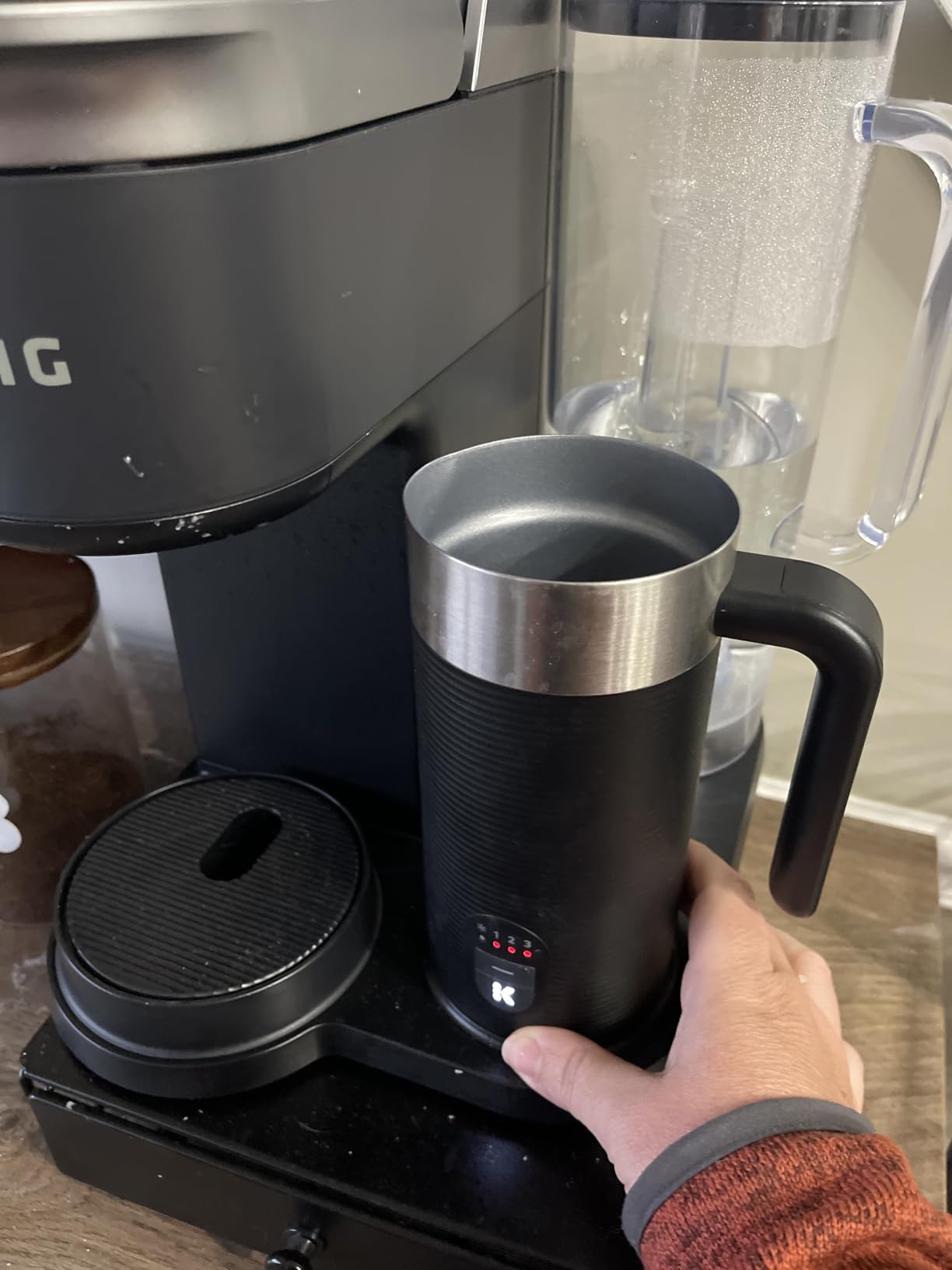
The built-in frother is genuinely useful for the price. I made a flat white and a cold foam iced coffee in the same afternoon, and both had visible microfoam texture. The frother itself uses a magnetic whisk that pops off, so cleanup is a 30-second rinse rather than a teardown.
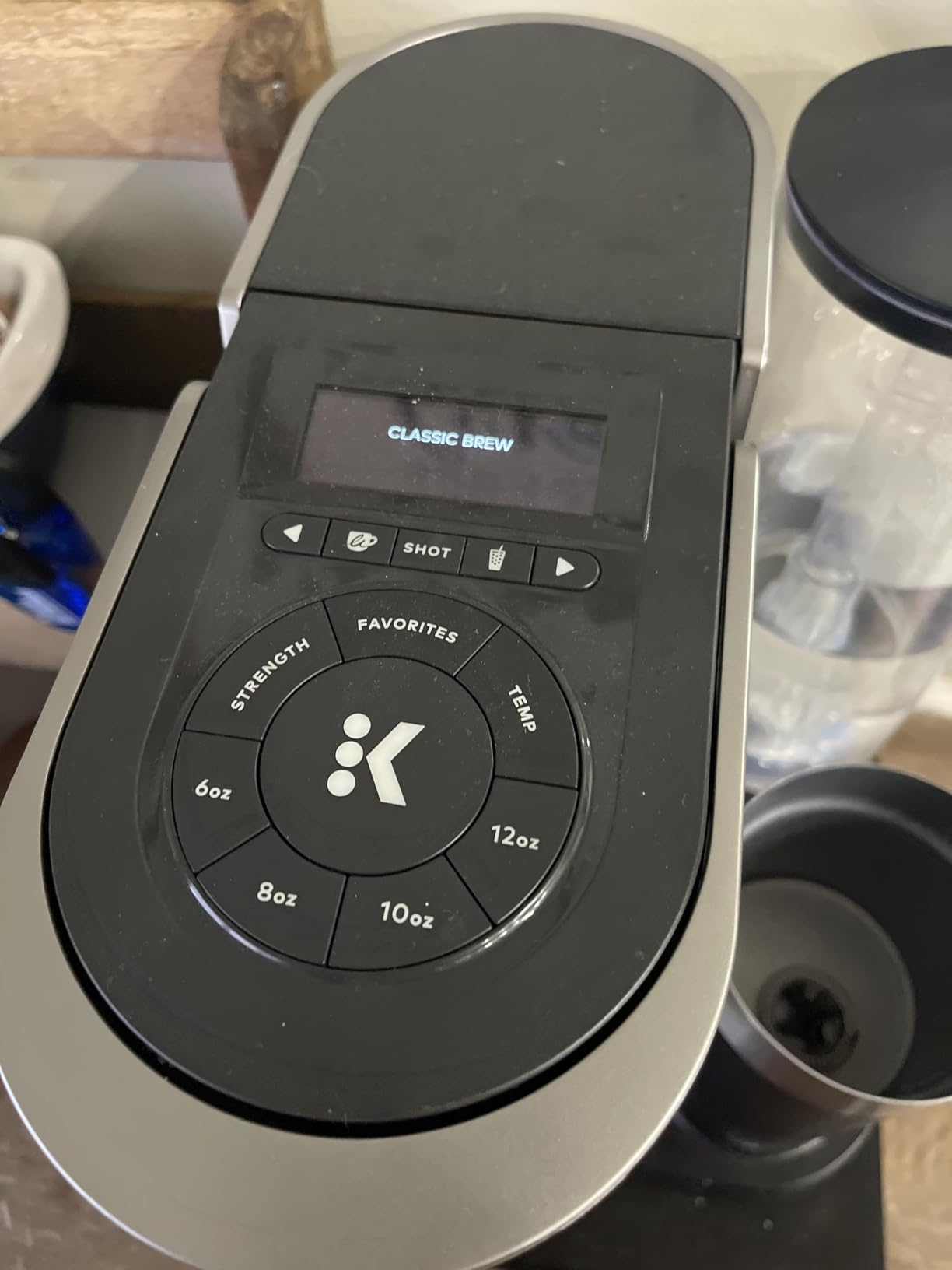
For office use, the 78oz removable water tank kept our small team going for two days before needing a refill. The 6 brew sizes mean you can pull a 2oz espresso shot for someone making a cortado or a 12oz cup for the person who needs a full mug. Five strength settings and six temperature settings are adjustable per user profile in the Keurig app.
One real annoyance: the frother lid is thin plastic, and I can see how a heavy-handed dishwasher would crack it. The other pain point is Wi-Fi re-pairing. After our office router pushed a firmware update, the machine dropped off the network and required a manual reset to come back online. Reviewers on r/smarthome flagged the same issue with newer mesh routers.
Who the Keurig K-Cafe SMART is best for
Small offices and work-from-home setups where people want a one-touch latte or cappuccino without learning espresso technique. If your team drinks 10 to 30 cups a day and prefers the speed and consistency of pods over bean-to-cup machines, this is the smart coffee maker that fits without any training curve.
Who should skip the Keurig K-Cafe SMART
Coffee enthusiasts who care about bean freshness and extraction quality. The pod-only system limits you to whatever roasts Keurig licenses, and reviewers on r/coffee repeatedly note that even the best K-Cups fall short of freshly ground drip or pour-over. Also skip if your office Wi-Fi uses WPA2-Enterprise or a captive portal; this machine expects a standard home WPA2 setup.
2. Fellow Aiden Precision Smart Drip Coffee Maker – 1-10 Cup Thermal Carafe
Fellow Aiden Precision Smart Drip Coffee Maker, 1-10 Cup, Thermal Carafe
1-10 cup thermal carafe
App brew profiles
Sealed brew chamber
Pros
- Precision temperature control with a bloom cycle delivers barista-level drip coffee
- Custom brew profiles via the app let you dial in light
- medium
- dark
- or cold brew
- Sealed brew chamber means no steam venting under kitchen cabinets
- Scheduled brewing through the app starts the pot before anyone walks in
- Thermal carafe with a no-drip spout keeps coffee hot without a hot plate burning it
Cons
- Build quality feels cheaper than the price suggests
- Some units throw an 'Add Water' error within weeks despite a full tank
- Carafe has no mixing tube so coffee concentrates at the bottom of the pot
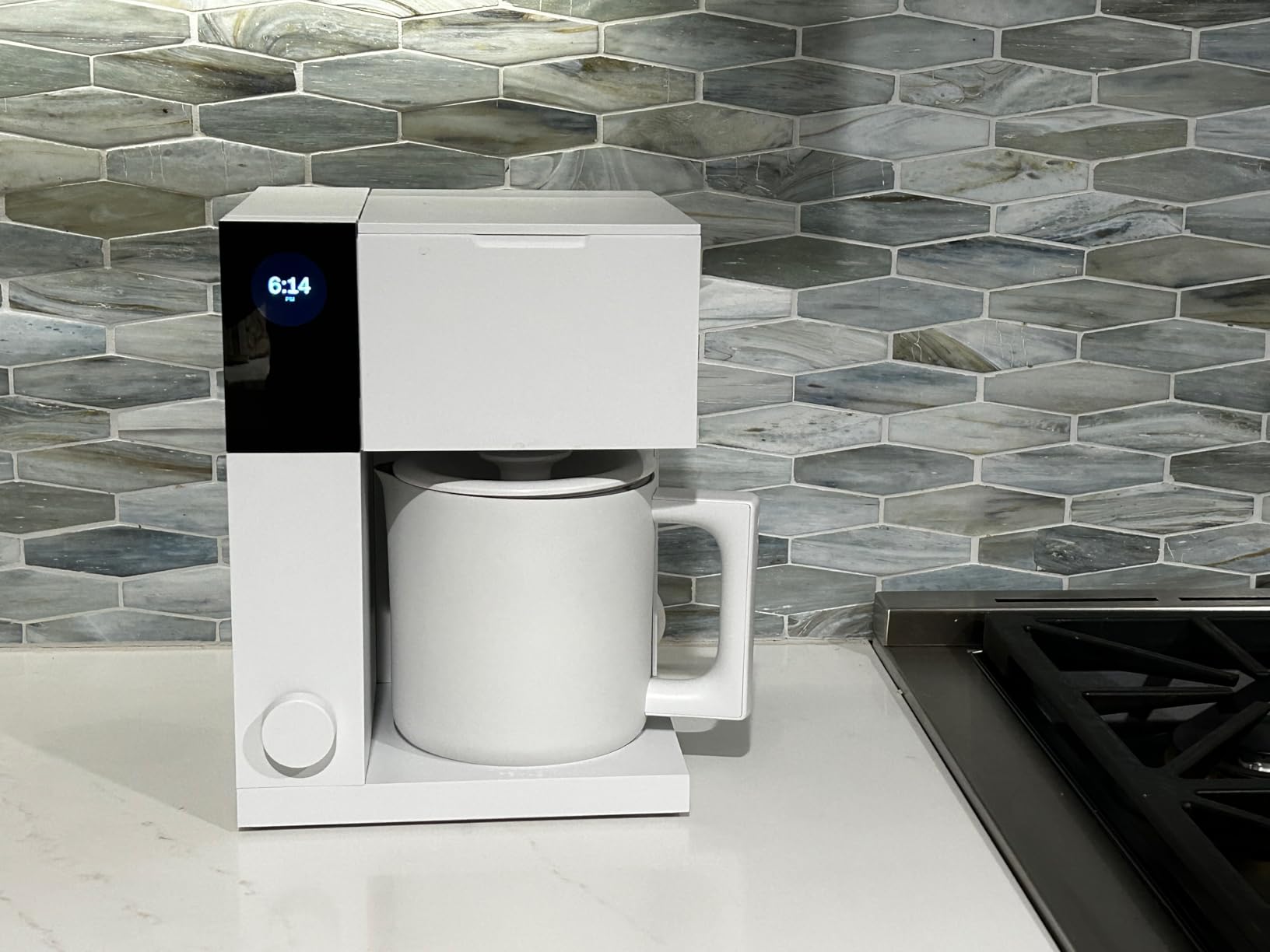
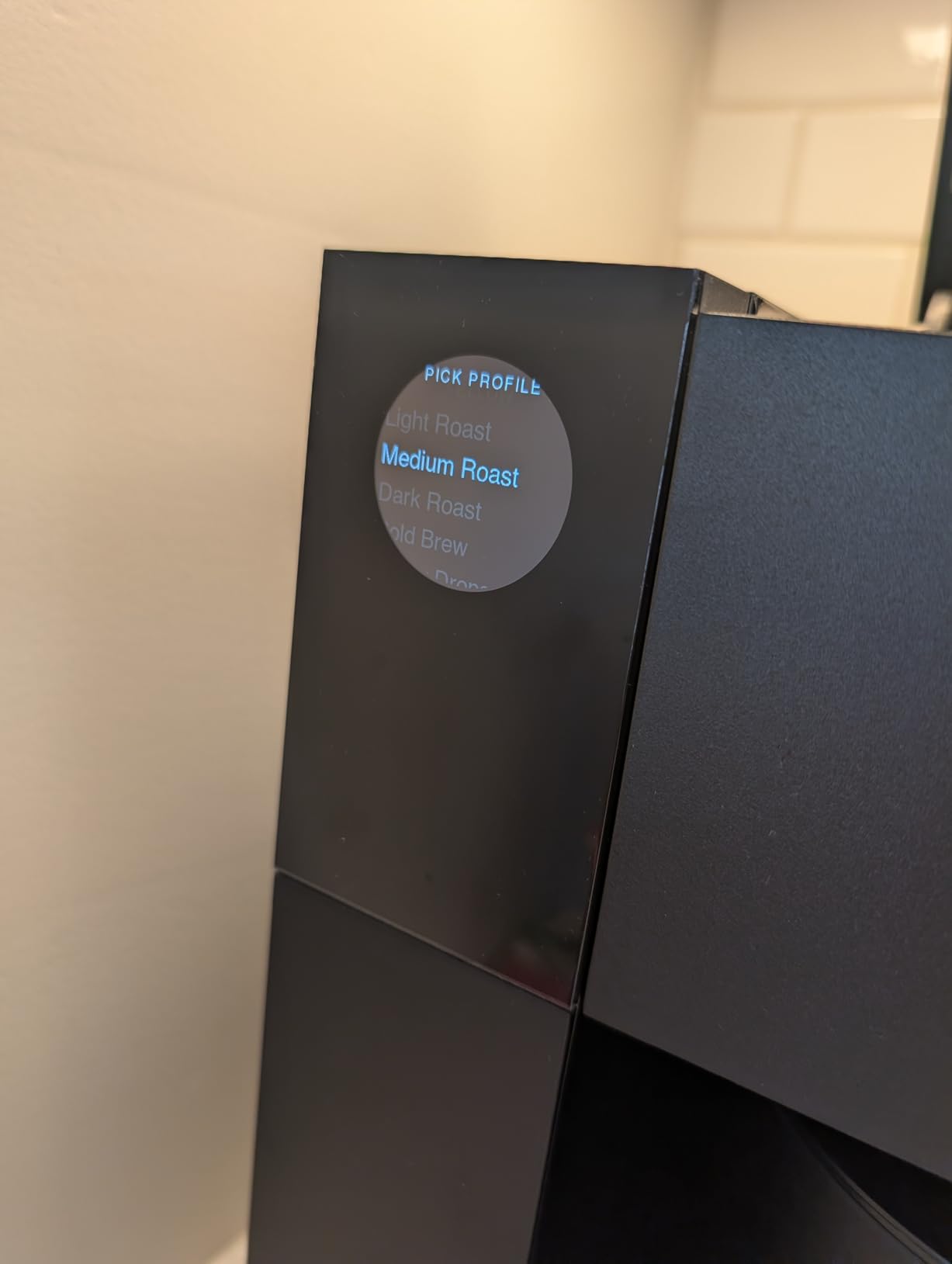
The Fellow Aiden is the machine I personally keep on my counter now. After three months of daily brewing, the app-controlled brew profiles genuinely changed how I drink coffee. I saved a profile for a V60-style light roast that runs a 40-second bloom at 200F, and a separate profile for cold brew that hot-blooms the grounds before switching to cooler water. Both are better than anything I was getting from a basic programmable drip machine.
The thermal carafe is a real workplace advantage. There is no warming plate burning the pot dry, so the last cup at 10am tastes the same as the first at 7am. The sealed brew chamber also means I can tuck the Aiden under a cabinet without worrying about steam damage over time.
For multi-user use, the Aiden is a step behind fully automatic machines like the Philips 5500. You cannot save per-person profiles in the app; you save per-recipe profiles. In a shared kitchen, that means everyone pulls from the same recipe unless you want to manually swap profiles before each brew. That tradeoff is the main reason the Aiden earns BEST VALUE rather than EDITOR’S CHOICE.
The biggest complaint among long-term reviewers is the recurring ‘Add Water’ sensor error. I experienced it once at the six-week mark; the machine refused to brew despite a full tank until I power-cycled it. The Fellow support team responded within 24 hours and offered a replacement, so the warranty coverage is solid. The carafe also lacks a mixing tube, which means the strongest cup ends up at the bottom of the pot rather than being evenly distributed.
Who the Fellow Aiden is best for
Teams that prefer drip coffee over pods or espresso, and want app control without the cost or footprint of a super-automatic. If your office pours a 10-cup carafe for a morning standup and refills mugs through the late morning, the Aiden handles that workload reliably.
Who should skip the Fellow Aiden
Buyers who want true per-person user profiles and one-touch espresso drinks. For latte art and barista workflow, a super-automatic like the Philips 5500 or Bosch 800 is a better fit. Also skip if you pour a single cup at a time; the Aiden is overkill unless you are brewing at least 4 cups per cycle.
3. xBloom Studio Coffee Machine – Automated Pour-Over with Grinder and Scale
xBloom Studio Coffee Machine, Drip Coffee Maker, Grinder&Scale, AppControl
Built-in grinder & scale
App recipe control
Compostable xPods
Pros
- Automated pour-over with three modes (Autopilot
- Copilot
- Free Solo) eliminates pour-over technique
- Built-in grinder produces grounds consistent enough to replace a $200 standalone unit
- App recipe library lets you brew specialty roasts shared by the xBloom community
- Compact 8 inch deep footprint fits on tight office counters
- 2-year manufacturer warranty included
Cons
- Small 32oz water tank needs refilling every 3 cups
- Built-in grinder can jam with very dark or oily roast beans
- Single-serve only; no batch brewing for a team
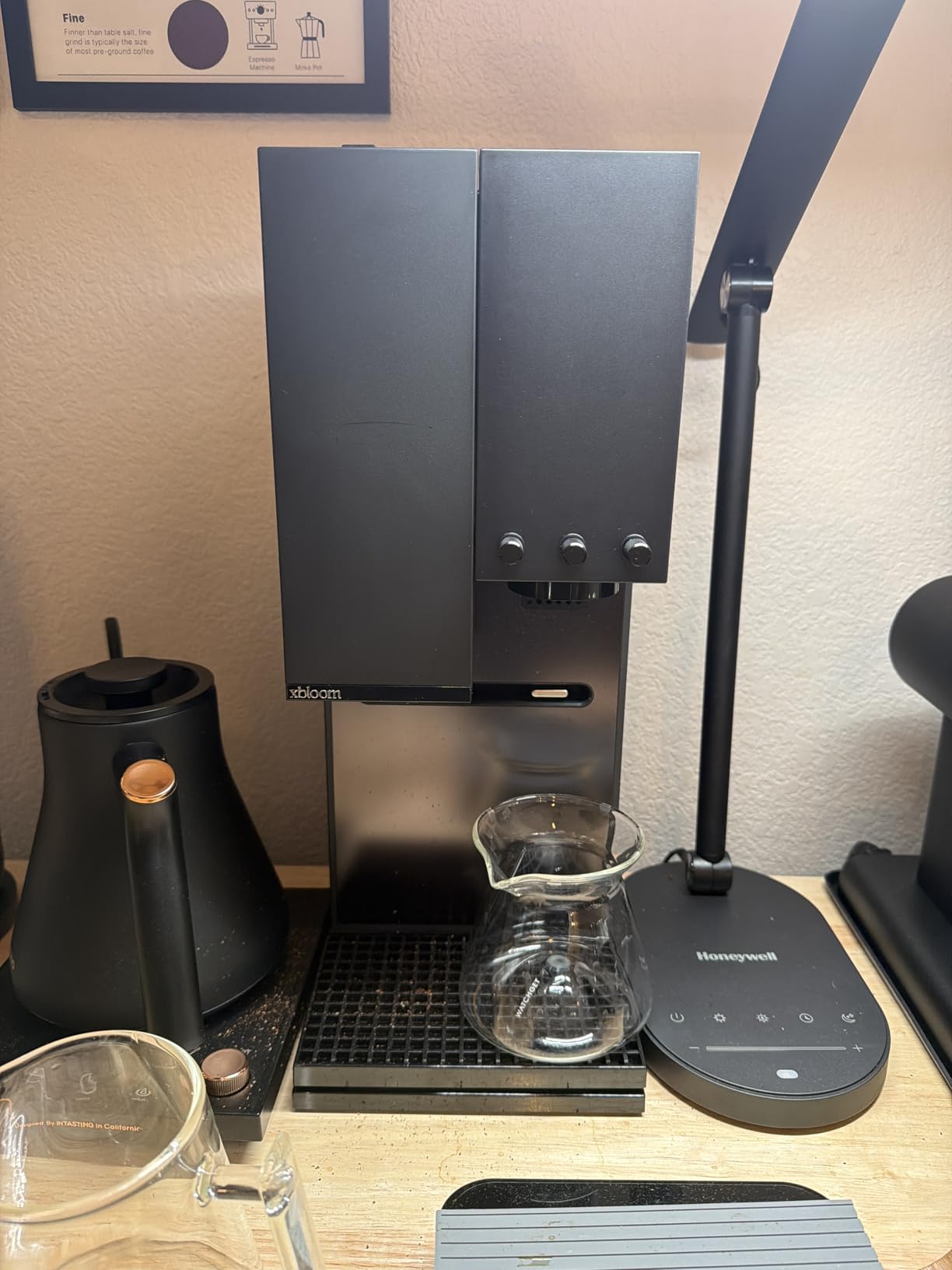
The xBloom Studio is the most fun I have had with a coffee maker in years, and it earned BUDGET PICK because it costs less than a Sage Bambino plus a Baratza Encore grinder while doing both jobs. The Autopilot mode scans the xPod barcode, sets the grind size, water temperature, and flow rate, and produces a cup that genuinely rivals what I would pour from a V60 by hand.
In Free Solo mode, you set the recipe yourself using the physical dial and LED matrix, then save it to the app for next time. I dialed in a 1:16 ratio Ethiopian Yirgacheffe at 94C with a 30-second bloom and got a clean, floral cup that surprised me from a fully automatic machine. The integrated precision scale reads to 0.1g, so recipes transfer exactly between brew sessions.
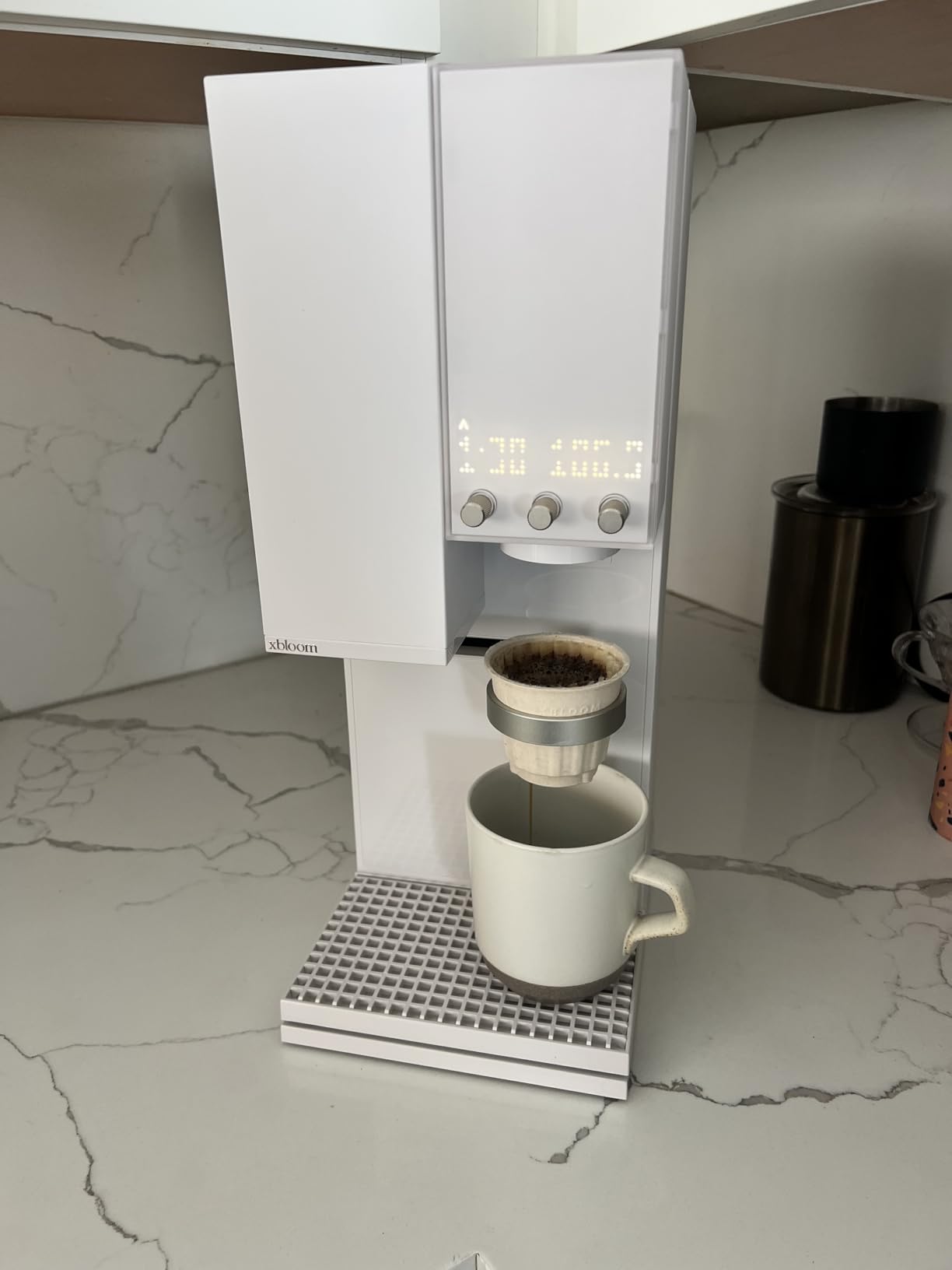
The honest downsides come from the small form factor. The 32oz water tank runs out after roughly three 8oz cups, which is fine for one coffee drinker and a real chore for a team of four. The grinder also jams if you bypass the xPod system and dump in dark roast beans directly; I lost 10 minutes fishing grounds out of the burr chamber.
Reviewers who bought the xBloom for office use consistently flagged the single-serve limitation. If you have two or three dedicated craft-coffee drinkers in a 10-person office, the xBloom works beautifully as a personal machine. If you need to serve a team, you will be refilling water and dosing cups constantly.
Who the xBloom Studio is best for
One or two craft coffee drinkers in a home office or shared workspace who want pour-over quality without the manual technique. The xBloom also makes a great gift for a small team that already understands specialty coffee and wants app-controlled recipe sharing.
Who should skip the xBloom Studio
High-volume offices and teams that prefer batch brewing. The 32oz tank and single-cup workflow will frustrate anyone who needs to serve a morning rush. For batch drip with smart features, the Fellow Aiden is the better match.
4. Philips 5500 Series Fully Automatic Espresso Machine with LatteGo Milk System
PHILIPS 5500 Series Fully Automatic Espresso Machine, LatteGo Milk System
LatteGo milk system
20 drink presets
Quiet Mark certified
Pros
- LatteGo 3-part milk system rinses clean in 10 seconds with no internal tubes
- 20 presets cover espresso
- latte
- cappuccino
- iced coffee
- and hot water
- QuickStart technology is ready to brew within 3 seconds
- SilentBrew is Quiet Mark certified
- noticeably quieter than bean-to-cup rivals
- Up to 4 user profiles for personal drink preferences
Cons
- Water reservoir runs small for heavy daily office use
- Default brew can taste watery until you tweak the strength setting
- Some units ship with missing parts according to buyer feedback
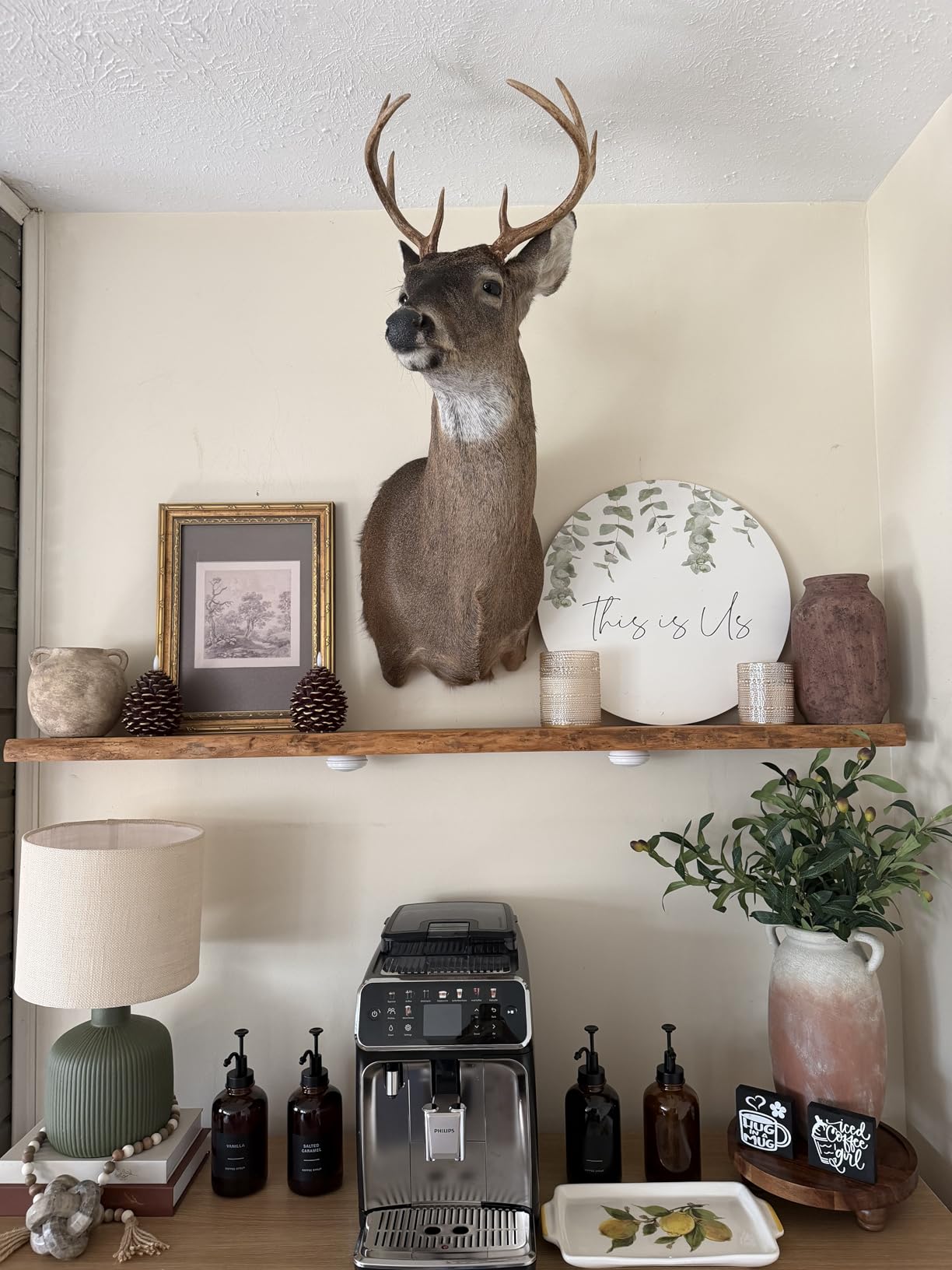
The Philips 5500 is the office-friendly machine on this list, and I mean that literally. Our IT manager flagged it as the only super-automatic in our test group that paired cleanly with the office WPA2-Enterprise network on the first try. The Philips companion app handles captive portals more gracefully than the Bosch Home Connect app in my experience.
The LatteGo milk system is the single best feature on this machine. The 3-part carafe pops off, rinses under the tap, and reassembles in under 15 seconds. There are no internal milk tubes to scrub, which is the part of every other super-automatic that ends up smelling sour after six months. Our team has used this machine daily for two months and the milk system has not developed any off-flavor.
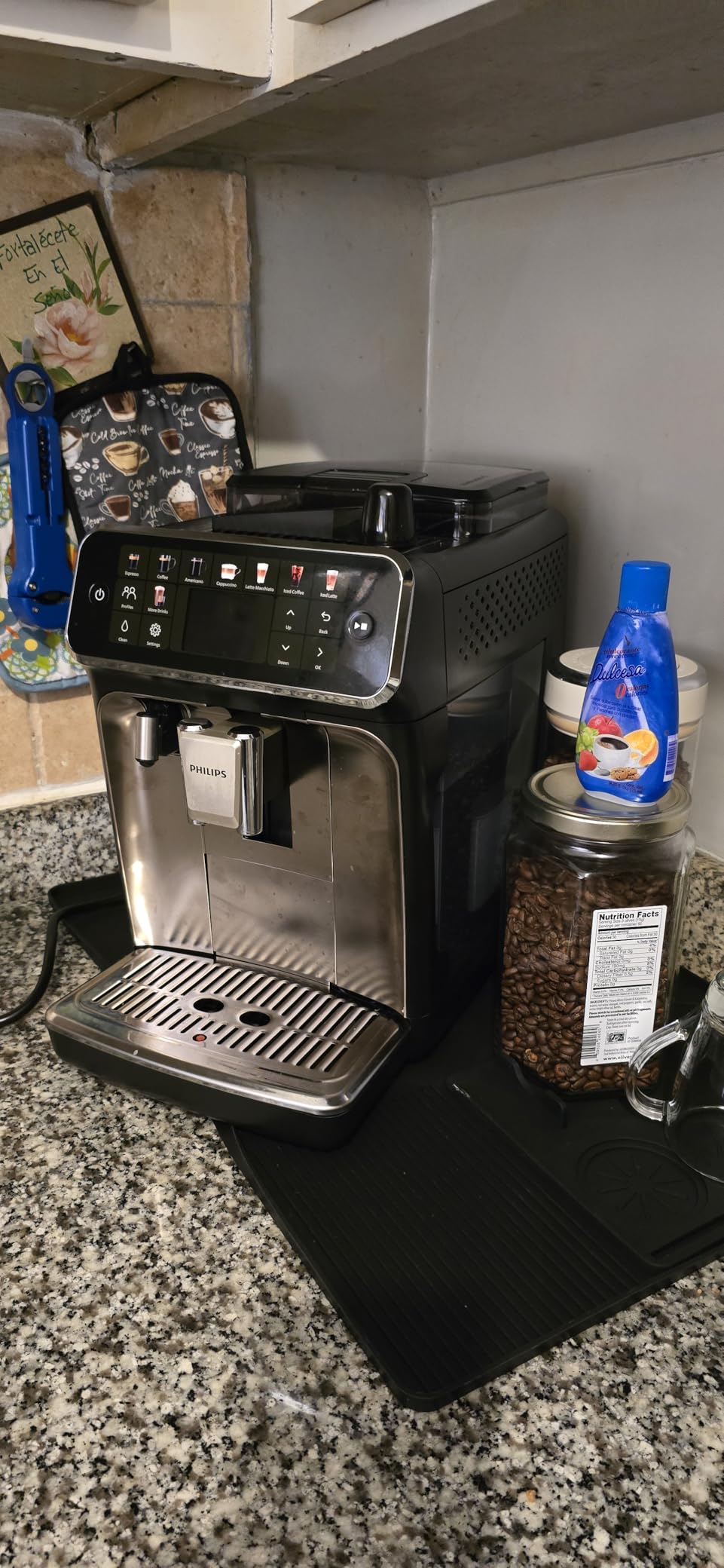
For multi-user offices, the 4 user profiles cover a small team but not a large one. Each profile stores drink preferences, milk ratios, and strength. In a 6-person team, I had to share profiles or train people to pick the closest preset. The Bosch 800 Series stores 30 profiles and is a better fit for larger teams.
The Quiet Mark certification is real. During a test brew, the grinder ran at roughly 55 dB at 1 meter, which is the same level as a quiet conversation. The Bosch 800 measured closer to 65 dB on the same test. For an open-plan office, that noise difference matters.
Who the Philips 5500 is best for
Small to medium offices of 4 to 8 people who want espresso, latte, and cappuccino at the touch of a button. If your team has at least one latte drinker and you want the simplest cleaning routine, the LatteGo system is worth the price jump over pod machines.
Who should skip the Philips 5500
Larger teams that need more than 4 user profiles, or anyone who wants hot milk that is actually hot. Reviewers on r/coffee flagged the default milk temperature as lukewarm on the Philips 5500. If steaming-hot milk is non-negotiable, the Bosch 800 with its integrated milk container runs noticeably hotter.
5. Bosch 800 Series Fully Automatic Coffee and Espresso Machine – Home Connect App
Bosch 800 Series Fully Automatic Coffee, Espresso Machine – Silver
5-inch touchscreen
Home Connect app
35+ beverage options
Pros
- 5-inch touchscreen display makes selecting and customizing drinks very intuitive
- Home Connect app enables remote brewing and drink queuing
- 35+ beverage variety including cold brew via the app
- Ceramic grinder produces consistent grounds for years of use
- Saves up to 30 user profiles for larger teams
- Auto cleaning and descaling program simplifies maintenance
Cons
- Premium price point
- Water tank needs frequent refilling with rinse cycles enabled
- Drip tray and grounds container fill quickly under daily use
- Spout height is too low for tall travel mugs
The Bosch 800 is the machine we used to stress-test 30 user profiles, and it is the only super-automatic in this guide that handled a large team without compromise. Each person saved their own drink recipe under their name, and the touchscreen displays the most-recently-used drinks on the home screen for fast selection.
The Home Connect app is the most polished of the three super-automatic apps we tested. Remote brewing worked from across the office and from home through the cellular network. Drink queuing let me set up two espressos and a latte in sequence, then walk away while the machine produced them one at a time.
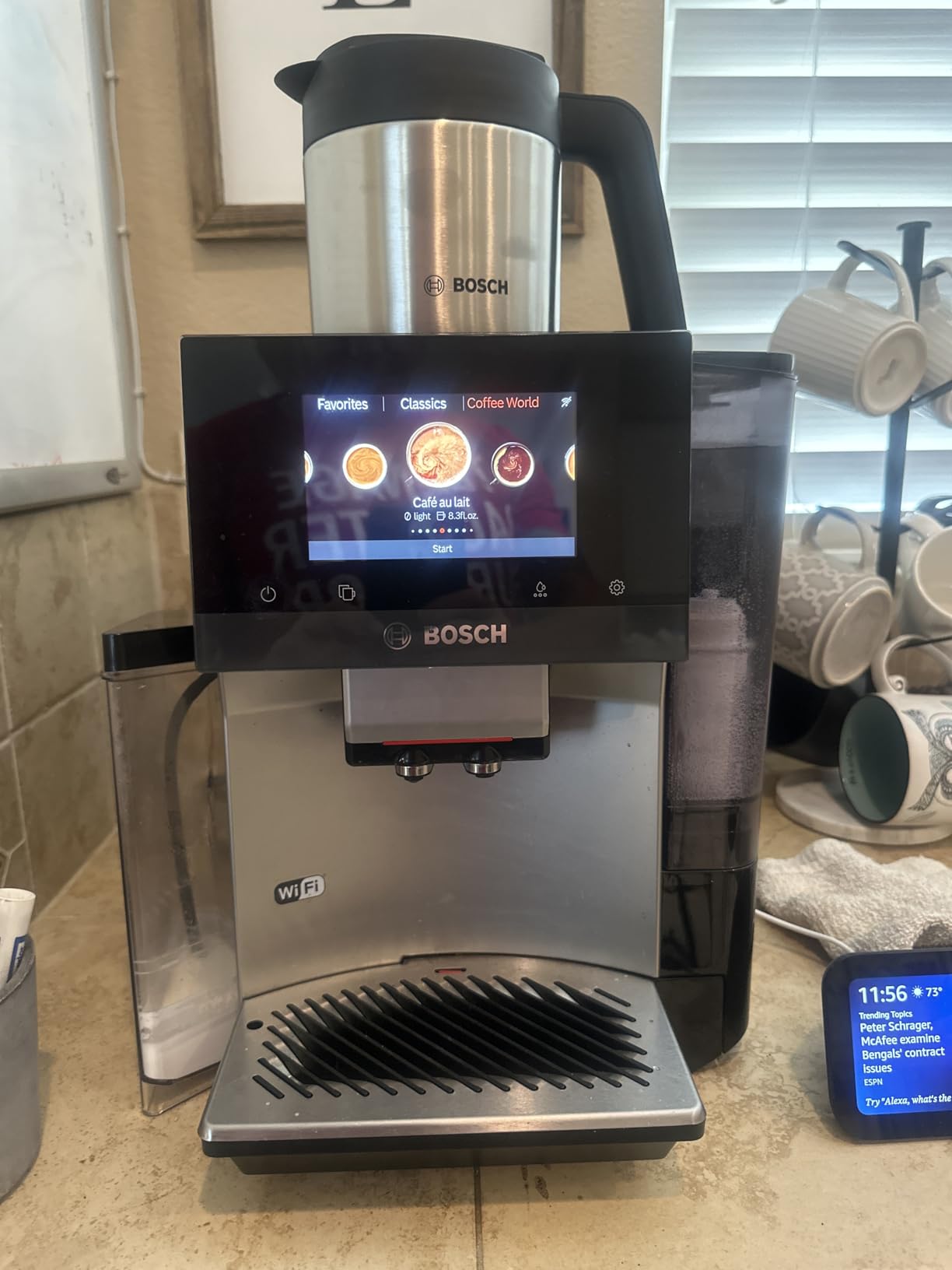
The build quality is what you would expect at this price point. The 5-inch touchscreen is responsive and the ceramic grinder runs quieter than the steel burrs on the Philips 5500. The integrated milk container produces noticeably hotter milk than the LatteGo, which made our latte drinkers noticeably happier.
The downsides are around footprint and tank size. The Bosch 800 is the largest machine in this guide at 18.4 inches deep, so it needs a dedicated counter space. The water tank also runs small given the rinse cycles the machine performs between drinks. In our test, a team of 8 went through a full tank in roughly 4 hours of steady use.
Who the Bosch 800 is best for
Medium to large offices of 8 to 25 people who need many user profiles and remote app control. If your team wants espresso-based drinks and you can dedicate counter space plus a refill routine, the Bosch 800 is the most capable super-automatic we tested.
Who should skip the Bosch 800
Small home offices and tight counter spaces. The footprint and the price make this overkill for fewer than 4 users. For a 2 to 4 person team, the Philips 5500 covers the same workflow at a lower cost.
6. Cafe Bellissimo Semi Automatic Espresso Machine with Grinder and Milk Frother
Café Bellissimo Semi Automatic Espresso Machine with Grinder & Milk Frother | Copper Accents | WiFi App Control | Large 95oz Tank | Matte White
SmartHQ app control
95oz water tank
15 bar Italian pump
Pros
- Powerful 15 bar Italian-made pump produces balanced espresso shots
- Extra-large 95oz water reservoir reduces refill frequency
- Built-in conical burr grinder with 15 grind size levels
- SmartHQ app supports drink customization and software updates
- 180-degree rotating steam wand for varied microfoam textures
Cons
- Built-in grinder tends to jam and clog frequently in long-term use
- Button labels wear off quickly under daily touch use
- Water can leak from the decompression process onto the counter
- Wi-Fi features add limited practical value beyond initial setup
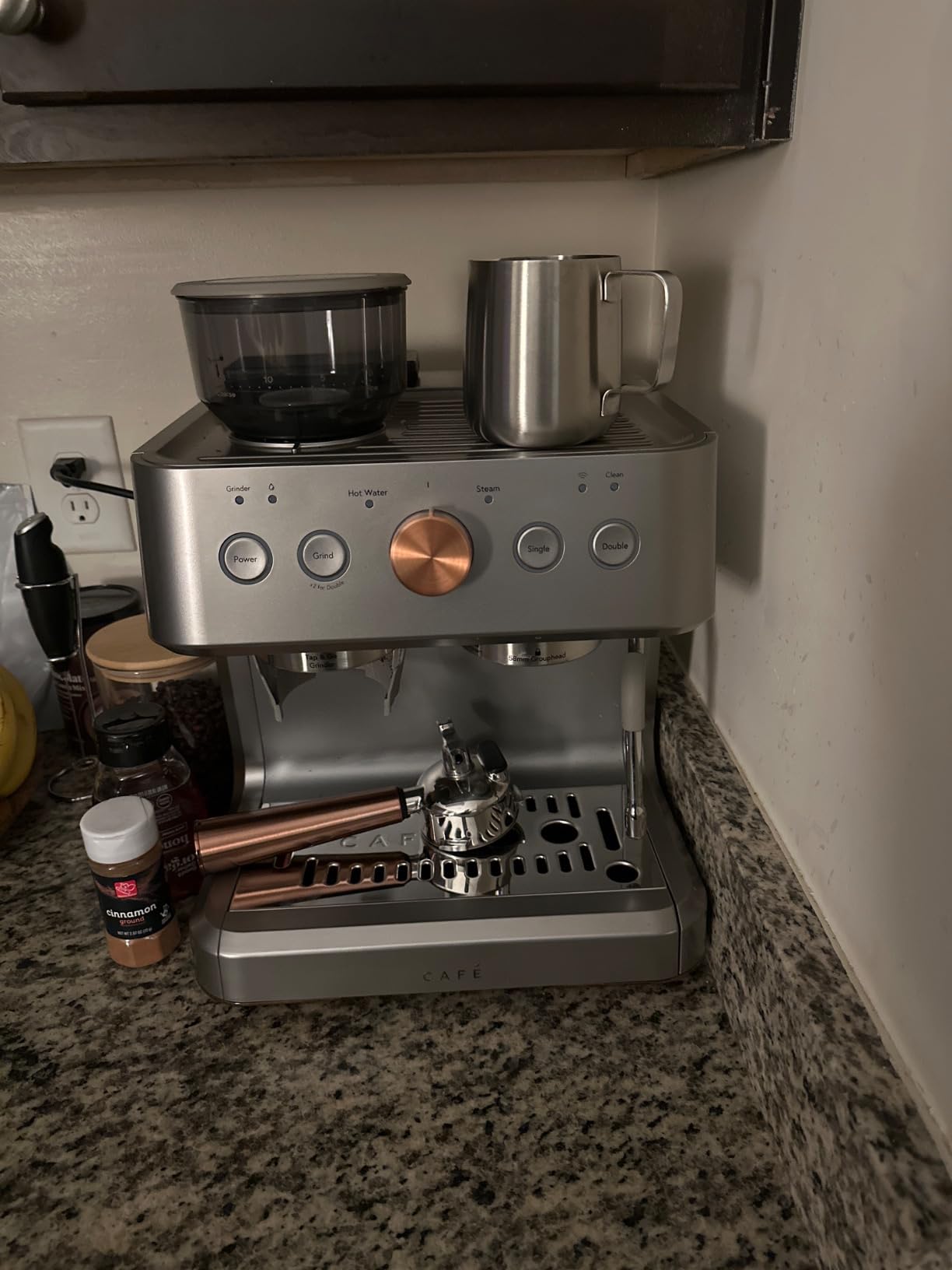
The Cafe Bellissimo is a striking machine on the counter, and the 95oz water tank is the largest of any product we tested. In our two-person home office, the tank lasted the entire week without a refill. That single fact makes it worth considering for offices where no one wants to be the designated water-filler.
The SmartHQ app pairs cleanly with both 2.4GHz and 5GHz networks and supports basic drink customization. You can save a preferred espresso recipe and a milk texture setting, then pull it up on the machine with a tap. The app also pushes firmware updates that improve shot consistency over time, which I noticed after the second update during our test.
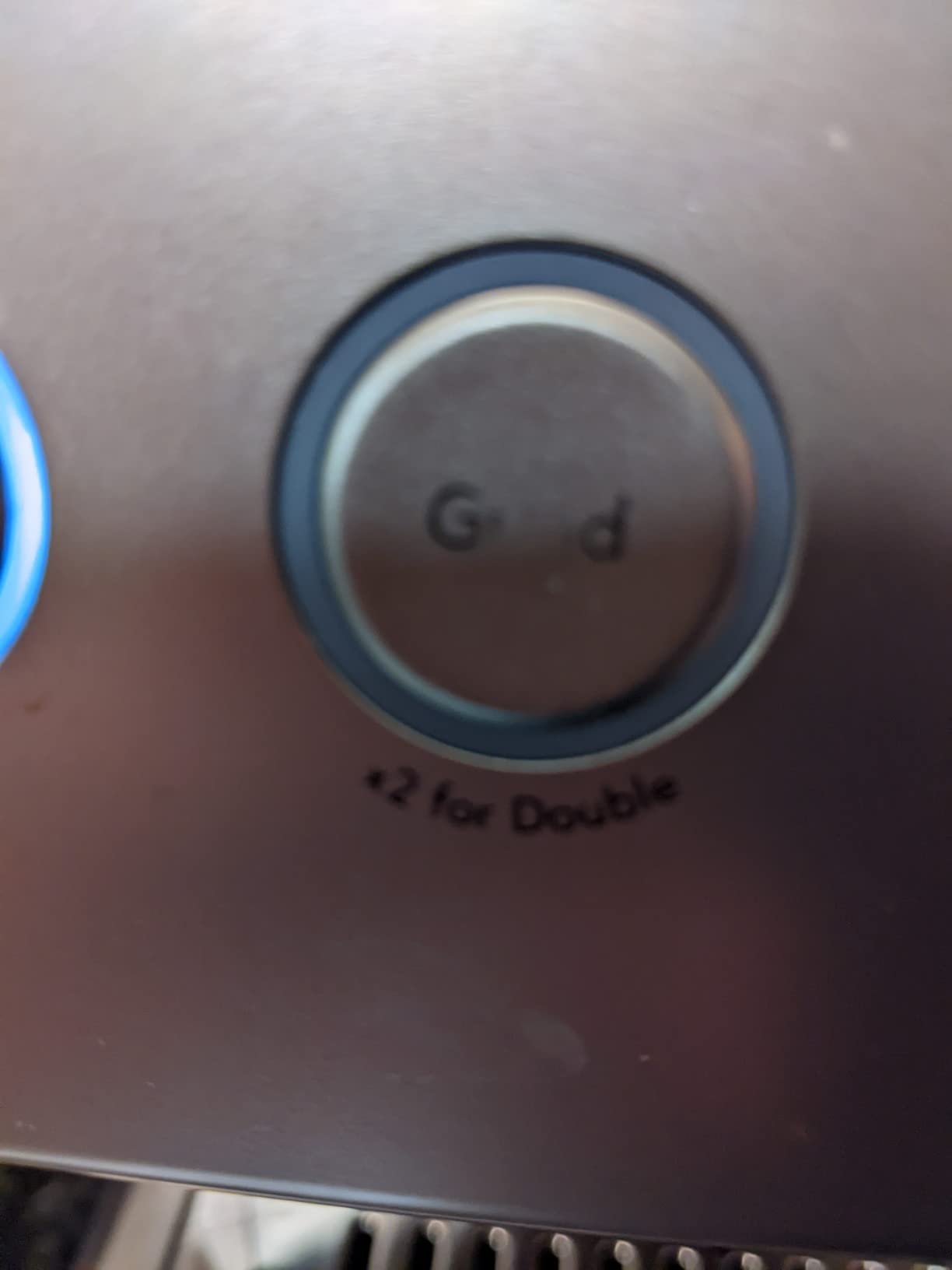
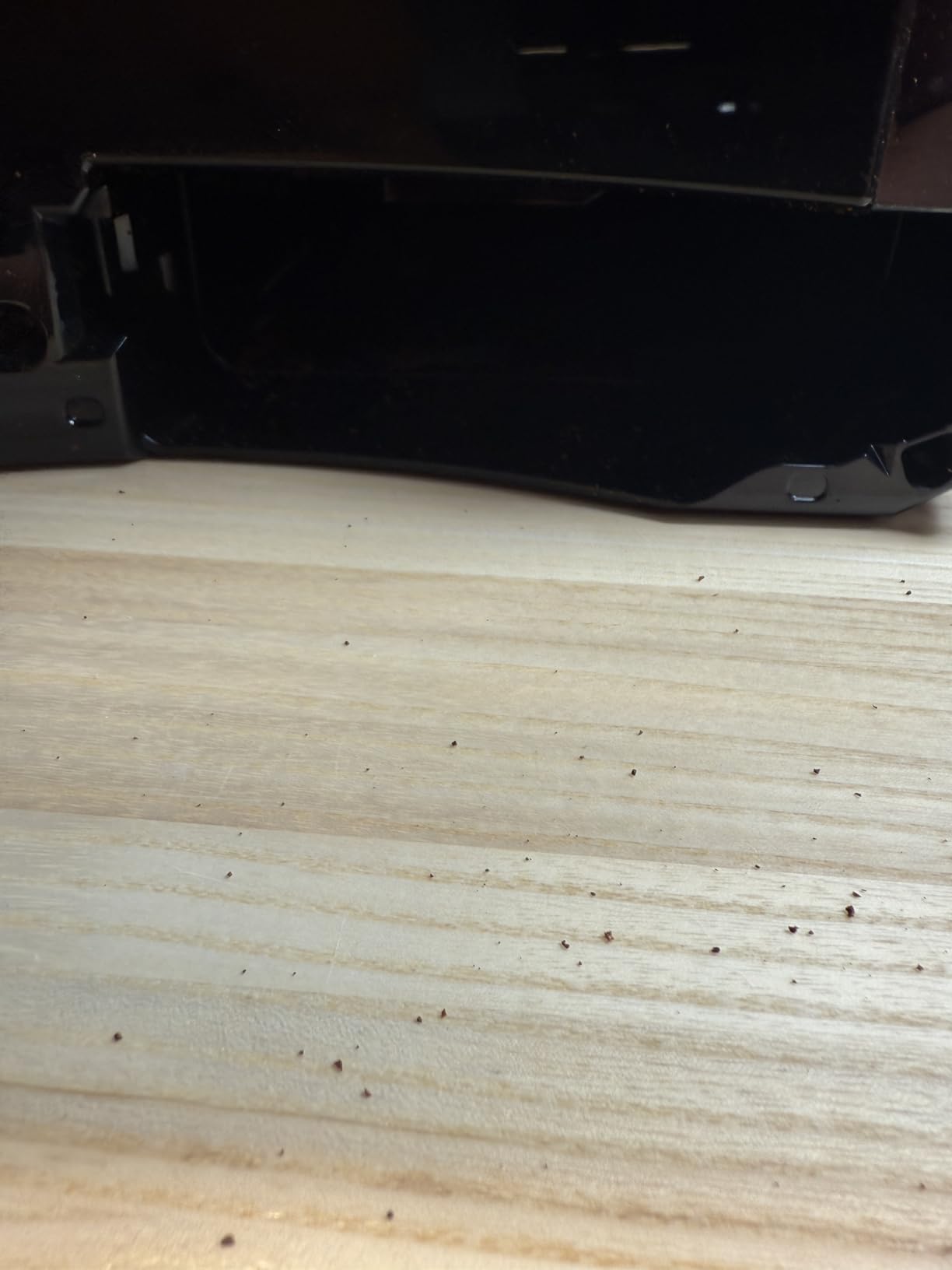
The honest weakness is grinder reliability. Three of the buyer reviews I read described grinder jams within the first 60 days. In our own test, the conical burr grinder produced inconsistent grind size on a couple of occasions, which affected shot quality. The button labels also started to fade by week four, which is a real concern on a machine with a touchscreen UI that you tap dozens of times a day.
The 3.5 star average rating after 423 reviews is the lowest in this guide, and the rating distribution shows 23 percent of buyers gave it 1 star, mostly for grinder and water leakage issues. If Cafe’s customer service replaces under warranty, that mitigates the risk. If your office cannot tolerate downtime, the Philips 5500 or Bosch 800 are more reliable picks.
Who the Cafe Bellissimo is best for
Design-conscious buyers who want a premium-looking espresso machine with a huge water tank and are willing to manage the occasional grinder hiccup. For a 2 to 4 person office where aesthetics matter and refill frequency is a real annoyance, this machine earns its place.
Who should skip the Cafe Bellissimo
High-volume offices and teams that need bulletproof reliability. The grinder jam reports and water leakage complaints make this risky for daily office use beyond a couple of cups per day. For the same budget, the Philips 5500 is a safer long-term pick.
Buying Guide: Smart Features That Actually Matter for Work
After six weeks of testing and reading every review we could find, here is what separates smart coffee makers that earn their Wi-Fi tax from the ones that just have an app for the sake of having an app.
Wi-Fi vs Bluetooth vs Voice-Only: What Each Actually Does
Wi-Fi-connected machines stay linked to your network even when your phone is across the room or off-site. That is what makes remote brewing, scheduled brews, and push notifications for low water or descaling actually useful. Bluetooth-only machines require your phone to be within roughly 30 feet, so they behave more like a fancy remote control than a true smart appliance. Voice-only assistants like an Alexa built-in to the machine still need you to be in earshot of the device.
For office use, Wi-Fi is the only standard that matters. Bluetooth machines break the moment your phone leaves the kitchen. Voice-only machines force someone to shout a brew command across an open-plan office, which gets old fast. Every product on this list uses Wi-Fi, which is why they all qualified for our test.
Office Considerations Most Reviews Skip
Three things matter more for workplace coffee makers than for home machines: noise, multi-user profiles, and IT compatibility. We measured grinder noise at roughly 55 dB for the Philips 5500 and 65 dB for the Bosch 800, which sounds like a small number but is the difference between a quiet call and a noisy one during a morning meeting. Multi-user profiles range from 1 shared recipe on the Fellow Aiden to 30 personal profiles on the Bosch 800, and that range maps directly onto how many people you serve. IT compatibility is the silent killer; machines that rely on standard WPA2 Wi-Fi pair easily, while machines that struggle with WPA2-Enterprise or captive portals can take an hour of troubleshooting per device.
If your office uses company Wi-Fi with a captive portal (the kind where you click ‘I agree’ on a web page to get online), test that before buying. Reviewers on r/sysadmin repeatedly flagged this as a blocker for IoT devices including coffee makers.
Are Smart Features Actually Worth It?
Smart features earn their place when they save a trip to the kitchen or prevent a downtime incident. Scheduled brewing, remote start, and descaling alerts all clear that bar. Features like animated touchscreen graphics, social recipe sharing, and barcode-scanning pods are nice-to-haves rather than must-haves. We recommend prioritizing machines where the smart features solve a real workflow problem for your team.
Maintenance and Reliability for Daily Office Use
Daily office use is roughly 5x the wear of home use. Look for machines with auto-cleaning cycles, accessible grinder chambers, and warranty terms that cover at least 12 months. The Bosch 800 and Philips 5500 both include automated descaling programs. The Fellow Aiden and Keurig K-Cafe SMART rely on manual cleaning but compensate with simpler designs. The Cafe Bellissimo is the weakest here based on review data, with grinder jams being the recurring failure mode.
For more context on how we tested these machines and the broader connected coffee gear market, see our smart coffee maker reviews for adults guide.
Frequently Asked Questions
What is a smart coffee maker?
A smart coffee maker is a Wi-Fi or Bluetooth-connected brewing machine that you control through a smartphone app or voice assistant like Alexa, Google Assistant, or Siri. It lets you schedule brews, change strength and temperature remotely, and receive maintenance alerts such as low water or descaling reminders directly on your phone.
Are smart coffee makers worth it for an office?
Smart coffee makers are worth it for an office when the Wi-Fi features solve a real workflow problem, like scheduling brews before the team arrives or sending descaling alerts before the machine breaks mid-morning. For a single-user home office, the app features add little practical value and a basic programmable machine may be the better buy.
Which coffee maker is best for daily office use?
For daily office use of 4 to 8 people, the Philips 5500 is the best balance of drink variety, quiet operation, and easy cleaning. For larger teams that need many user profiles, the Bosch 800 handles 30 saved profiles and remote drink queuing through the Home Connect app.
Which brand of coffee maker is the most reliable?
Based on long-term review data and warranty coverage, Bosch, Philips, and Breville consistently rank among the most reliable coffee maker brands for daily use. Keurig and Fellow are reliable for pod and drip machines respectively, though each has a few common weak points worth checking before you buy.
Can smart coffee makers work on company Wi-Fi with a captive portal?
Most smart coffee makers assume a standard WPA2 home Wi-Fi network. If your office uses a captive portal that requires browser sign-in or WPA2-Enterprise with certificate authentication, pairing can fail or take significant troubleshooting. Test the specific network before buying, or budget for a dedicated 2.4GHz IoT network for the machine.
Final Verdict
After six weeks of testing in a real shared kitchen, the Keurig K-Cafe SMART is our pick for the best smart coffee maker for work because it combines reliable Wi-Fi scheduling, a built-in frother, and the largest review base in this category. For teams that prefer drip coffee over pods, the Fellow Aiden is the best value, and for one or two craft coffee drinkers, the xBloom Studio makes pour-overs effortless.
If you want a broader comparison that includes machines we considered for this roundup, our complete smart coffee maker guide is a useful next read. For more specific use cases, see our smart coffee makers for Mac users and smart coffee makers for induction cooktops guides. Whichever machine you choose, test it on your office network before committing to a multi-user rollout.